DNS Configuration
Configure the DNS servers that ServiceOps uses to resolve hostnames during domain-based asset discovery.
DNS configuration is required before you run a Domain Scan. ServiceOps uses the configured DNS to resolve device names in the domain.
Configure DNS Servers
To set up DNS configuration, navigate to Admin > Discovery and Agents > Discovery > DNS Configuration.
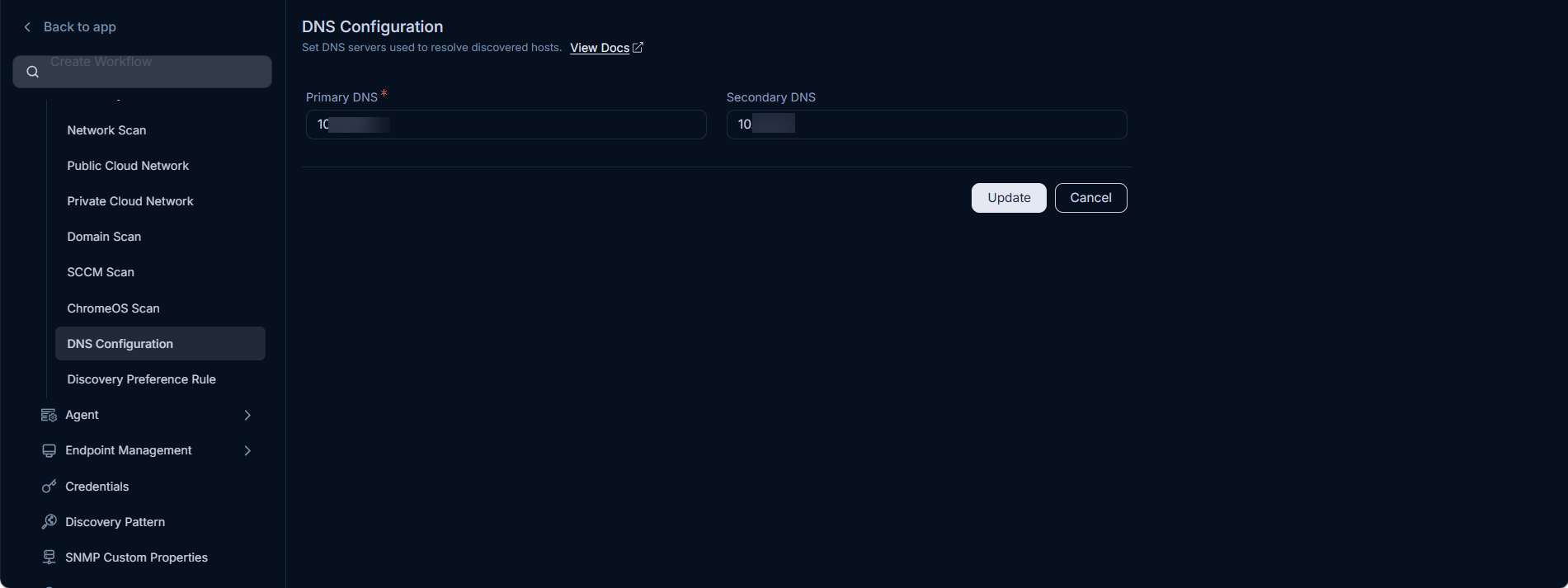
Enter the following details:
| Field | Description |
|---|---|
| Primary DNS | Enter the IP address of the primary DNS server for the application network. |
| Secondary DNS | Enter the IP address of the secondary DNS server. Used as a fallback if the primary is unreachable. |
Click Save to apply the configuration.
Domain Scan Requirement
DNS configuration is required for Domain Scan. If DNS is not configured, the Domain Scan will not resolve device names and discovery will fail.