Users
This section provides settings to view, add, manage, and define the characteristics of the application users. You can also assign roles and responsibilities, import users, and configure SSO using various services.
note
- The components or sub-modules of this module will be available based on the configured role permissions. For example, in the role if "Manage SSO Configuration" permission is disabled, the SSO Configuration option will be unavailable.
- There is a common permission for Technician/Requester and Technician Group/Requester Group sub-modules.
The section has the following components:
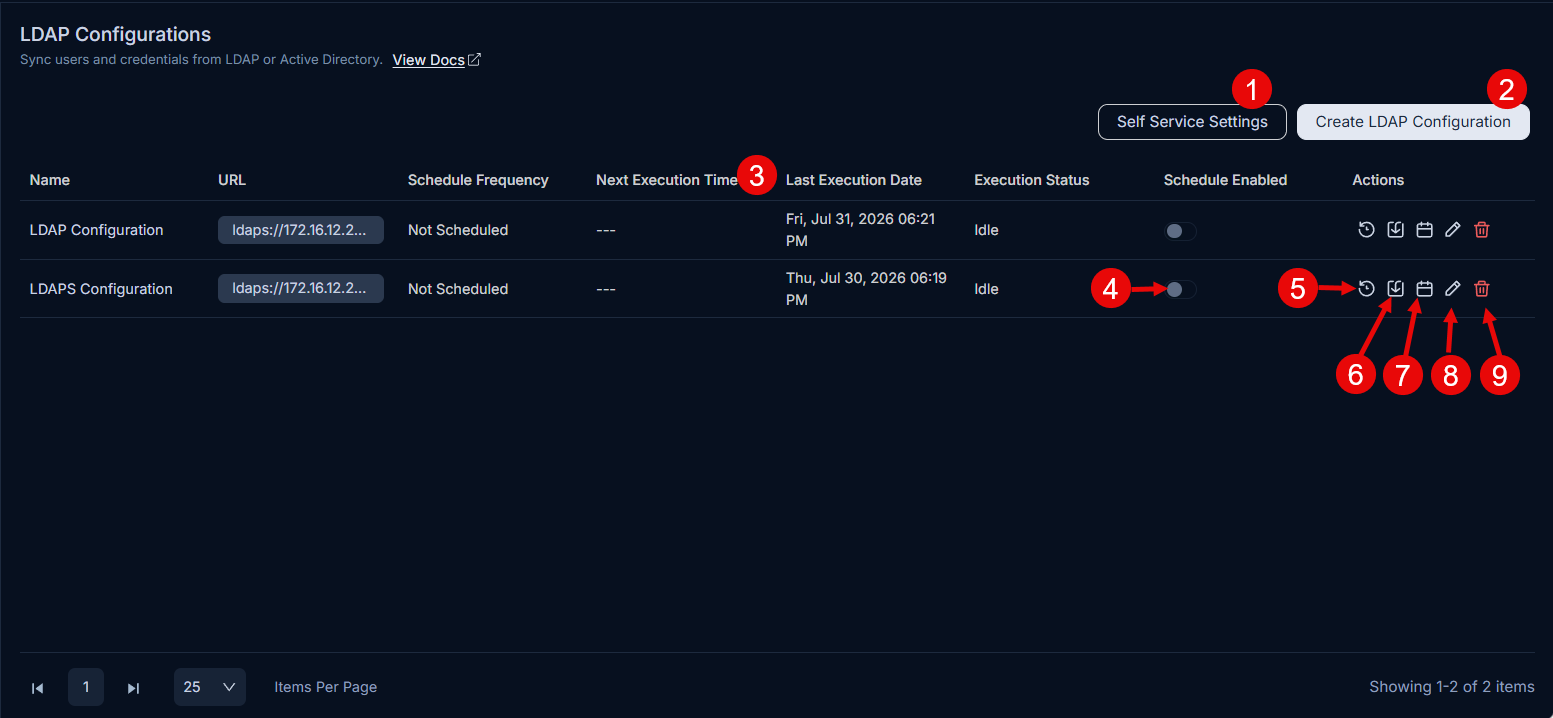
TechniciansManage technicians who deliver IT services. Each technician is associated with a role that defines their access level and permissions.RequestersManage requesters who raise requests and seek information through the platform, with access to requests, approvals, and knowledge management.User FormConfigure system and custom fields that capture additional details about users. These fields can be used in automation settings.Technician GroupsGroup technicians with similar qualities or responsibilities, such as an IT Team or Support Team. A technician can belong to multiple groups.Requester GroupsDefine groups of requesters dedicated to raising requests for various issues. Requester groups can also be converted to technicians.RolesDefine access rights and permissions for users, broadly classified as Super Admin, Technician, or Requester, to establish editing privilege hierarchies.LDAP ConfigurationsUpload a list of Requesters or Technicians in bulk using LDAP, a protocol for accessing a distributed directory of internal employees.SSO ConfigurationEnable employees to use their corporate account to log in to ServiceOps without separate credentials using Single Sign-On (SSO).SCIM ProvisioningConfigure SCIM-based provisioning to automatically manage users and groups from external identity providers in ServiceOps.Custom SSO ConfigurationConfigure custom SSO with external providers such as Darwinbox to enhance flexibility in user authentication options.Custom Scope ConfigurationCreate attribute-based custom scopes to precisely control the access rights of technicians within ServiceOps.