Change Management
The Change Management group includes options specific to customizing the change module. It has the following features:
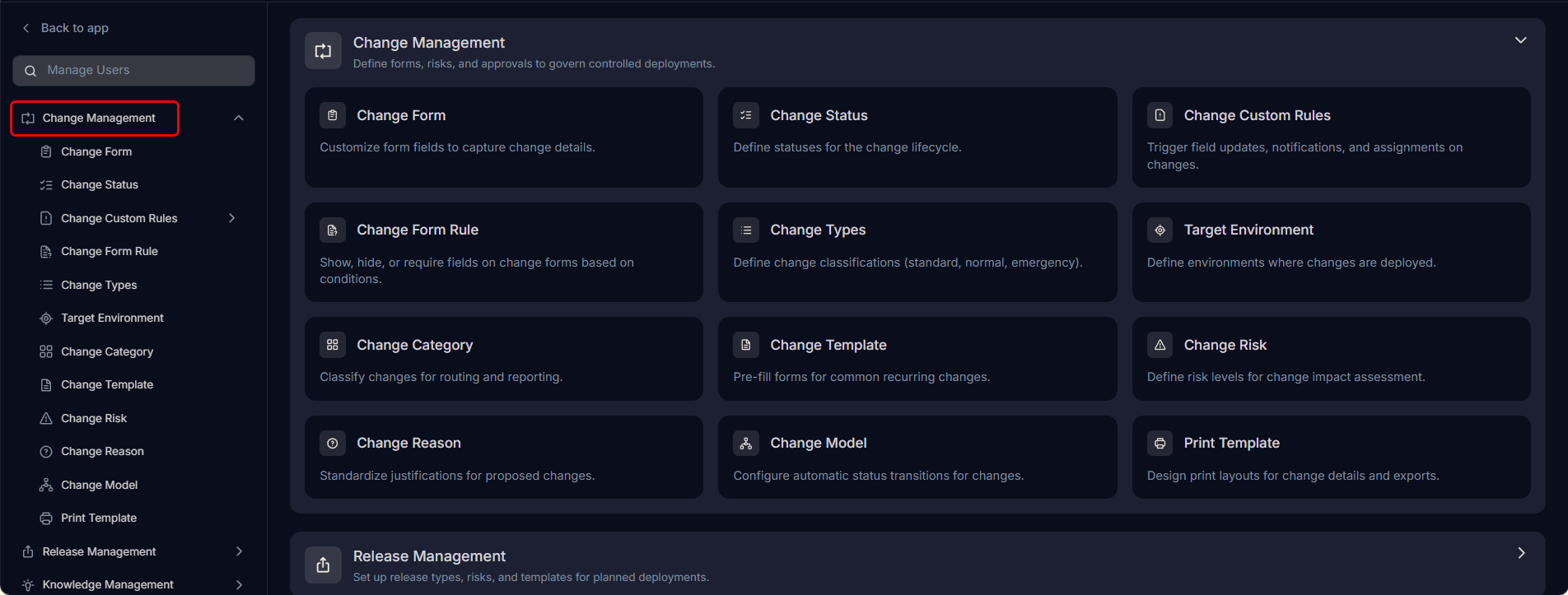
Change FormCustomize the change form by adding and managing fields to capture the right details for every change request.Change StatusManage the values available in the status dropdown used across Change Management.Change Custom RulesDefine custom rules for change processing to ensure compliance with your organization's policies.Change Form RuleManage rules that control the behavior and visibility of fields on the change form.Change TypeManage the values available in the type dropdown to classify changes such as standard, normal, or emergency.Target EnvironmentManage the target environment values that identify where a change will be implemented.Change CategoryDefine and manage categories for change requests to enable better classification and routing.Change TemplatesDefine pre-built templates for standard changes to help technicians raise them quickly and consistently.Change RiskManage the risk level values available in the risk dropdown to assess the impact of each change.Change ReasonManage the reason values available in the reason dropdown to document why a change is being made.Change ModelDefine transition models that automatically update change request status based on configured conditions.