
Admin User Guide

The Admin section is the control center of the application’s settings. As an admin, you can set up the system to meet your organization’s settings and compliance. It is the central hub for managing the entire product. It gives you the options to set up the product and make it a part of an organization.

Admin is responsible for the configuration of the product. Using this section, an administrator seeks to ensure the performance, resources, and security of the product while meeting the needs of the users.

Accessing the Admin section requires Admin rights. For easier access, the admin settings are grouped into various high-level headings:

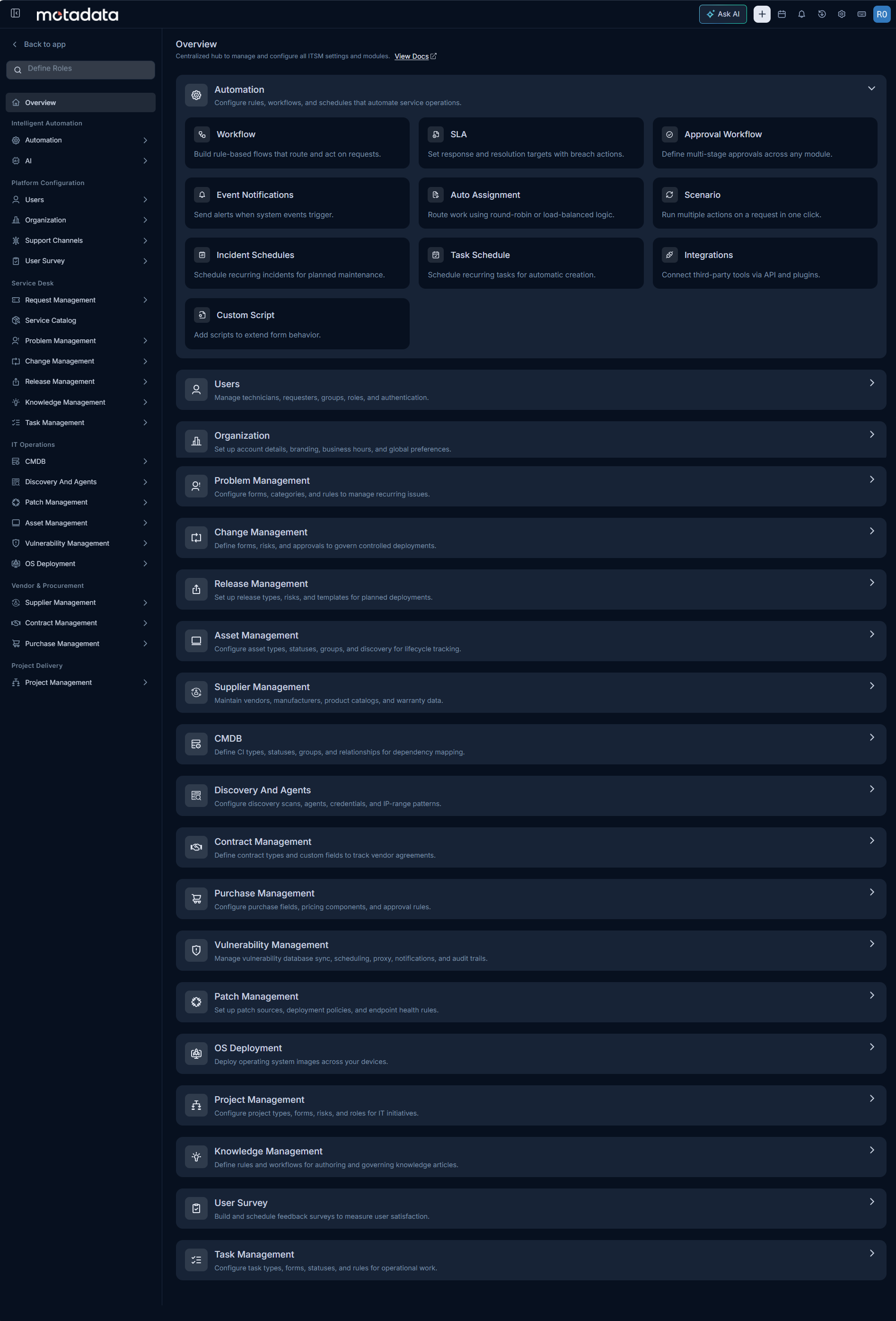
Admin section overview showing all available configuration modules
AutomationConfigure rules, workflows, and processes that automate service operations across modules.UsersManage technicians, requesters, groups, roles, and authentication settings.OrganizationSet up account details, branding, business hours, and global preferences.AIConfigure AI-powered features to assist technicians and improve service efficiency.Support ChannelsManage all inbound communication channels including email, chat, and the service portal.Request ManagementConfigure forms, workflows, SLAs, and rules for the request module.Service CatalogBuild a catalog of requestable services with categories and access controls.Problem ManagementConfigure forms, categories, and rules to manage recurring issues and root cause analysis.Change ManagementDefine workflows, approval boards, and policies for managing change requests.Release ManagementConfigure release types, workflows, and deployment approval processes.Asset ManagementConfigure asset types, states, relationships, and lifecycle settings for your IT assets.Supplier ManagementMaintain vendors, manufacturers, product catalogs, and warranty data.CMDBConfigure CI types, relationships, and discovery mappings for your IT infrastructure.Discovery and AgentsManage agent deployment, endpoint scopes, and network discovery settings.Contract ManagementConfigure contract types, renewal policies, and vendor agreement tracking.Purchase ManagementConfigure purchase fields, pricing components, and approval rules.Patch ManagementConfigure patch repositories, deployment policies, and update schedules for endpoints.Vulnerability ManagementConfigure vulnerability scanning settings and remediation workflows across managed endpoints.OS DeploymentSet up MotadataPXE boot, manage OS images, and deploy operating systems to target machines.Project ManagementConfigure project types, workflows, and task templates for IT projects.Knowledge ManagementDefine help and workflows for authoring and governing knowledge articles.User SurveyBuild and schedule feedback surveys to measure user satisfaction.Task ManagementConfigure task types, forms, statuses, and rules for operational work.

Here, you can also search for the required tabs and the sub-tabs of the individual sections. For Example: If the sms keyword is searched on the Admin page, the sections containing the word sms in the sub-tabs will be highlighted as shown below.
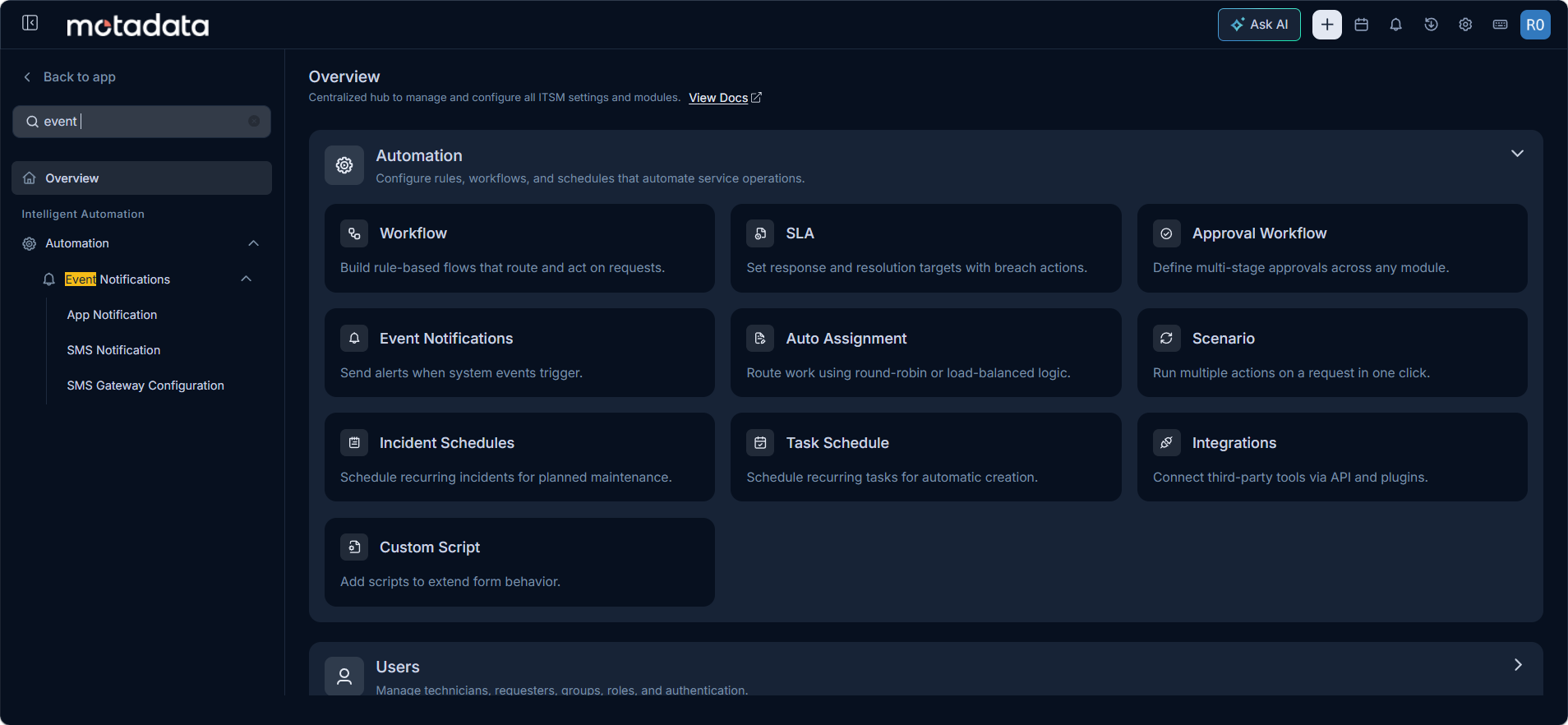
Searching Sub-Tabs