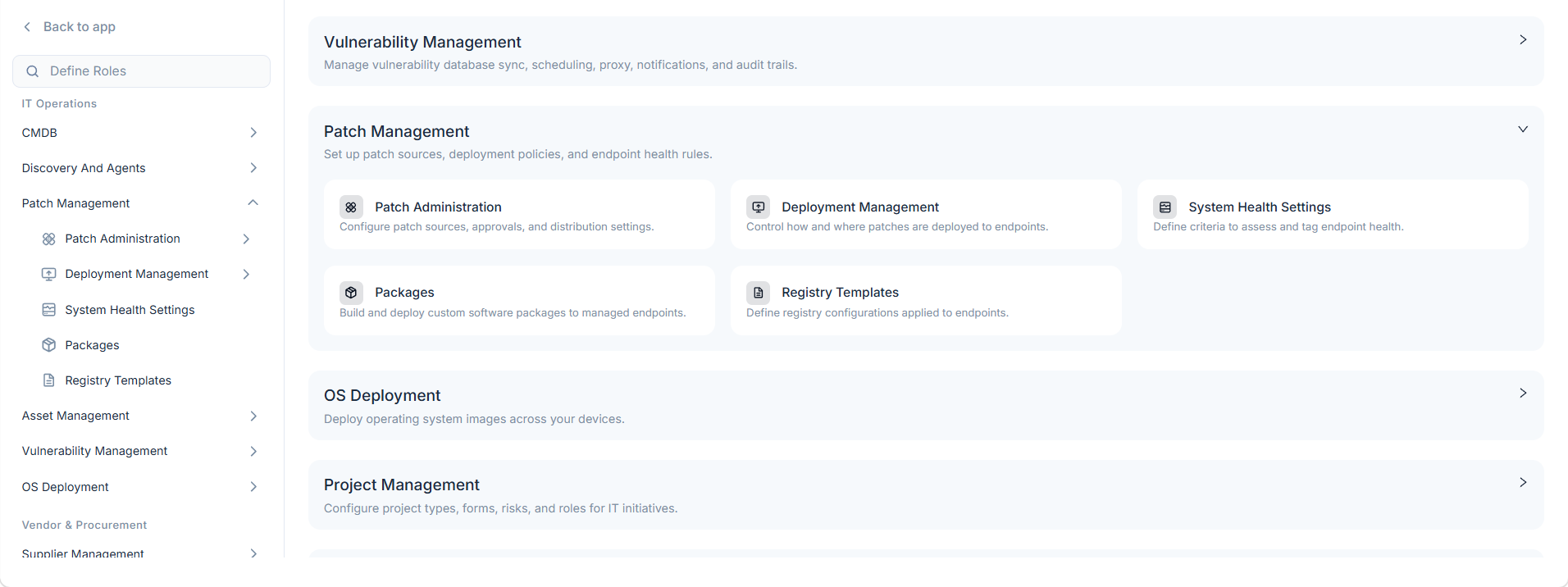
Patch Management
Patch Management streamlines the arduous process of keeping systems updated, significantly reducing security vulnerabilities and ensuring stable, compliant IT environments for IT Admins and Technicians.
What is Patch Management?
A patch is a piece of software code applied after the software program is installed to rectify an issue within it. Generally, the software applications roll out several patches after their initial release and keep on releasing the versions to fix any vulnerabilities or bugs in an application. Patch management is the process of managing a network of endpoints by regularly distributing and applying the updates to software. These patches are often necessary to correct errors.
Cross-Platform Infrastructure Support
Beyond standard desktop and server software distribution, the patching lifecycle natively extends to modern containerized workloads. The centralized patch engine provides full capabilities to orchestrate and deploy software security updates, configuration rollouts, and infrastructure patching across Docker containers and Kubernetes environments alongside traditional server infrastructure.
Benefits
For organizations owning multiple servers and endpoints, updating patches manually can be both time-consuming and challenging. It can also increase business risks if any critical vulnerability is left unforeseen. The following are the few reasons why Patch Management should be considered:
- Security: It fixes vulnerabilities on software and applications that are susceptible to cyber-attacks, helping the organization reduce its security risk.
- System Reliability: It ensures that software and applications are updated and run smoothly.
- Feature and Functional Improvements: It can go beyond application fixes by providing updates in its feature or functionality.
- Compliance: With the continuous rise in cyber-attacks, organizations require to maintain a certain level of compliance. Patch management is a necessary piece of adhering to compliance standards.
Patch Management offers a robust set of features to streamline and secure your patching processes: