Network Distribution
The Network Distribution settings allow administrators to fine-tune how patch files are downloaded and distributed within their network. This section covers configuring bandwidth utilization limits to prevent network congestion and setting up relay servers for efficient patch delivery to remote offices.
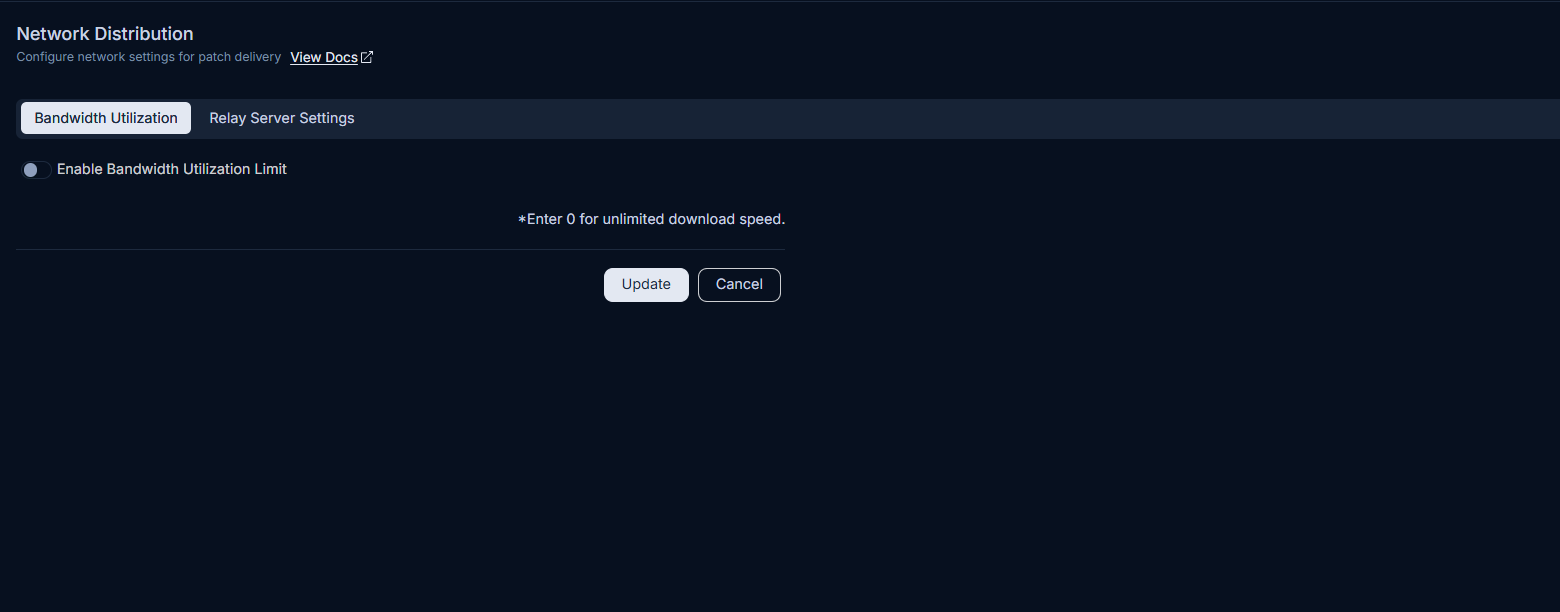
Bandwidth Utilization
This section enables you to control the speed at which patch files are downloaded from various sources, including the internet, file servers, and distribution servers. Limiting bandwidth utilization helps maintain network performance during patch deployment.
To configure bandwidth utilization:
- Navigate to Admin > Patch Management > Patch Administration > Network Distribution.
- Click the Bandwidth Utilization tab.
- Enable the Bandwidth Utilization Limit toggle to activate speed control.
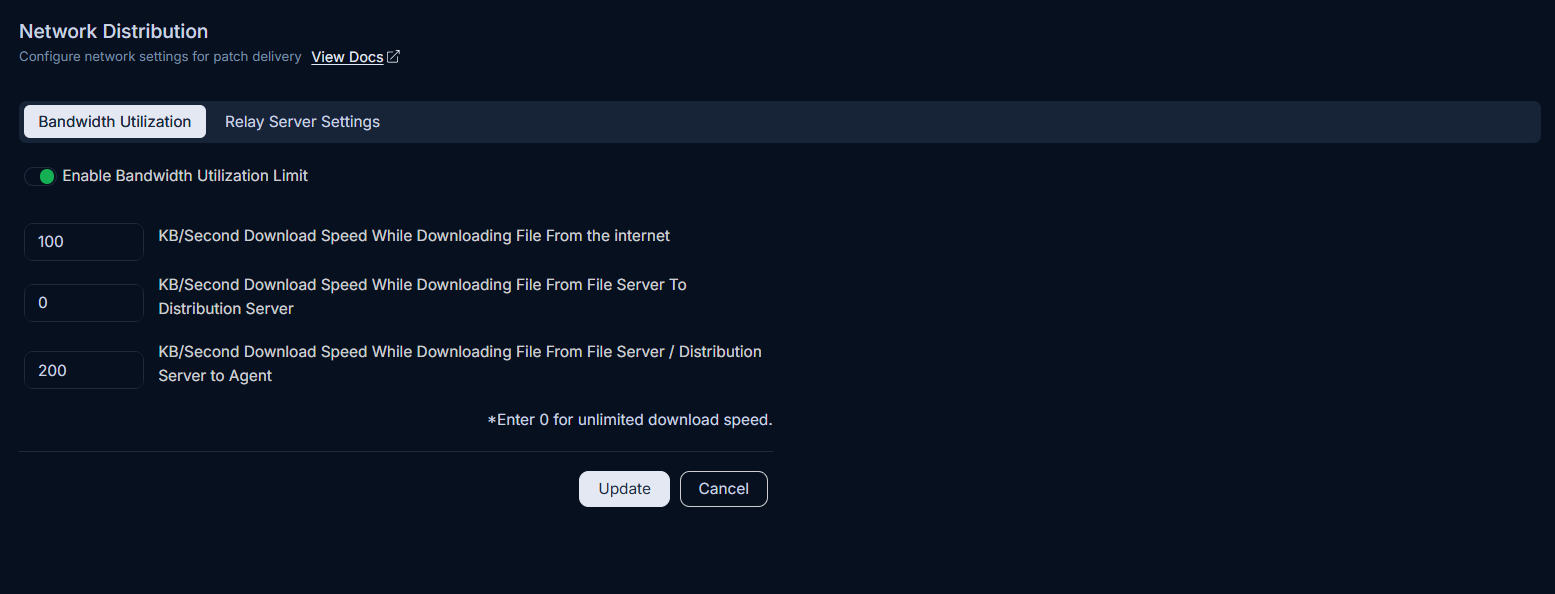
- Configure the following parameters as needed:
- KB/Second Download Speed While Downloading File From the internet: Enter the maximum speed (in KB/second) for downloading patch files directly from the internet.
- KB/Second Download Speed While Downloading File From File Server To Distribution Server: Specify the maximum speed (in KB/second) for patch file transfers from a File Server to a Distribution Server.
- KB/Second Download Speed While Downloading File From File Server / Distribution Server to Agent: Set the maximum speed (in KB/second) for patch file downloads from File Servers or Distribution Servers to individual agents.
- Click Update to save your changes.
Relay Server Settings
Relay servers optimize patch distribution to remote offices by allowing them to download and store patches locally. This reduces the need for individual agents in remote locations to download patches directly from the Internet, significantly saving bandwidth.
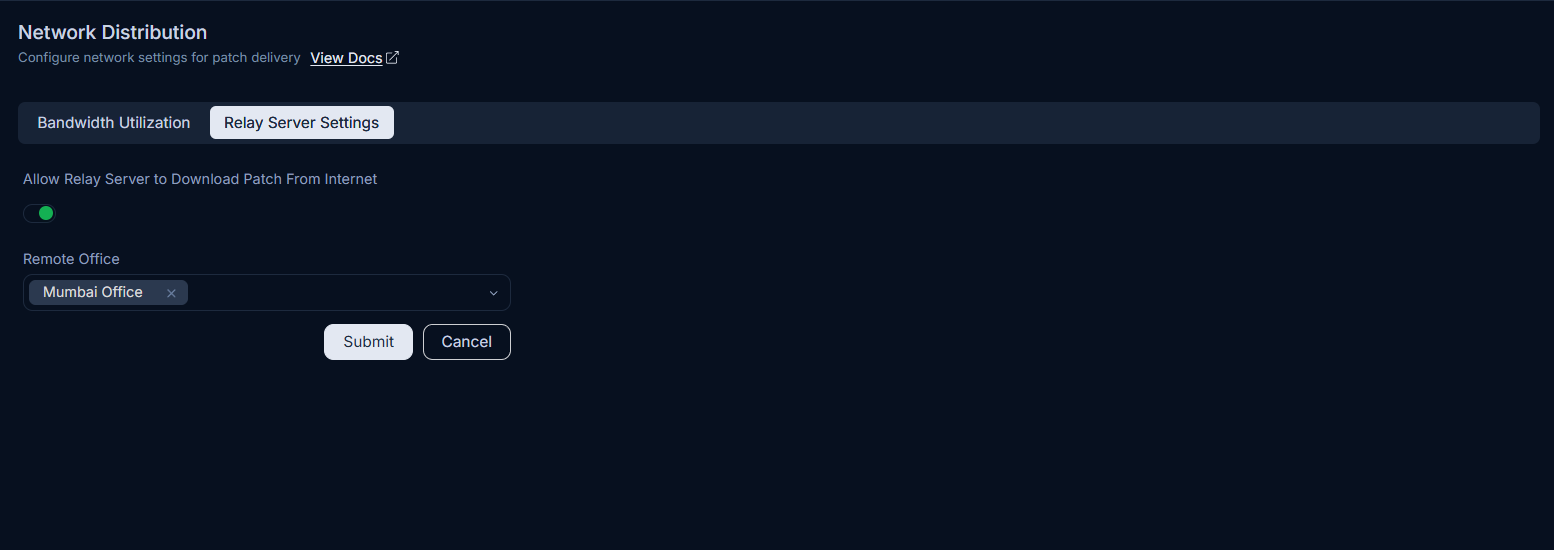
To configure relay server settings:
- Navigate to Admin > Patch Management > Patch Administration > Network Distribution.
- Click the Relay Server Settings tab.
- Enable Allow Relay Server to Download Patch from Internet to permit the relay server to download and cache patches.
- If enabled, select the desired Remote Office for which the relay server will manage patch downloads.
- Click Submit to apply the configuration.
For more details on configuring remote offices, refer to the Remote Office documentation.