NCCM Device Details
Clicking a device name in the NCCM Explorer opens a detailed panel for that device. ObserveOps (formerly known as AIOps) organizes this panel into eight tabs as each tab focuses on a specific aspect of the device's configuration, compliance, activity, and lifecycle status.
Navigation
Go to Menu. Select NCCM  . Select the Explorer tab. Click the device name in the Explorer list to open the device detail panel.
The panel header displays the device name, IP address, vendor, and device type tags for example, ospf3.ospf3.com | 172.16.14.8 | Cisco Systems.
The following tabs are available in the device detail panel:
Device Detail
The Device Detail tab shows the device's core configuration information and full version history of configuration files.
The tab displays:
- OS Type, Series, Model Number, OID, and assigned Template.
- All available versions of the running and startup configuration files, along with their full content.
From this tab you can:
- Download any specific configuration version to your local system.
- Set a running configuration file as the baseline for future comparisons.
Hardware Detail
The Hardware Detail tab displays the physical and system-level specifications of the device. ObserveOps populates this tab after you run the Get Hardware Details action from the Explorer.
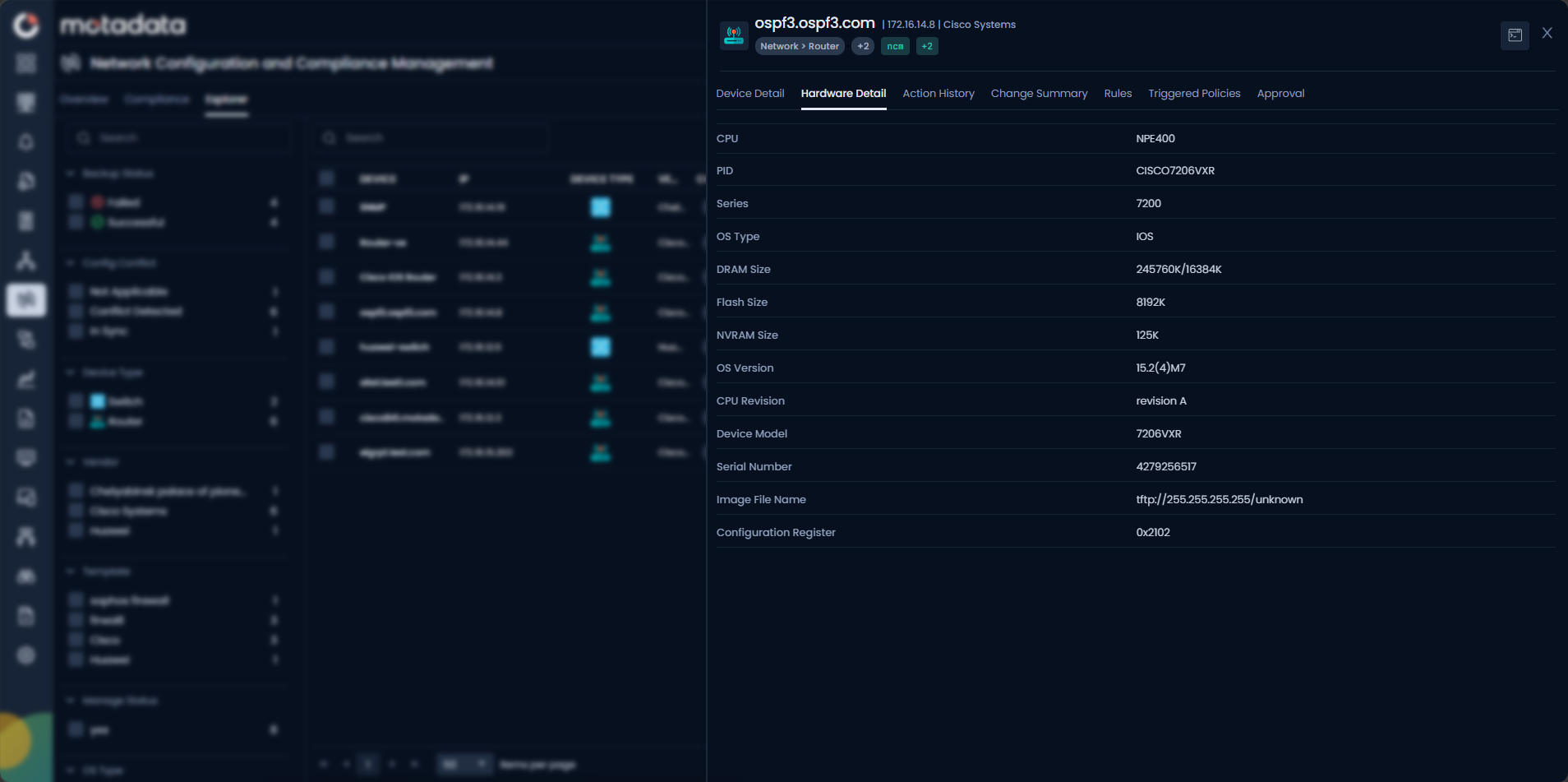
The following fields are available:
| Field | Description |
|---|---|
| CPU | The CPU model installed on the device. |
| PID | The Product ID, the vendor's unique identifier for this hardware unit. |
| Series | The product series the device belongs to. |
| OS Type | The operating system type running on the device, for example IOS. |
| DRAM Size | Total DRAM capacity on the device. |
| Flash Size | Total Flash storage capacity. |
| NVRAM Size | Non-volatile RAM size used to store startup configuration. |
| OS Version | The currently running OS version string. |
| CPU Revision | The hardware revision of the CPU. |
| Device Model | The specific model identifier for this device. |
| Serial Number | The unique hardware serial number of the device. |
| Image File Name | The path or URL of the firmware image currently running on the device. |
| Configuration Register | The configuration register value controlling boot behavior. |
To populate the Hardware Detail tab, the device template must include Get Hardware Details commands. If the tab is empty, run Get Hardware Details from the Actions column in the Explorer. See NCCM Device Template for template configuration.
Action History
The Action History tab shows a chronological log of every action performed on this device within NCCM.
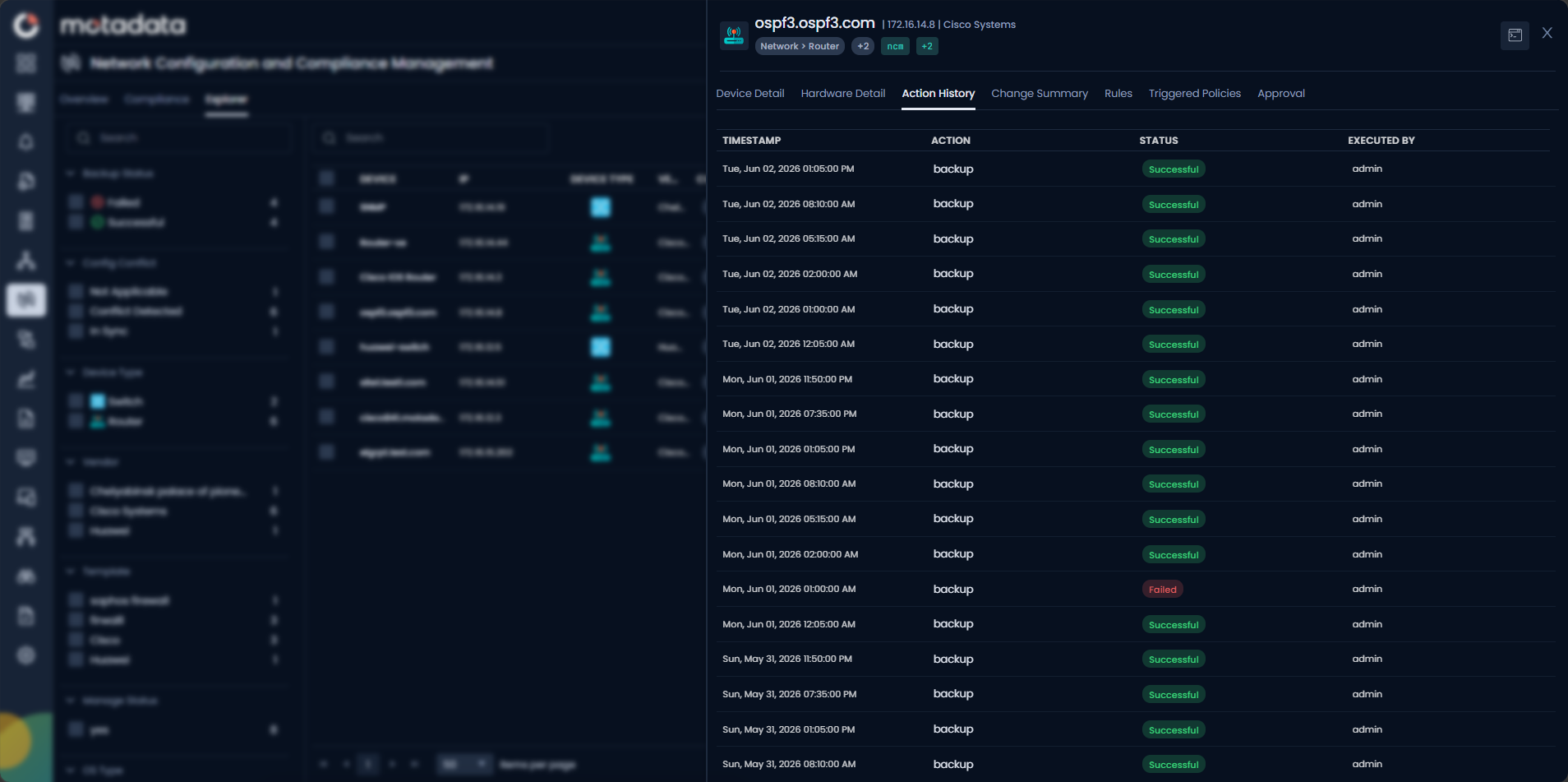
The following fields are available:
| Field | Description |
|---|---|
| Timestamp | The date and time the action was initiated. |
| Action | The type of action performed, for example backup, restore, or runbook execution. |
| Status | The outcome of the action, Success or Failed. |
| Executed By | The user account that initiated the action. |
Use this tab to audit configuration-related operations and track who performed what action and when.
Change Summary
The Change Summary tab shows configuration changes detected on this device through Syslog Change Detection.
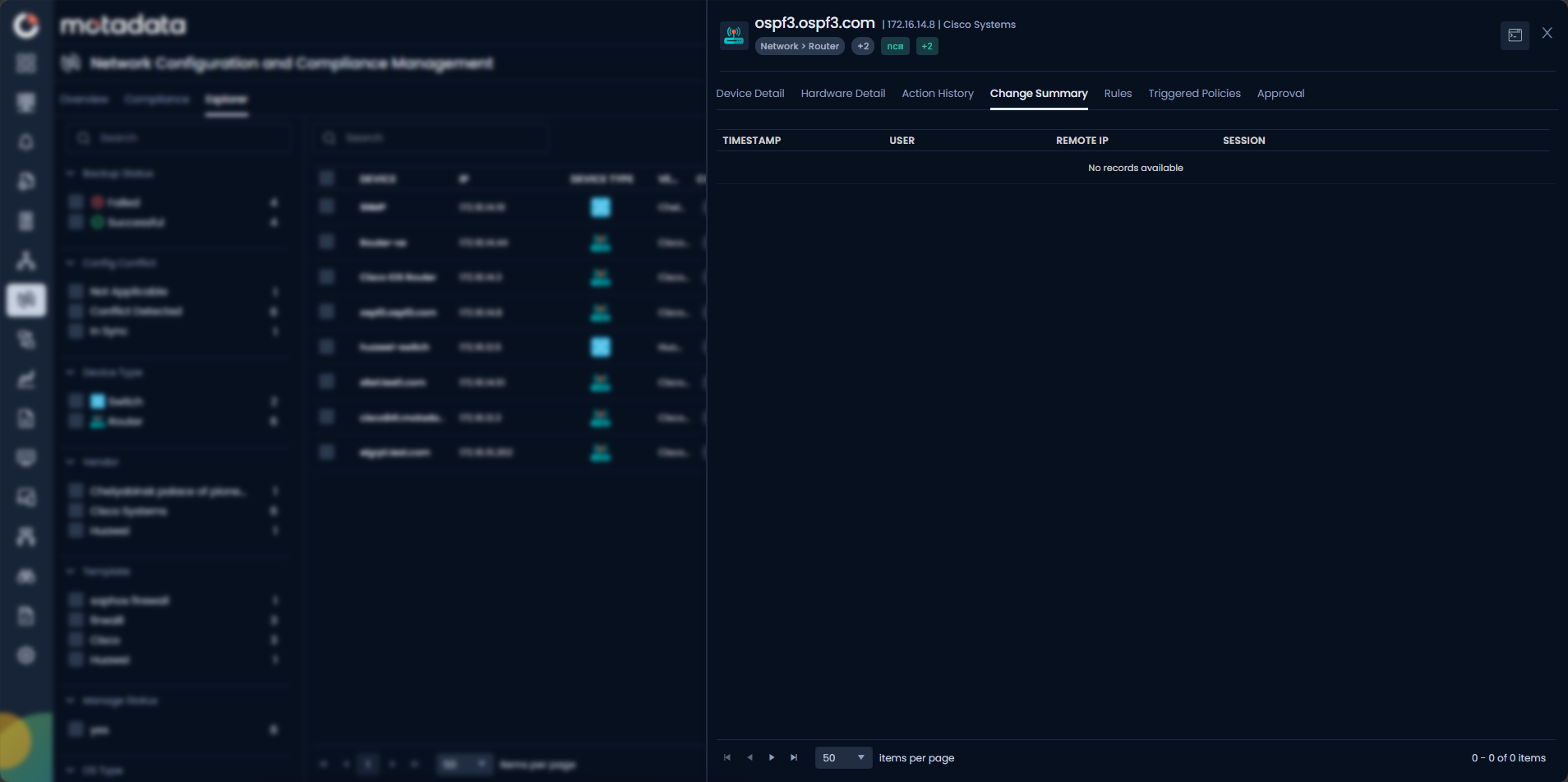
The tab displays data only after a runbook has been attached and executed on the device. When ObserveOps detects a configuration change:
- It automatically takes a backup to preserve the updated configuration.
- The change details become available for analysis in this tab.
The following fields are available:
| Field | Description |
|---|---|
| Timestamp | The date and time the configuration change was detected. |
| User | The user account associated with the change event. |
| Remote IP | The IP address from which the change was initiated. |
| Session | The session identifier linked to the change event. |
If no parser is assigned to the syslog source, the raw log data displays in place of parsed fields. Select View in Log Explorer to jump directly to the corresponding log entry.
Rules
The Rules tab shows compliance rule results assessed for this device. The tab becomes available after a compliance audit policy has been executed using a benchmark.
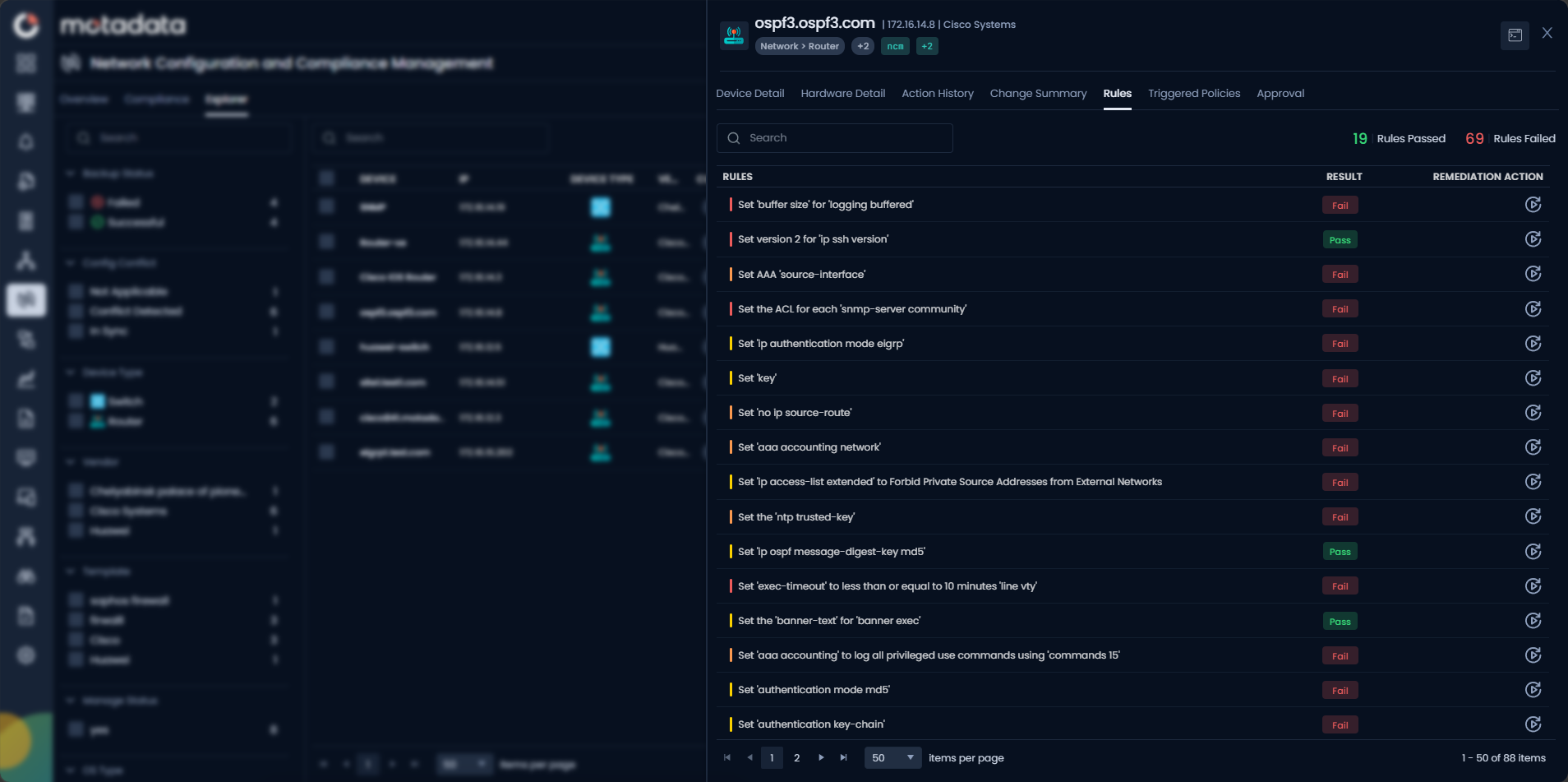
The following fields are available:
| Field | Description |
|---|---|
| Rule | The name of the compliance rule evaluated against this device. |
| Result | The outcome of the rule check, Pass or Fail. |
| Remediation Action | The corrective action available for rules that failed. Select the action to initiate remediation directly from this tab. |
Triggered Policies
The Triggered Policies tab lists all active policy violations detected for this device.
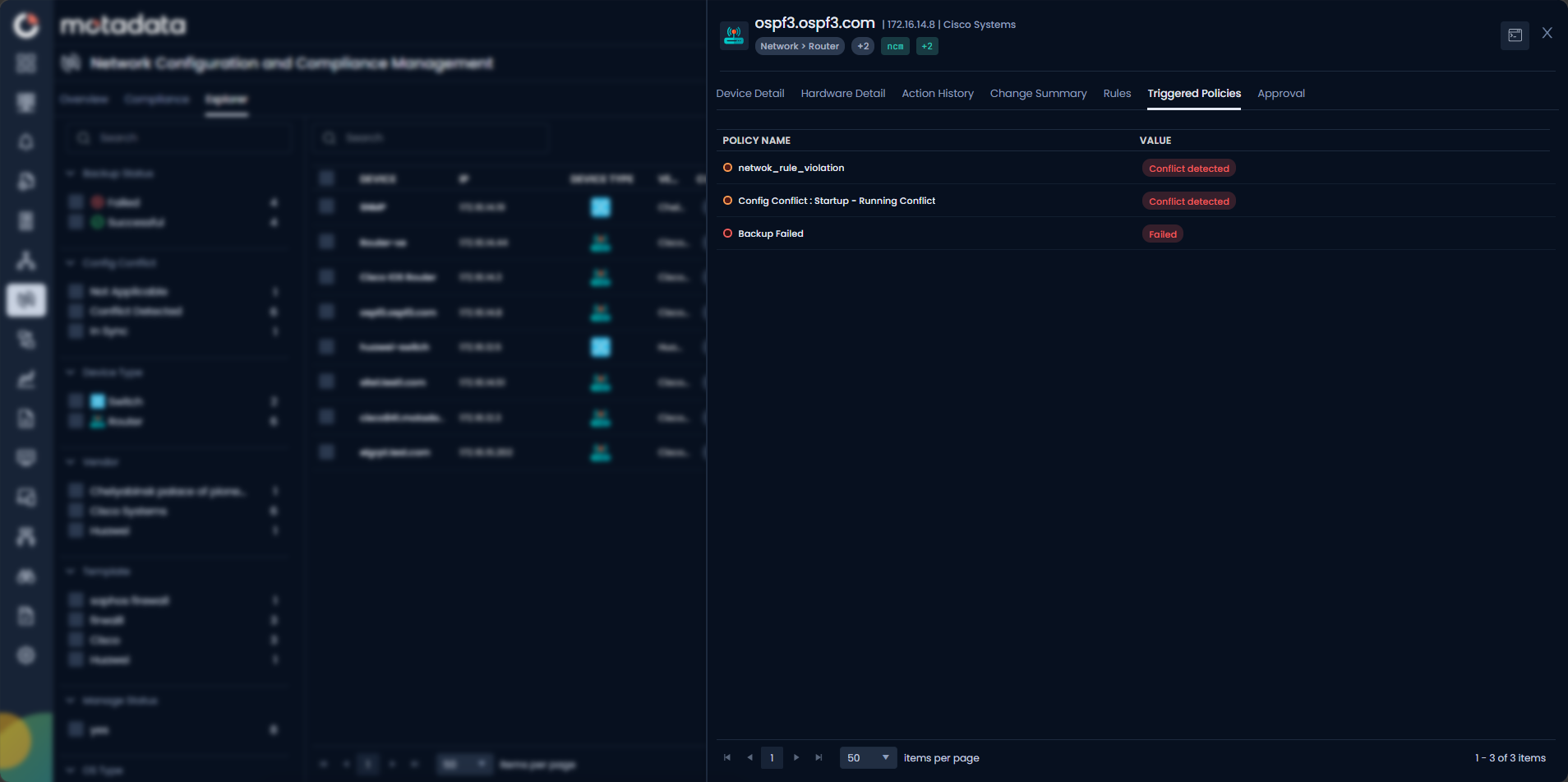
The following fields are available:
| Field | Description |
|---|---|
| Policy Name | The name of the NCCM policy that triggered for this device. |
| Value | The current state that caused the policy to trigger, for example Conflict Detected or Failed. |
Approval
The Approval tab shows all approval requests associated with this device covering actions such as Sync, Restore, Firmware Upgrade, and Runbook Execution that require sign-off from a user with the NCCM Approval role.
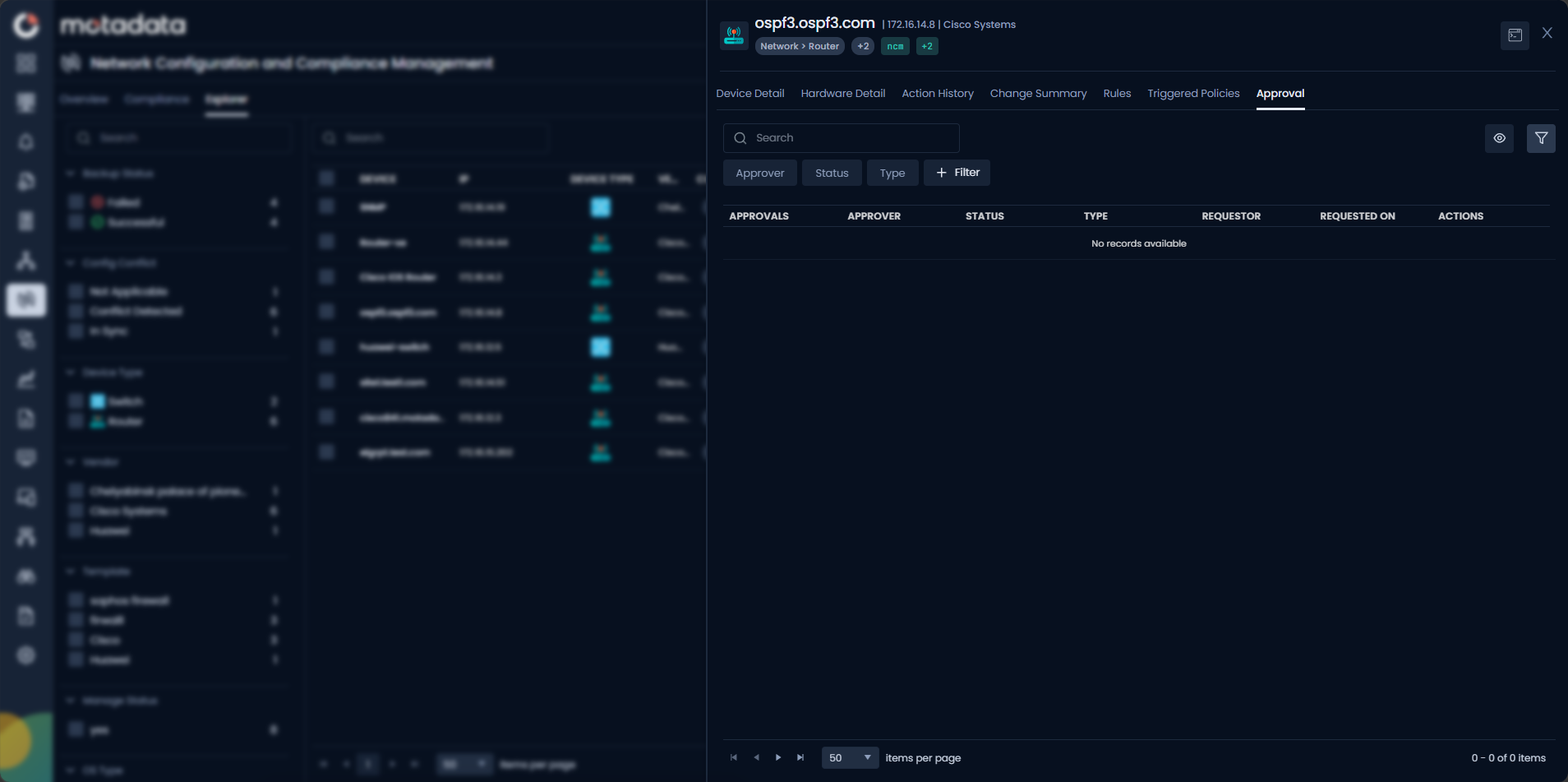
The following fields are available:
| Field | Description |
|---|---|
| Approvals | A reference identifier for the approval request. |
| Approver | The user assigned to review and approve this request. |
| Status | The current state of the request is like Pending, Approved, Rejected, or Cancelled. |
| Type | The type of action that requires approval, for example Sync or Restore. |
| Requestor | The user who submitted the approval request. |
| Requested On | The date and time the request was created. |
| Actions | Available actions for the approver to approve or reject the request. |
To learn more about the approval workflow, see NCCM Approval Workflow.
EoX
The EoX tab displays the End-of-Life lifecycle status for this device. ObserveOps surfaces three vendor-defined KPIs as End of Sale, End of Support, and End of Life so you can assess lifecycle risk directly in the device detail panel without leaving your workflow.
What Are the EoX Lifecycle KPIs?
| KPI | What It Means | Operational Impact |
|---|---|---|
| End of Sale | The vendor stopped selling new units of this product. | You can no longer procure a replacement unit from the vendor. Plan procurement before this date. |
| End of Support | The vendor stopped releasing patches, security updates, and bug fixes. | The device carries unmitigated security risk. Prioritize upgrade or replacement. |
| End of Life | The vendor terminated all support, documentation, and services for this product. | No technical assistance is available. Operating this device creates compliance and risk exposure. |
How Does ObserveOps Source EoX Data?
ObserveOps retrieves lifecycle data from authoritative vendor and industry sources using a scheduled scraping pipeline. The pipeline runs at a defined interval and follows four stages:
- Extract: The pipeline pulls raw EoX records from external lifecycle data sources.
- Normalize: The pipeline cleans, structures, and standardizes raw records to a consistent schema.
- Map: The pipeline matches normalized records to devices in NCCM using vendor, product series, and model identifiers.
- Persist and Refresh: The pipeline stores matched lifecycle data and updates it on the next scheduled run.
ObserveOps persists both the raw source data and the processed lifecycle records.
ObserveOps sources EoX data from external authoritative sources and refreshes it on a scheduled interval. Newly onboarded devices may not display lifecycle data immediately, allow one full refresh cycle after onboarding.
EoX Tab Fields
| Field | Description |
|---|---|
| End of Sale | The date the vendor stopped selling this product. Displays Not Available if lifecycle data has not been mapped for this device. |
| End of Support | The date the vendor stopped issuing patches and security updates. Displays Not Available if unmapped. |
| End of Life | The date the vendor terminated all support for this product. Displays Not Available if unmapped. |
| Lifecycle Status | A calculated status based on today's date and the three EoX milestones. See Interpreting Lifecycle Status below. |
| Vendor | The device vendor used to match EoX lifecycle records, sourced from device metadata. |
| Product Series | The product family or series identifier used for EoX data mapping. |
| Model | The specific device model matched to the EoX record. |
| Source Reference | The authoritative external source from which the lifecycle data was retrieved. |
| Last Refreshed | The timestamp of the most recent successful EoX data refresh for this device. |
Interpreting Lifecycle Status
ObserveOps calculates a Lifecycle Status for each device based on today's date and the three EoX milestones:
| Status | Condition | Recommended Action |
|---|---|---|
| Active | All three dates are in the future. | No immediate action required. Monitor approaching milestones. |
| End of Sale Reached | End of Sale date has passed; End of Support is in the future. | You can no longer procure this model from the vendor. Start replacement planning. |
| End of Support Reached | End of Support date has passed; End of Life is in the future. | The device no longer receives patches. Assess security risk and accelerate upgrade planning. |
| End of Life Reached | End of Life date has passed. | The vendor provides no support. Replace or isolate this device. Document the risk exception if continued use is necessary. |
| Not Available | EoX data could not be mapped for this device. | Verify device metadata in the NCCM Device Inventory and allow the next scheduled refresh to complete. |
Devices with End of Support Reached or End of Life Reached status carry active security and compliance risk. Treat these as high-priority items in your upgrade plan.
Using EoX for Lifecycle Planning
The EoX tab gives you the data to make structured decisions at the device level:
- Check lifecycle status before a change window. A device approaching End of Life may be a better candidate for replacement than for a configuration update.
- Cross-reference with Hardware Detail. The Hardware Detail tab shows OS version, DRAM, Flash size, and CPU, use this alongside EoX dates to assess both lifecycle risk and hardware fitness for a firmware upgrade.
- Cross-reference with Rules. The Rules tab shows active compliance violations. A device that is both past End of Life and failing compliance rules is a strong candidate for immediate replacement.
- Cross-reference with Triggered Policies. The Triggered Policies tab shows active policy violations. A device with End of Life status and active policy violations needs immediate action.
EoX Troubleshooting
EoX tab shows "Not Available" for all three KPI dates
Cause: The device's vendor, product series, or model metadata does not match any record in the EoX source data. This typically happens when device metadata was not populated during onboarding or contains an incomplete identifier.
Fix:
- Go to Menu > Settings > Network Config Settings > Device Inventory.
- Locate the affected device and verify the Vendor and System OID fields are correct.
- Update the device template if the OID is incorrect. See NCCM Device Template.
- Wait for the next scheduled EoX refresh.
Lifecycle dates appear outdated compared to the vendor website
Cause: EoX data refreshes on a scheduled interval. If the vendor updated lifecycle dates after the last pipeline run, the tab shows the previous values until the next refresh.
Fix:
- Check the Last Refreshed field on the EoX tab.
- If the timestamp is older than the expected refresh interval, contact your ObserveOps administrator to verify the EoX pipeline is running correctly.
The EoX tab shows the wrong product series or model
Cause: The EoX mapping used an incorrect or ambiguous System OID to match the device to a lifecycle record.
Fix:
- Open the device in the NCCM Device Inventory.
- Verify the OID resolves to the correct vendor and model.
- Update the device template associated with this OID. See NCCM Device Template.
- Allow one refresh cycle for the corrected mapping to apply.