Ping: ICMP Network Reachability Test in ObserveOps
Ping lets you test ICMP reachability for any monitored device directly from ObserveOps (formerly known as AIOps), without leaving the platform. You get instant reachability confirmation executed from the assigned Collector, so results reflect actual network conditions rather than browser-side connectivity.
Prerequisites
- You must have the Admin or NOC role.
- The target device must be reachable from the assigned Collector.
- An IPv4 address, IPv6 address, or resolvable hostname is required.
How It Works
ObserveOps sends ICMP echo requests from the assigned Collector or Probe to the target device. Your browser triggers the test and the Collector sends the packets. Results return to the platform in real time and ObserveOps logs every execution automatically in the Audit Trail.
Navigation
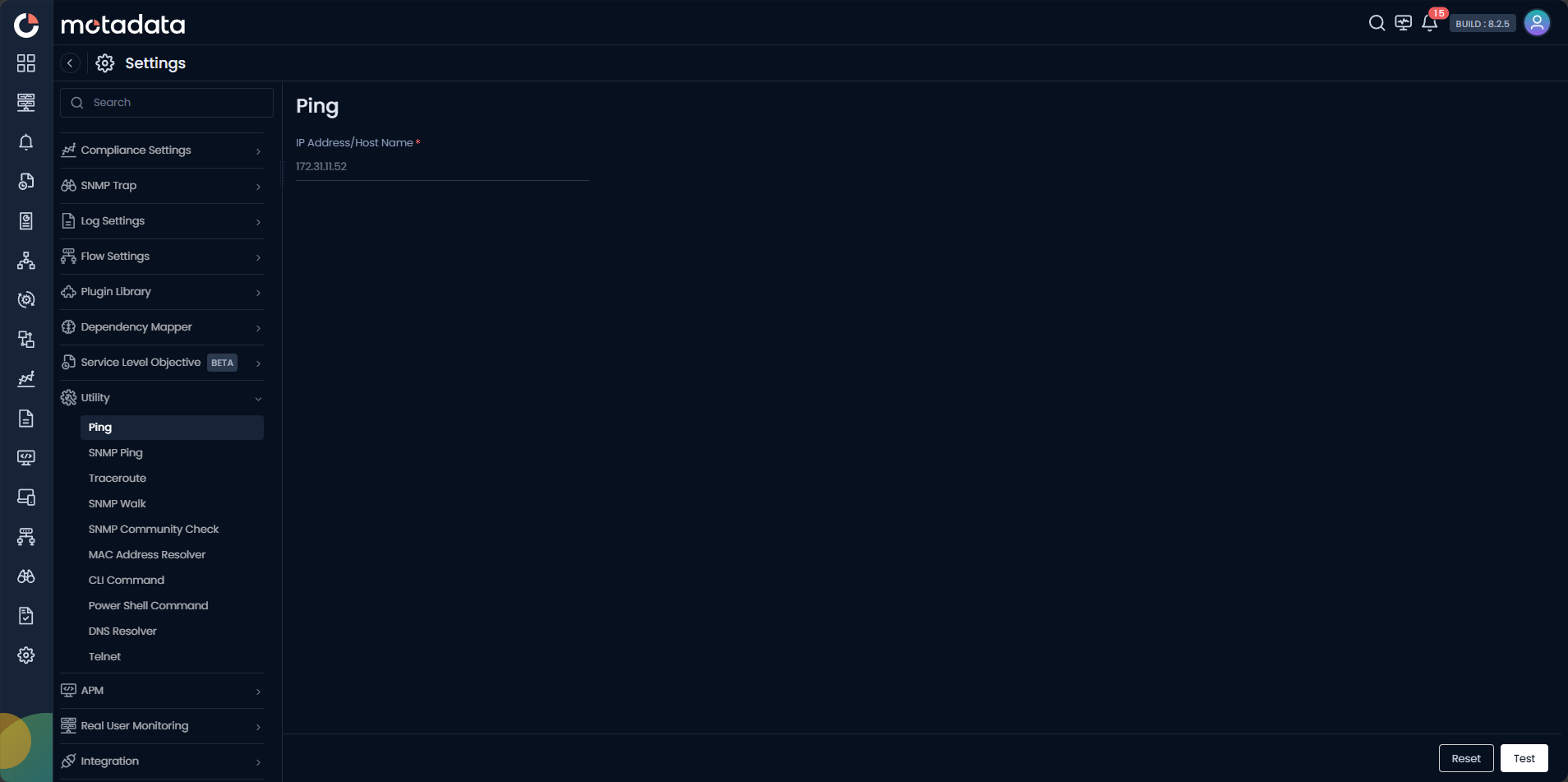
Go to Main Menu > Settings > Utility > Ping.
Running a Ping Test
| Field | Description |
|---|---|
| IP Address / Host Name | Enter the IPv4 address, IPv6 address, or fully qualified domain name of the target device. |
Click Test to run the ping. Click Reset to clear the form.
If the device does not respond, run Traceroute next to identify exactly where in the network path packets are being dropped.
Example
A NOC engineer receives an alert that a core switch is unreachable. They open Utility > Ping, enter the switch IP, and click Test. The result confirms the device is not responding to ICMP. The engineer escalates immediately with evidence rather than guessing.
Troubleshooting
| Issue | Cause | Fix |
|---|---|---|
| No response, device is online | ICMP is blocked by a firewall rule between the Collector and the device. | Check firewall rules on the network path from the Collector to the target. Use Traceroute to identify the blocking hop. |
| Hostname does not resolve | DNS is not configured on the Collector host. | Enter the IP address directly, or configure DNS on the Collector. |