Create a Log Processor in ObserveOps
Processors run on a log after a parser has extracted its fields. They transform, enrich, or remove fields before the log reaches storage. You add processors inside a pipeline. Each processor runs in order after parsing, top to bottom.
Prerequisites
- A pipeline with at least one parser is set up. See Create a Parser.
- You have access to Settings > Log Management > Observability Pipeline.
Add a Processor to a Pipeline
Open a pipeline from Settings > Observability Pipeline > Log Pipeline. Click + Add Processor inside the pipeline.
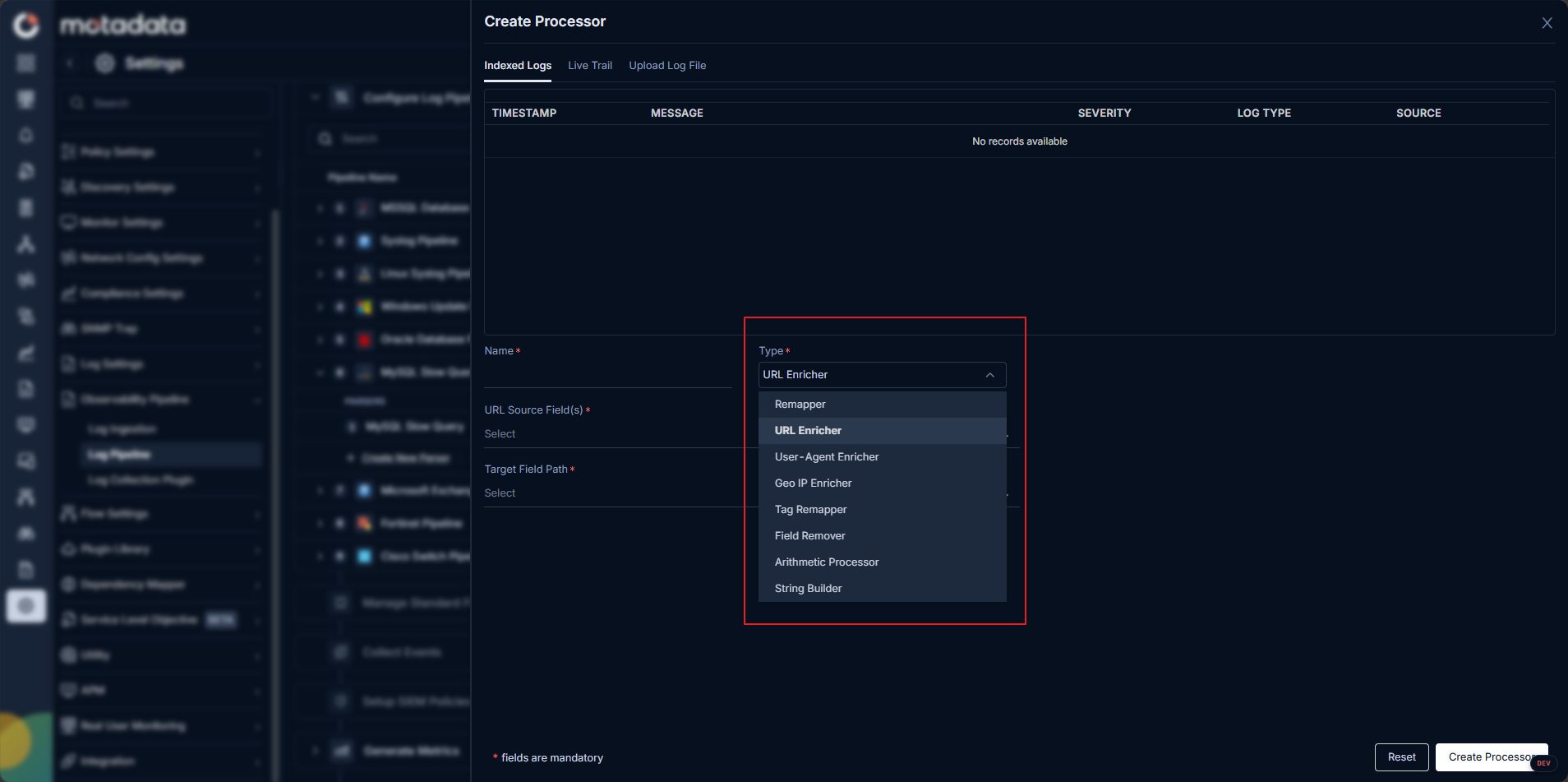
Choose the processor type from the list.
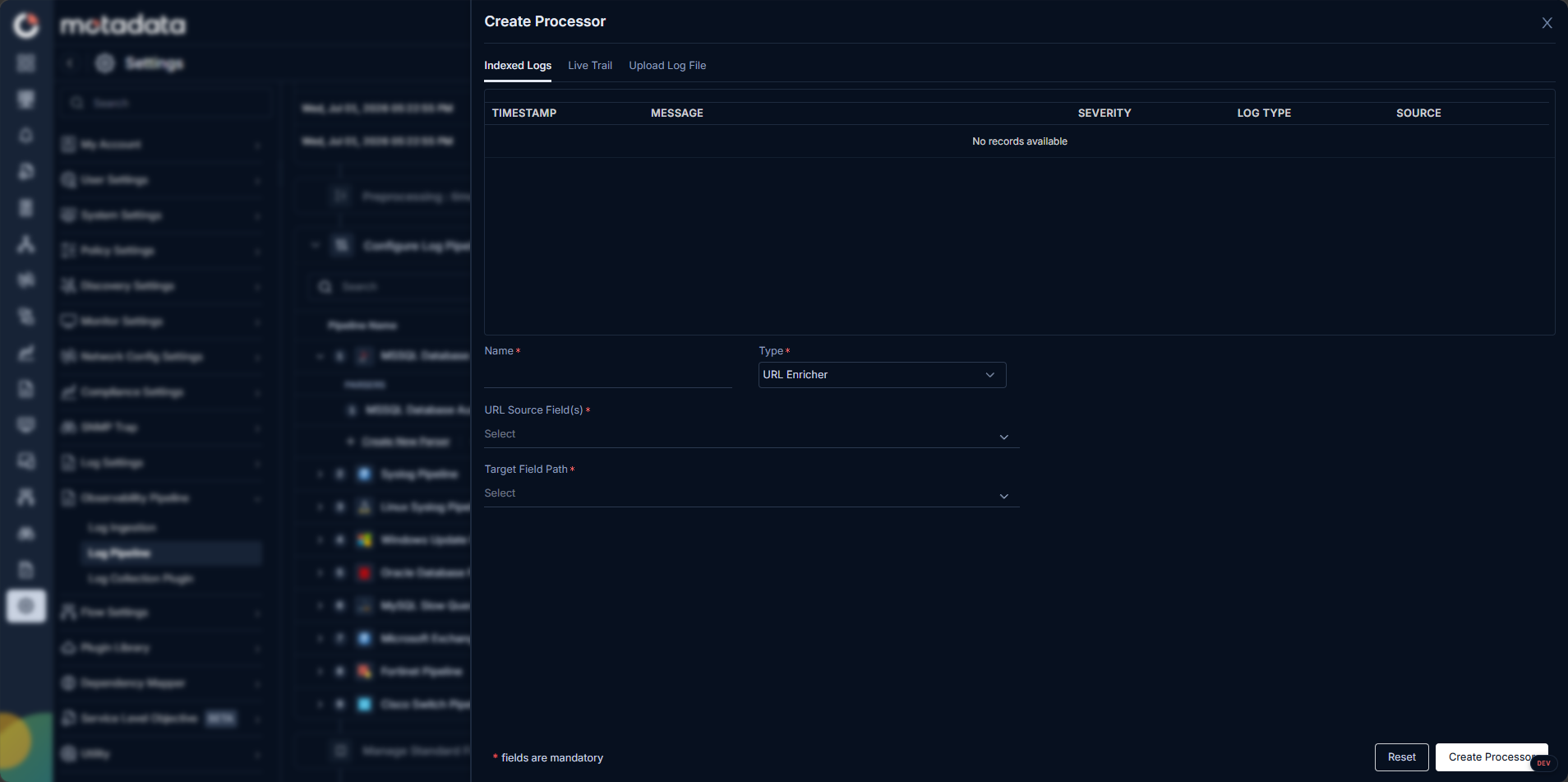
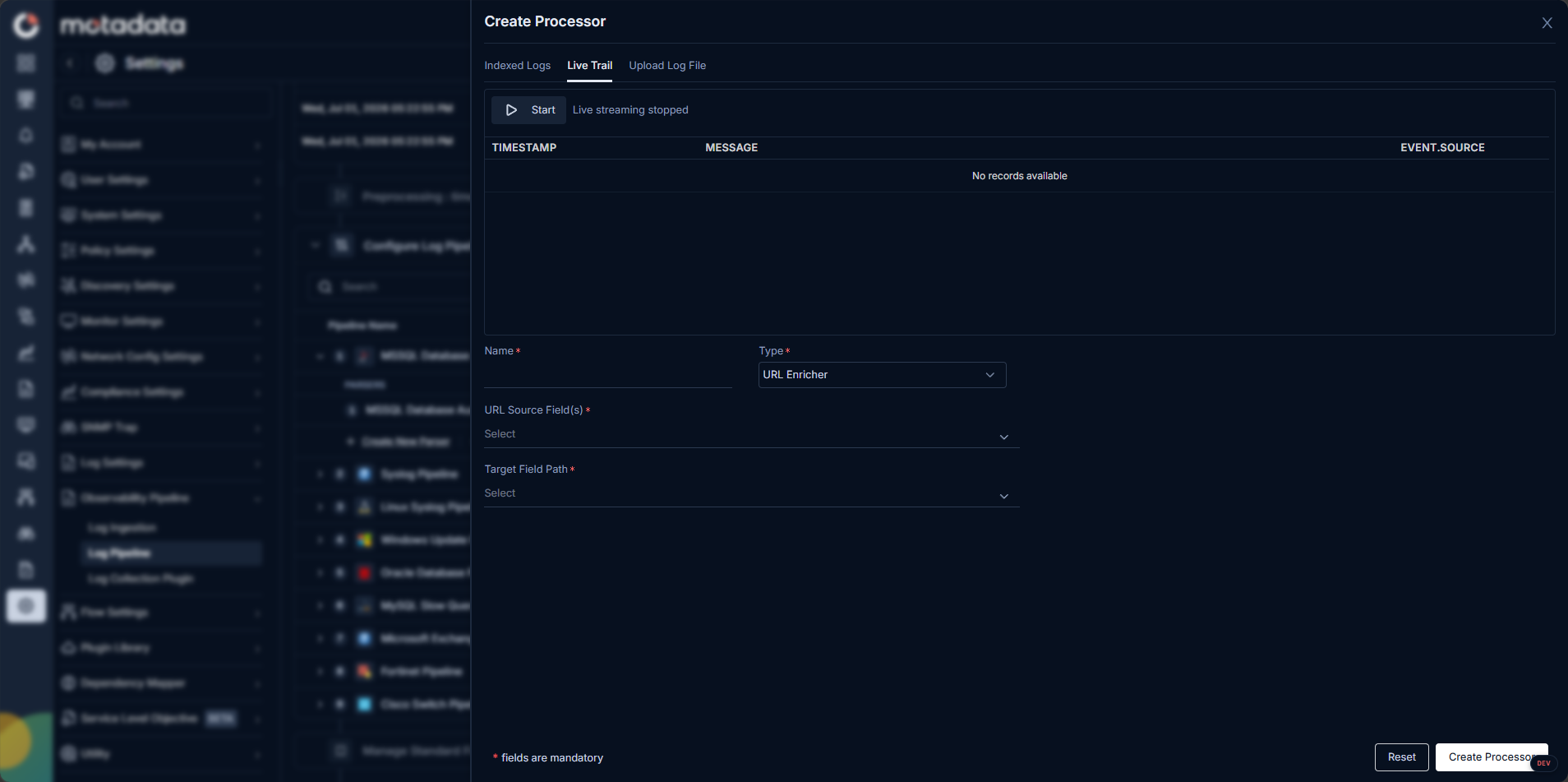
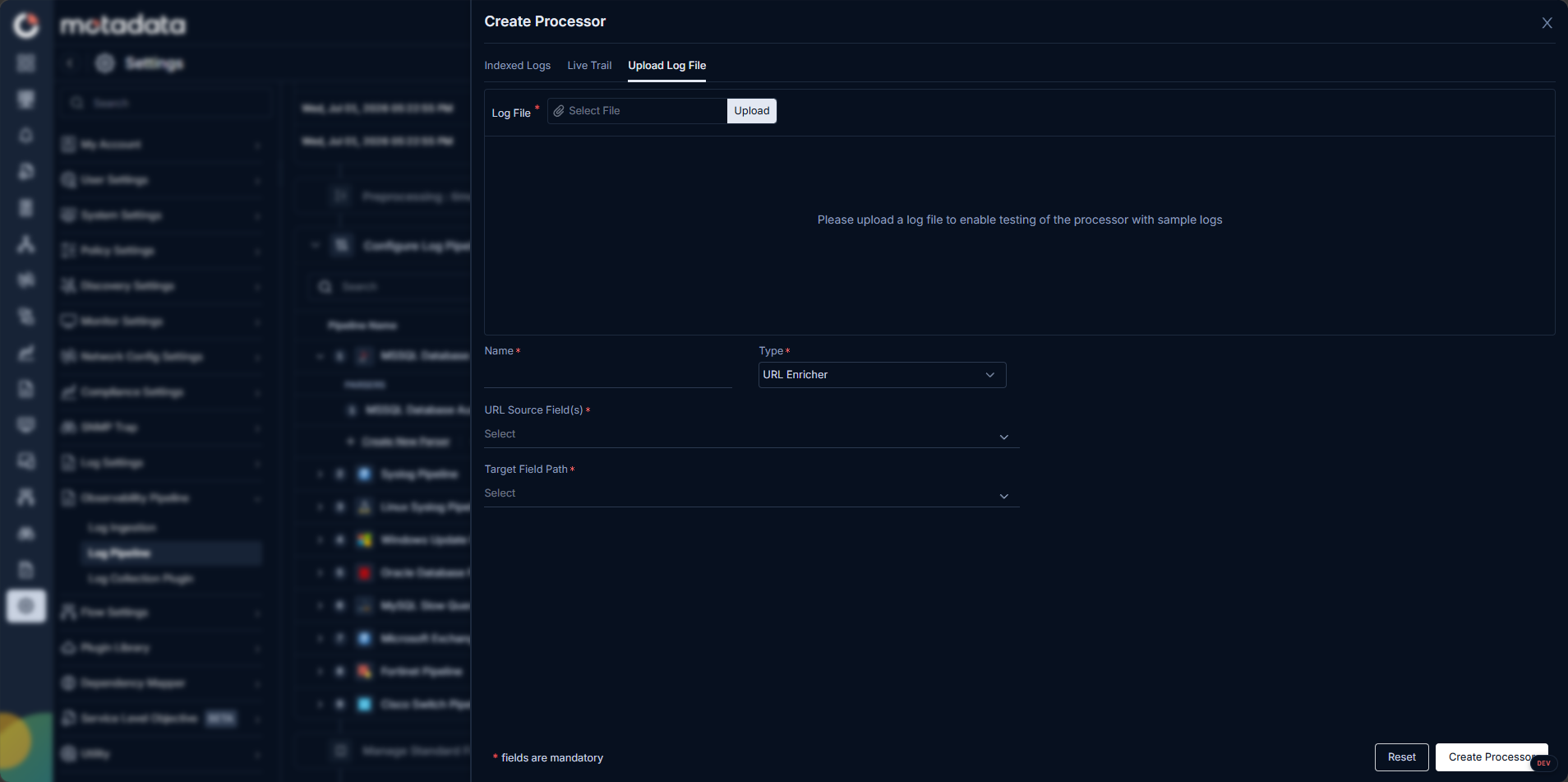
The Create Processor screen includes Indexed Logs, Live Trail, and Upload Log File tabs so you can test the processor configuration against real or sample logs:
Processor Types
ObserveOps supports eight processor types.
URL Enricher
Parses a URL field into its component parts. Set the source field that contains the full URL. ObserveOps adds each component as a new field on the log.
Fields added: scheme, host, path, query parameters, fragment.
| Setting | Description |
|---|---|
| URL Source Field(s)* | The field on the log that contains the URL to parse |
| Target Field Path* | The field path where ObserveOps writes the parsed URL components |
User-Agent Enricher
Parses a User-Agent string into individual metadata fields. Set the source field that contains the User-Agent value.
Fields added: browser name, browser version, operating system, device type.
| Setting | Description |
|---|---|
| Source Field | The field on the log that contains the User-Agent string |
Geo IP Enricher
Adds geographic location data to a log based on an IP address. Set the source field containing the IP address. ObserveOps queries the GeoIP database and adds location fields to the log.
Fields added: country, city, and other geographic details.
| Setting | Description |
|---|---|
| Source Field | The field on the log that contains the IP address to look up |
Remapper
Copies the value of a source field or tag into a new field or tag. You can add more than one mapping in a single Remapper processor. Each log passing through the processor is remapped based on the source fields it contains.
Supported mapping combinations:
| Source | Target |
|---|---|
| Tag | Tag |
| Tag | Field |
| Field | Field |
| Field | Tag |
Configuration settings:
| Setting | Description |
|---|---|
| Source | The field or tag to copy the value from |
| Target | The field or tag to copy the value into |
| Keep Source | Enabled by default. When on, the original source stays on the log. Turn it off to remove the source after copying. |
| Override | Controls what happens when the target already has a value on the log. |
Override behavior:
| Override State | What Happens |
|---|---|
| On | The existing value in the target is replaced with the source value |
| Off | No action is taken. The existing value stays unchanged. |
You can define more than one source-to-target mapping in a single processor. Each log is processed based on which source fields it contains out of the defined mappings.
Tag Remapper
Applies a tag to a log when it matches a filter condition. Use it to classify logs based on field values without changing the fields themselves.
| Setting | Description |
|---|---|
| Filter | A condition the log must match to receive the tag. Uses standard filter syntax. |
| Tag | The tag to apply when the filter matches. Use key:value format. |
Example: Set filter to status.code in 400 to 500 and tag to api_error:technical. Every log with a status code between 400 and 500 receives the tag api_error:technical.
Filter operators supported: contains, in, equals, greater than, less than, and others.
Logical operators: Combine conditions using and or or.
Use Tag Remapper to add classification tags for use in Log Explorer filters, dashboards, and monitors without altering the original parsed fields.
Arithmetic Processor
Performs arithmetic on one or more numeric fields and stores the result in a new field.
Supported operators: + - * /
| Setting | Description |
|---|---|
| Expression | The arithmetic formula using field names and operators |
| Target Field | The name of the new field to store the result in |
Example: Divide disk_usage_gb by 1024 and store the result in disk_usage_mb.
Behavioral rules:
- If any field referenced in the expression is not present on the log, the processor skips that log entirely. No result is written.
- If the target field already exists on the log, the processor overwrites it.
The Arithmetic Processor only runs on logs where every field in the expression is present. Logs missing any referenced field are skipped.
String Builder
Concatenates two or more fields into a new field.
| Setting | Description |
|---|---|
| Source Fields | The fields to concatenate, in the order they should appear |
| Target Field | The name of the new field to store the concatenated result in |
Behavioral rules:
- The processor only runs on logs where all specified source fields are present.
- Logs missing any source field are skipped entirely.
Like the Arithmetic Processor, the String Builder only runs when all referenced fields are present in the same log.
Field Remover
Removes one or more fields from a log after parsing. The fields are dropped before the log reaches storage. Use it to strip sensitive data or reduce log size.
| Setting | Description |
|---|---|
| Fields to Remove | A list of field names to remove from the log |
The fields you list are deleted from every log that passes through this processor. If a listed field is not present on a particular log, the processor skips that field silently and continues.
Processor Ordering
Processors run in order, top to bottom, after parsing is complete. Every log parsed in the pipeline passes through each processor in sequence.
Processors always appear below parsers in the pipeline view. You can drag processors to reorder them among themselves, but you cannot move a processor above a parser.
Example
A pipeline for web access logs has three processors in order:
- Geo IP Enricher adds
countryandcityfrom theclient_ipfield. - Arithmetic Processor divides
response_size_bytesby1024and stores the result inresponse_size_kb. - Field Remover removes
raw_user_agentandinternal_trace_idto reduce log size.
Every parsed log goes through all three processors in this order before reaching storage.
Troubleshooting
A processor is not running on some logs
Cause: For Arithmetic Processor or String Builder, one or more source fields are missing from those logs.
Fix: Check those logs in Log Explorer. Confirm all referenced fields are present. These processors skip logs that are missing any field in the expression.
The Remapper is not updating the target field
Cause: The Override setting is off and the target field already has a value.
Fix: Edit the processor and turn Override on.
Geo IP Enricher or User-Agent Enricher is not adding fields
Cause: The source field is empty or contains an invalid IP address or User-Agent string.
Fix: Inspect the source field in Log Explorer. Confirm the field contains a valid value for the selected processor type.
The Tag Remapper filter is not matching expected logs
Cause: The filter operator or field name is incorrect.
Fix: Test the same filter in Log Explorer first. Confirm it returns the expected logs, then use the identical filter in the Tag Remapper.