Configuring LDAPS Certificate
Securing LDAP communication with LDAPS certificates ensures data integrity and confidentiality between ServiceOps and Active Directory.
LDAPS (Lightweight Directory Access Protocol Secure) is a secure protocol for accessing and updating directory information. It is used to secure the communication between the ServiceOps server and the Active Directory server.
Prerequisites
- The ports required are: LDAP - 389 and LDAPS – 636
- To use self-service features, an LDAPS certificate is required
- To implement LDAPS configuration in a high-availability architecture, it must be installed on both machines, i.e., the Master and the Slave.
Configuring LDAPS Certificate
To configure the LDAPS certificate, follow the steps below:
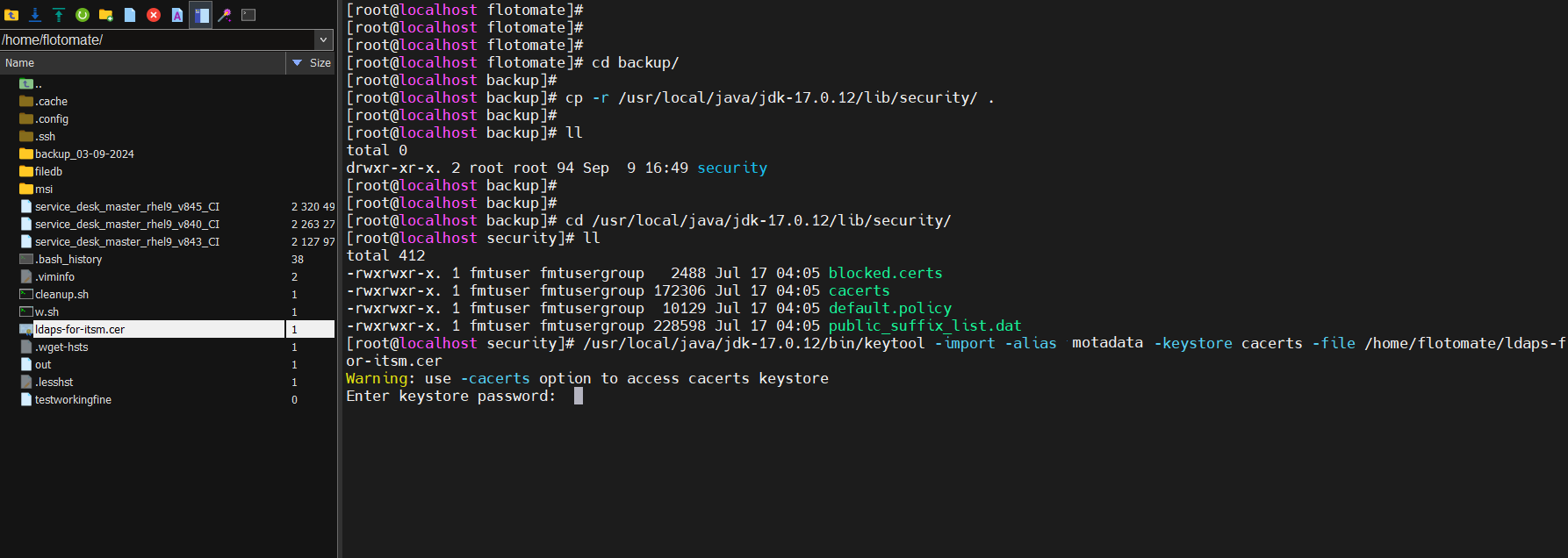
Login to the terminal server and create a folder named "Backup" using the below command.
mkdir backup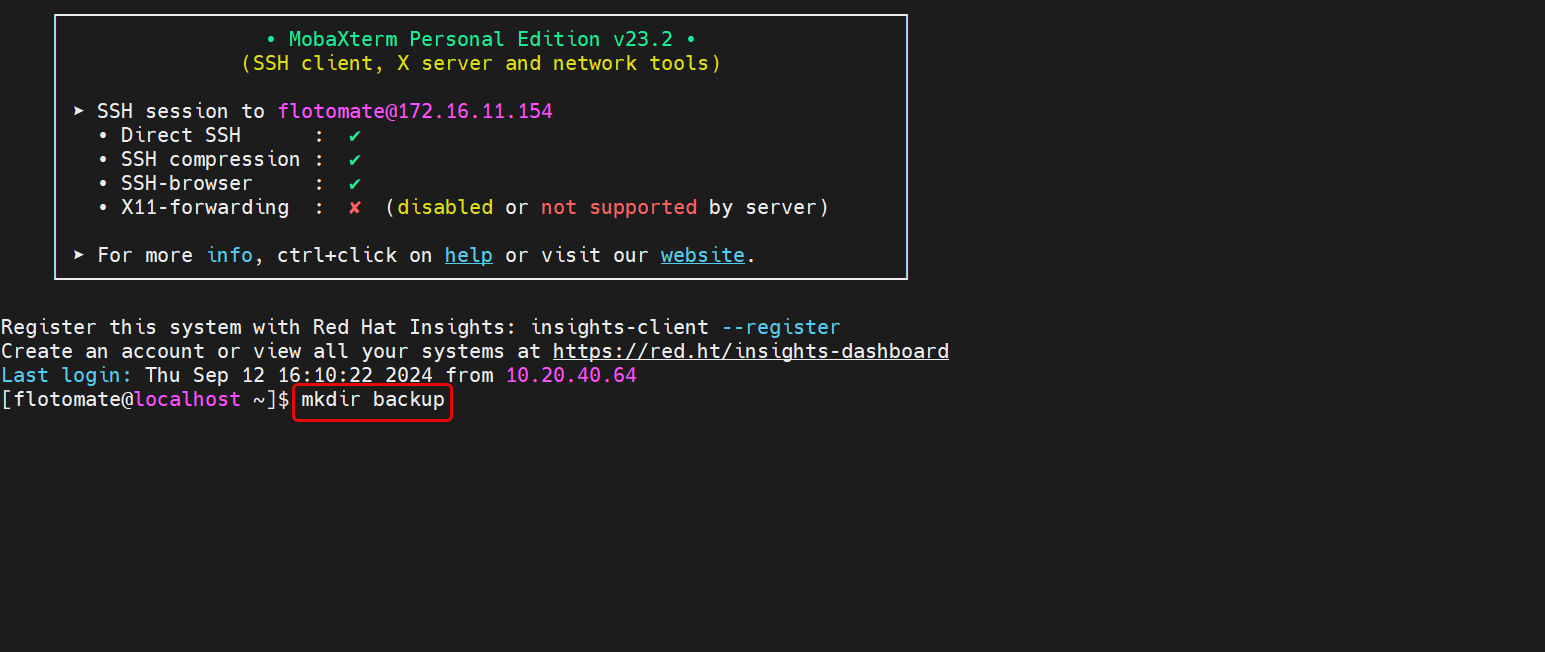
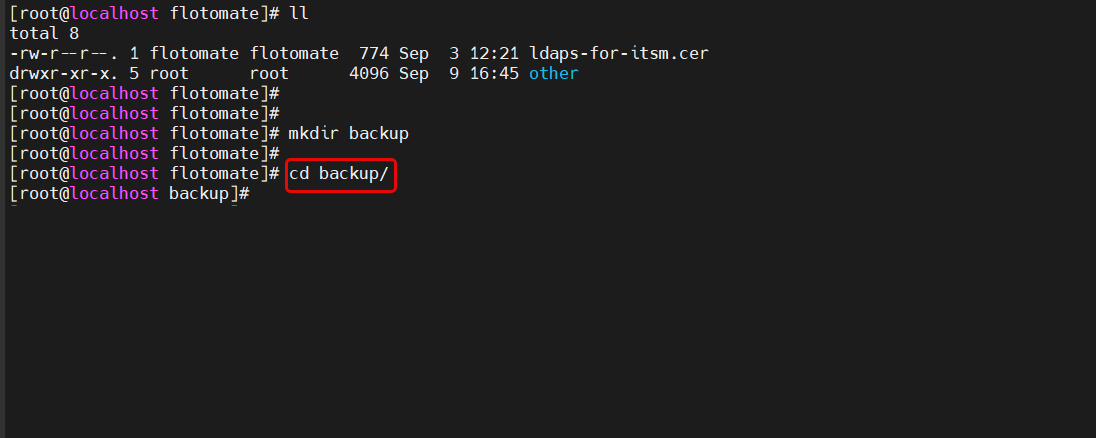
Move to the Backup folder using the below command:
cd backup
Navigate to the Java security directory where
cacertsis located:cd /usr/local/java/jdk-17.0.12/lib/security/Copy the "cacerts" file to the "backup" folder you created earlier:
cp cacerts /home/flotomate/backup/
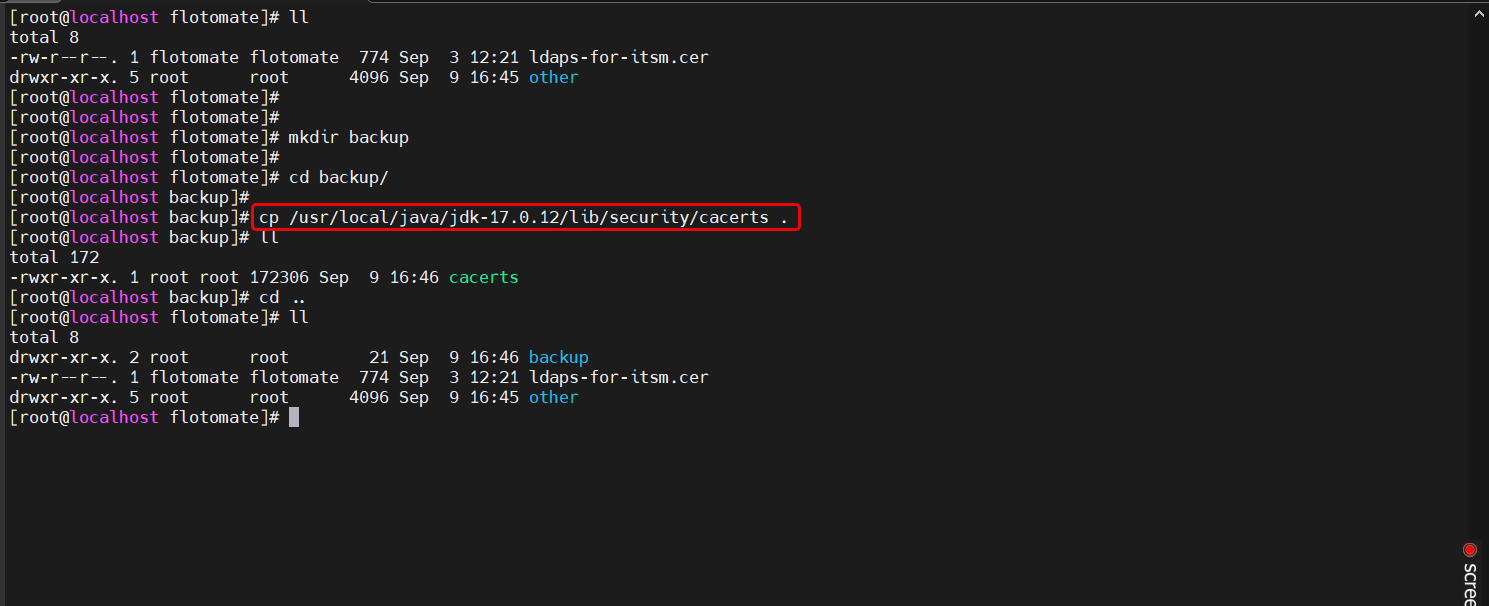
After copying the file, run the below command:
Syntax: /usr/local/java/jdk-17.0.12/bin/keytool -import -alias {alias_example} -keystore cacerts -file /{filepath}"
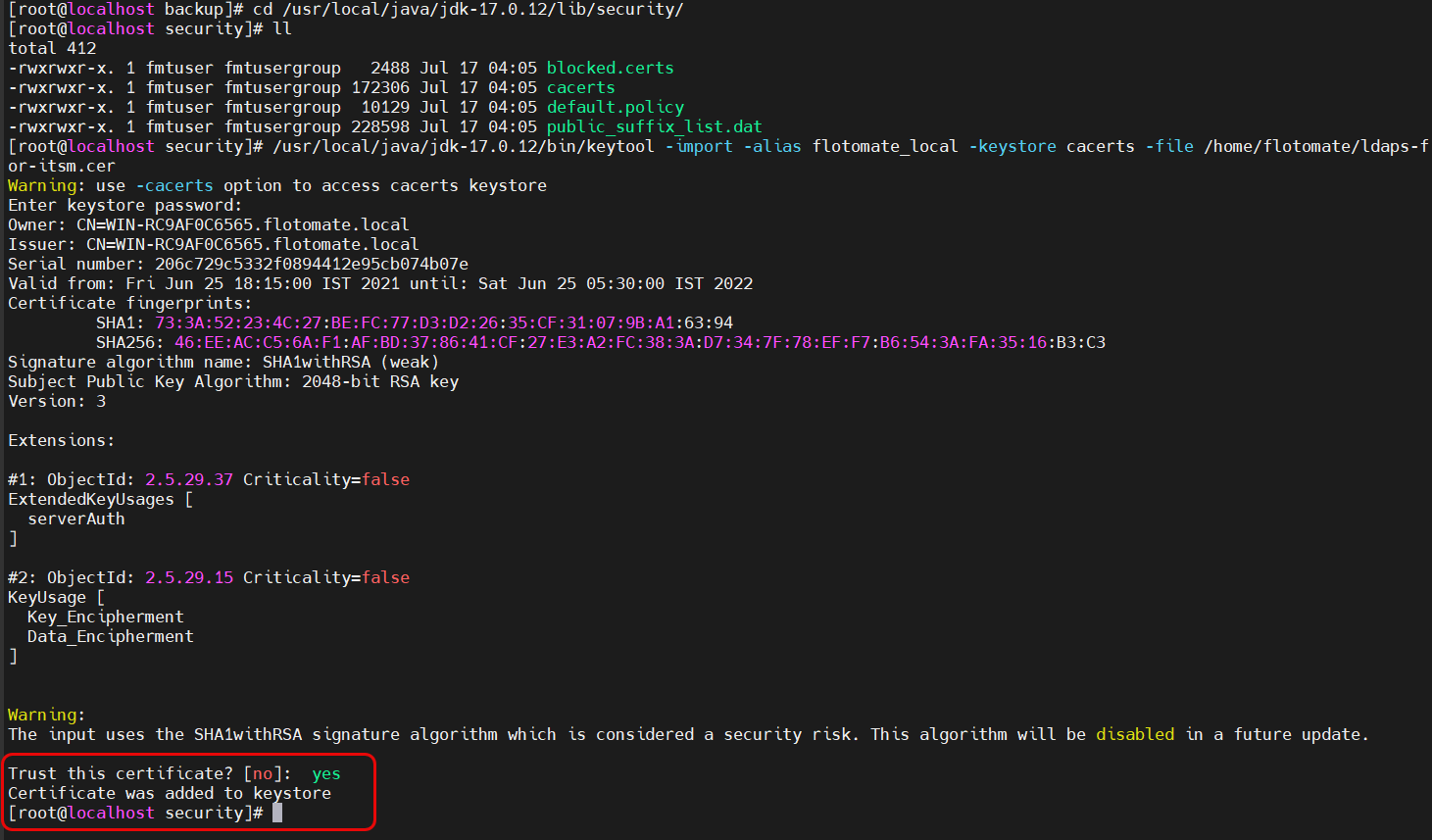
Example: /usr/local/java/jdk-17.0.12/bin/keytool -import -alias motadata -keystore cacerts -file /home/flotomate/ldaps-for-itsm.cer
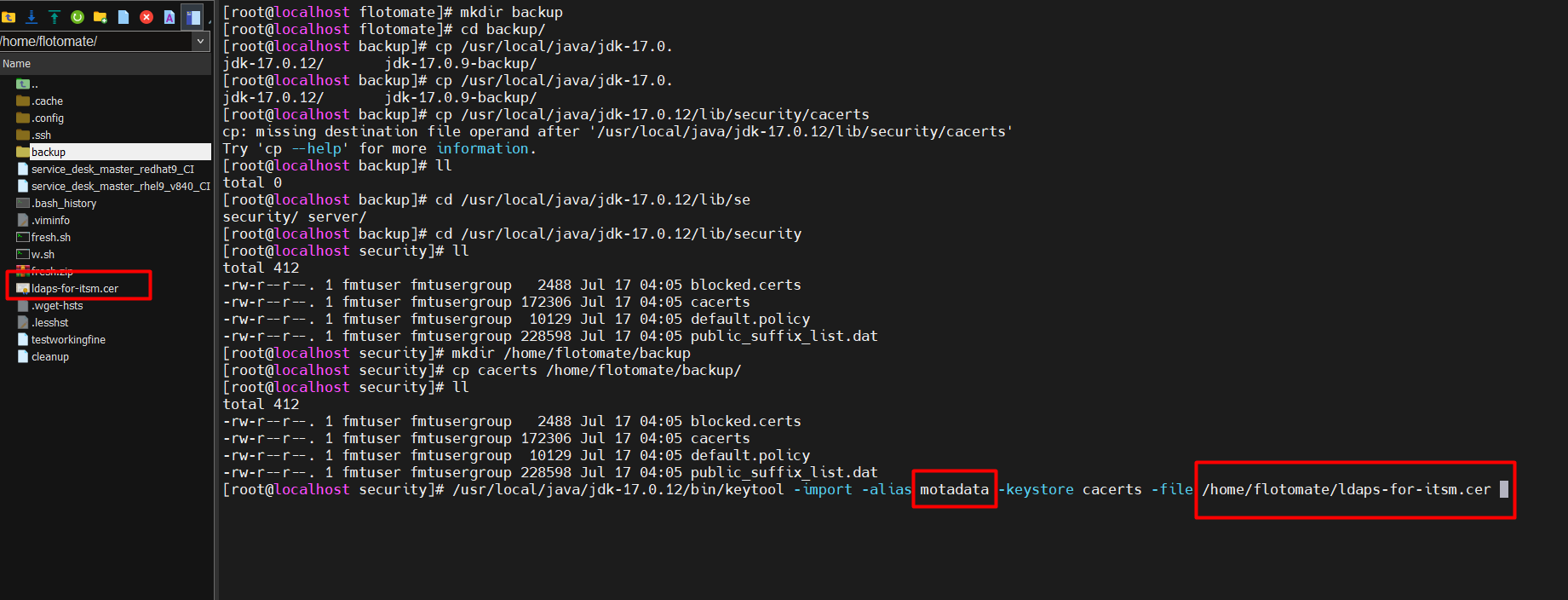
Save the alias name for future use.
- Press enter and provide the keystore certificate password. For example, here "changeit" is used.
- A confirmation message "Trust this certificate?" will appear. Type Yes.
Restart the main-server and analytics-server services using the below commands:
sudo systemctl restart ft-main-server.service
sudo systemctl restart ft-analytics-server.service
Now, change the LDAP configuration to LDAPS and port 636.

- Test the connection. Once successful, you can use the self-service features like reset password and unblock account. For more details, refer to the Active Directory Self-Service page.