Motadata ServiceOps Release Version 8.7.8
Release Date: October 16, 2026
What's New?
Request Management
Service Catalog Access for Individual Requesters
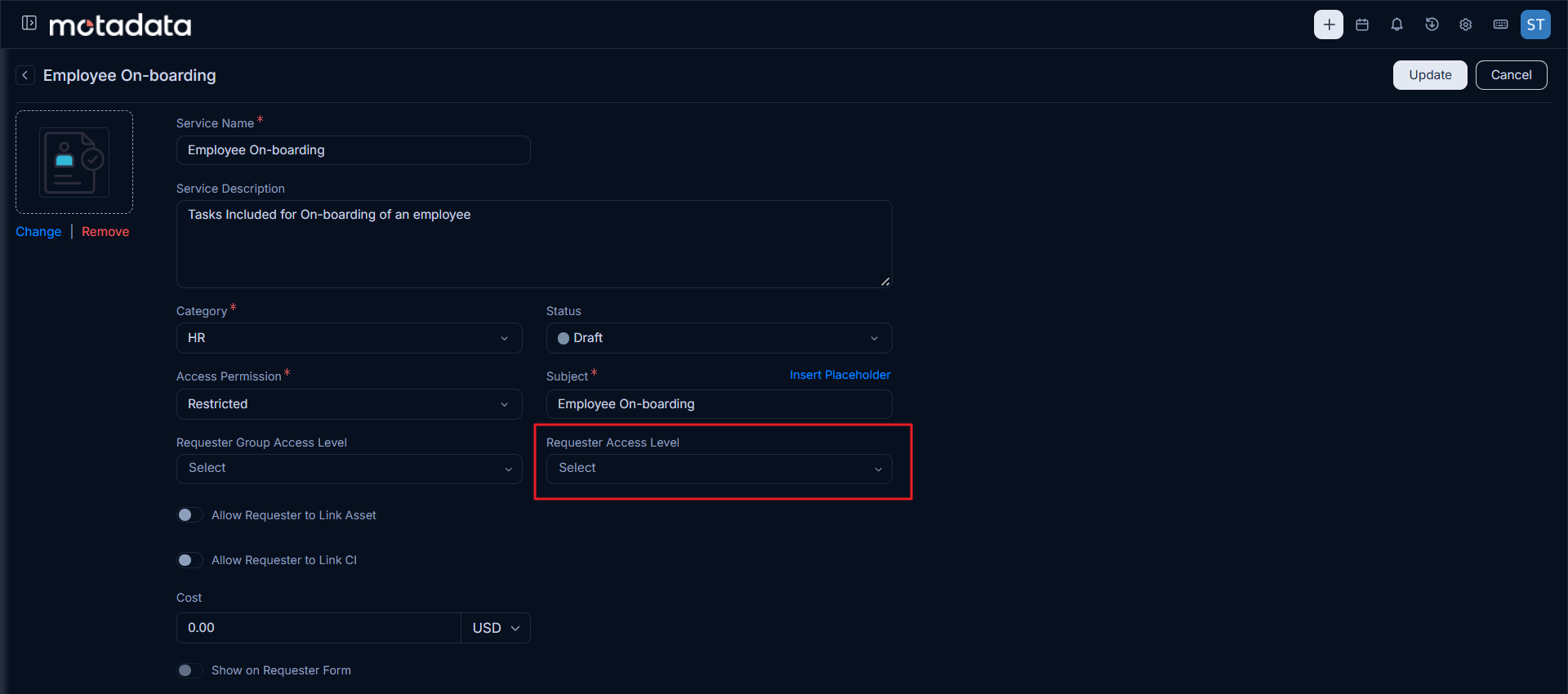
You can now give access to a Service Category or Service directly to specific requesters, without creating a Requester Group just for them. In Admin > Service Catalog, set Access Permission to Restricted and select any combination of Requester Groups and individual Requesters. Only the selected users can see and request the item in the Support Portal.
Items previously set to Requester Group change to Restricted after the upgrade, keeping the same groups, so existing users keep their access.
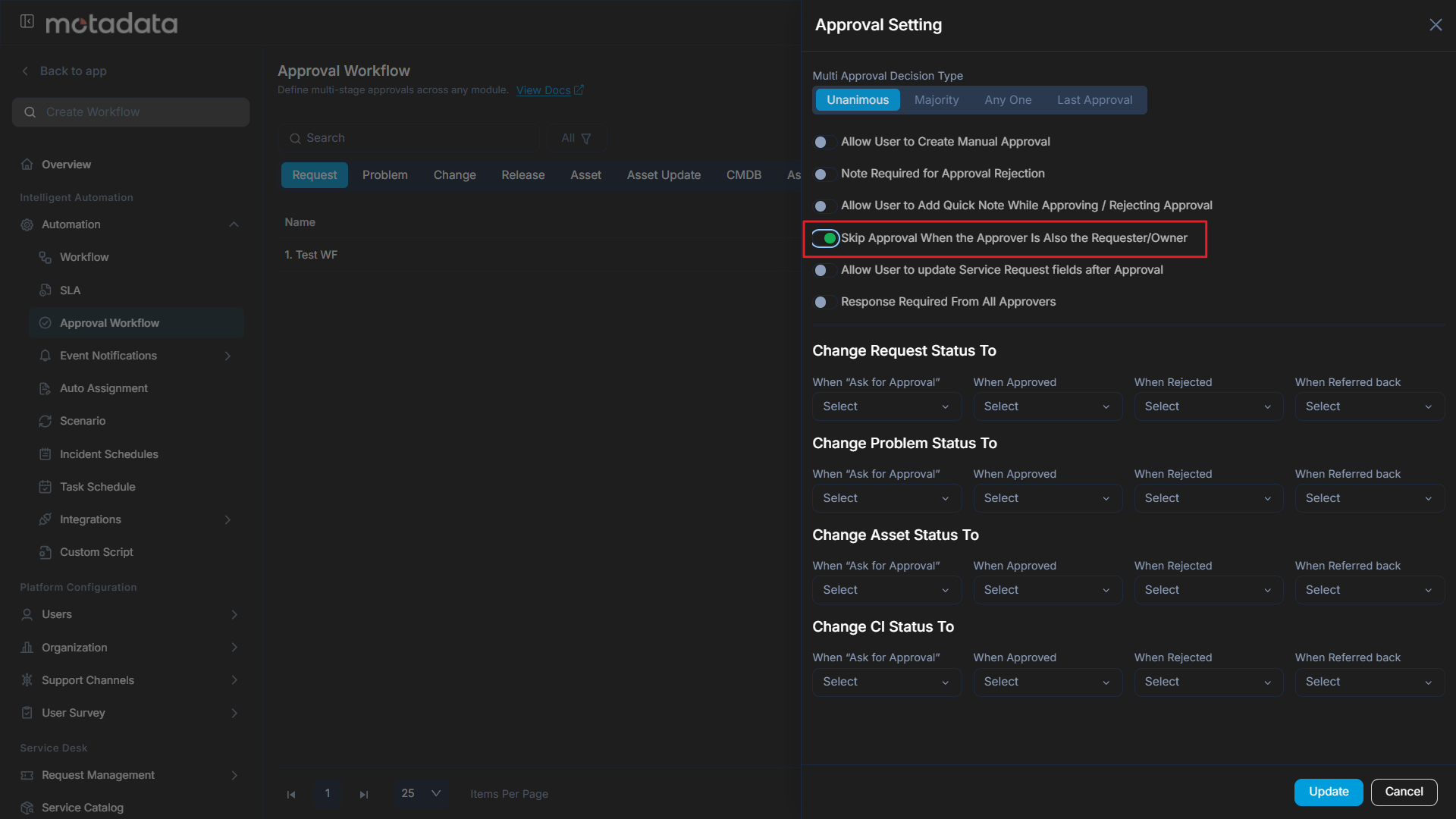
Faster Approvals with Automatic Self-Approval Skip
Approval workflows now move faster: when the requester or owner of a record is also an approver, their approval stage is skipped automatically. Technicians can create, update or move assets and carry on with their work straight away. The skipped stage is marked as Pre-approved, and the rest of the workflow continues as usual. This works across all modules that support approvals and with every approval stage type. To turn it on, enable Skip Approval In Case Requester Is Also The Approver/Owner under Admin > Approval Workflow > Approval Setting. It's off by default.
Asset Management
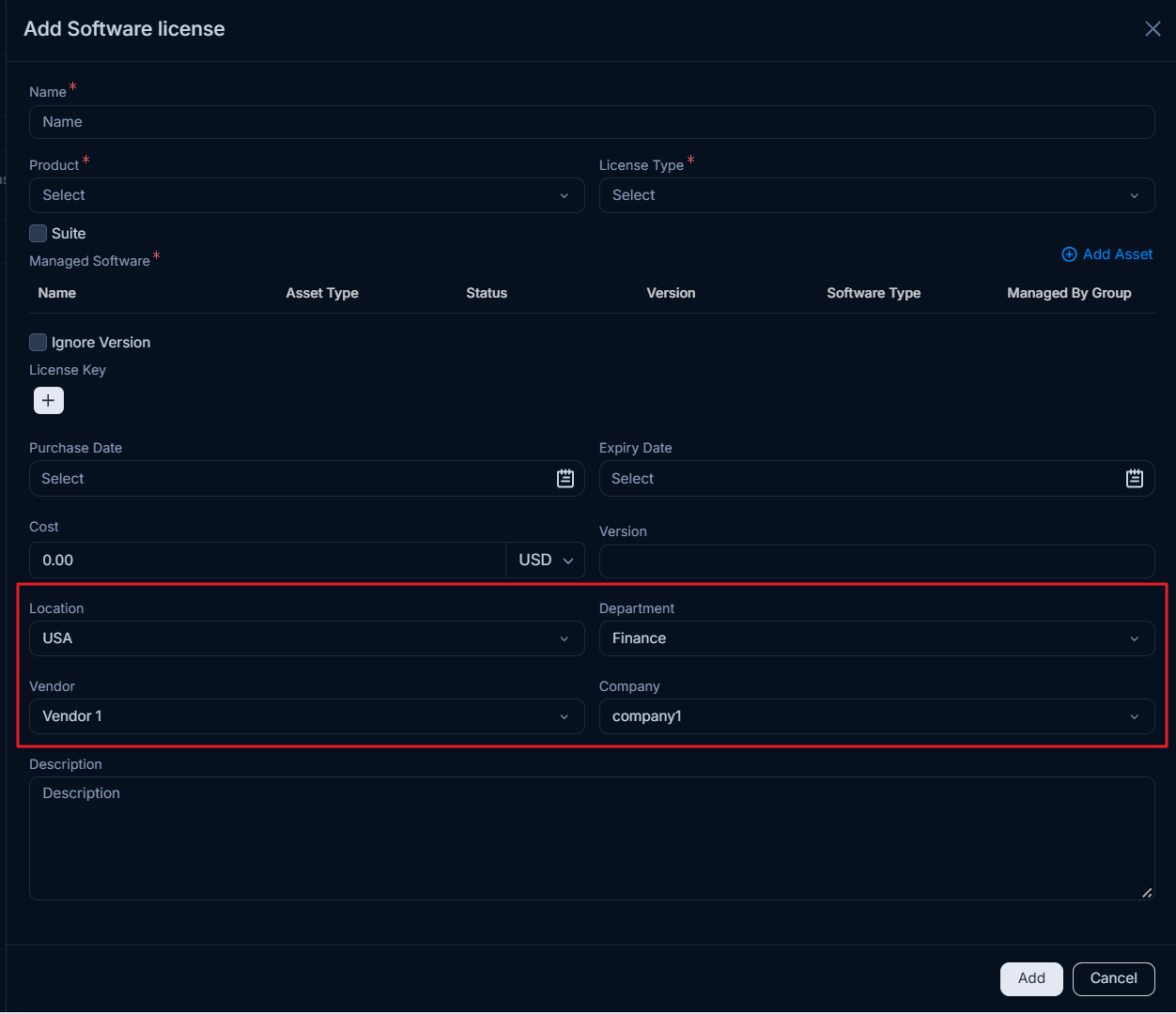
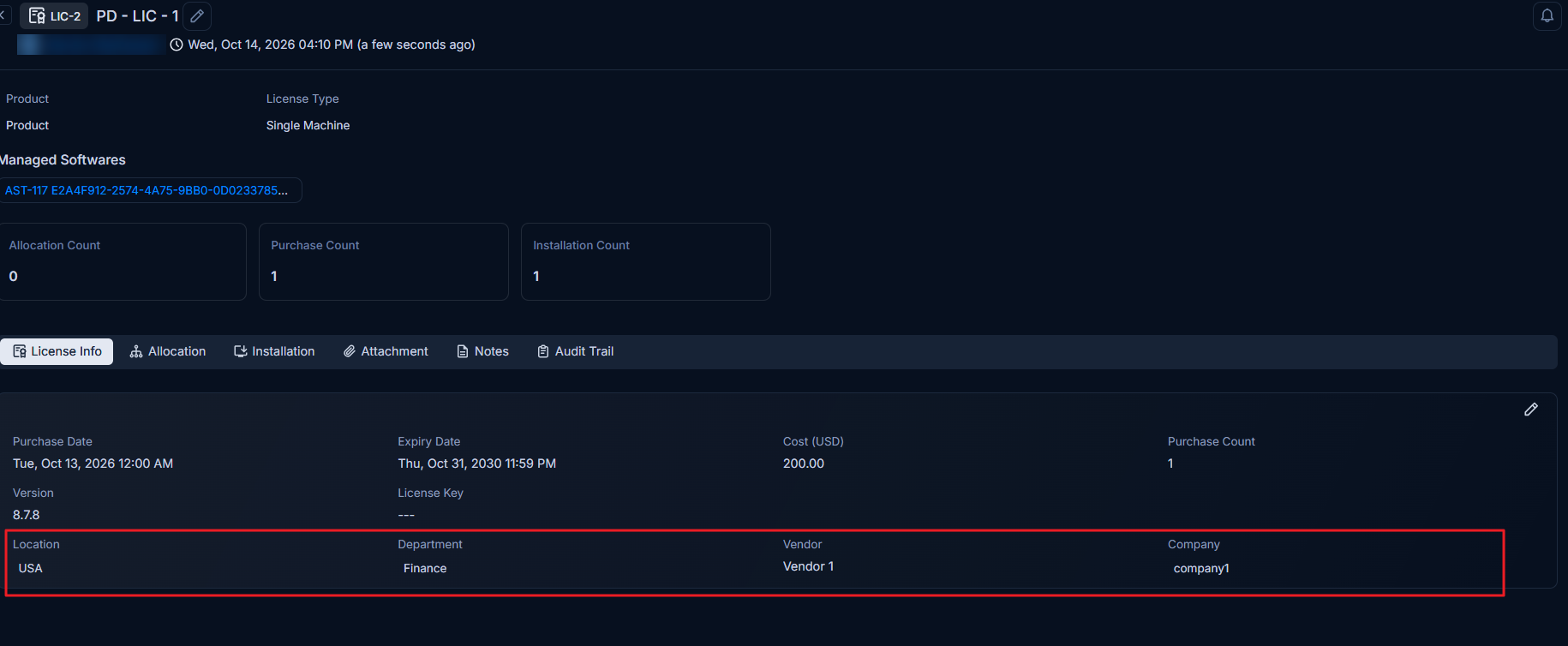
Added Location, Department, Vendor and Company to Software Licenses
You can now record Location, Department and Vendor on software licenses, plus Company when MSP is enabled. This makes it easier to see who owns each license, where it is used and who supplied it. These fields work everywhere you manage licenses: when creating and viewing a license, in list filters, column selection and exports, in CSV and Excel imports, in Software License reports, and in dashboard widget and KPI conditions. The v1 API supports them too, along with Version, Purchase Date, Cost and License Key, so integrations can keep your license data complete.
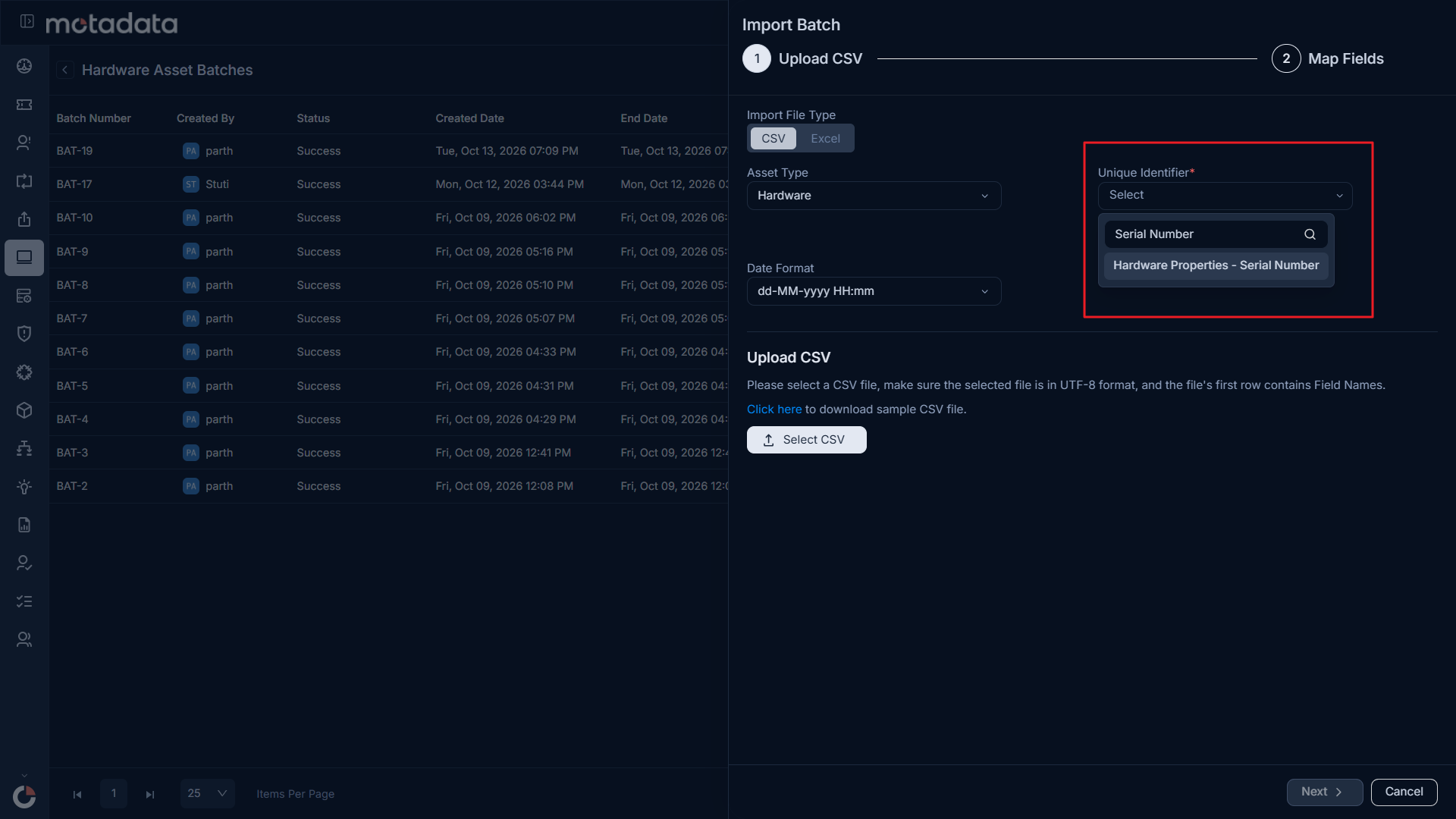
Configurable Unique Identifier for Asset and CI Import
Asset and CI imports are now more precise. You can choose one or more identifiers, such as Serial Number, to match imported data to existing records. Each imported row updates exactly the record it belongs to, even when several assets share the same name and type, so your asset and CMDB data stays accurate and reliable. This is available for Hardware, Software and Non-IT assets and CIs.
Admin and Configuration
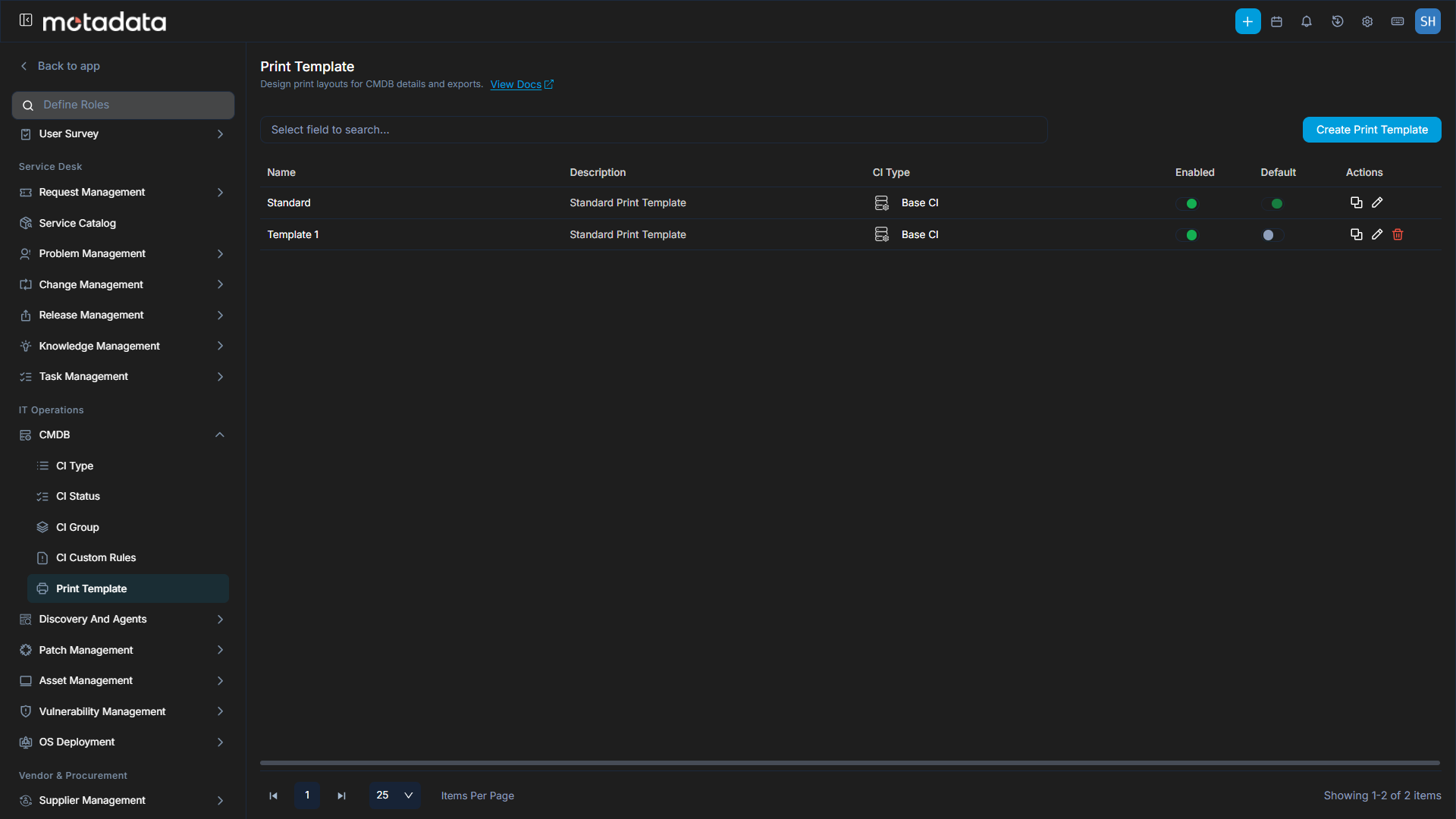
Print Template Support for Release, CI, and Contract
You can now print Release, CI and Contract records using customizable Print Templates, so every printout looks professional and contains exactly the information you need. Create multiple templates for each module, set one as the default, and add placeholders for system fields, custom fields and organization details. Templates are managed under Admin > Print Templates, using the same editor and placeholders you already use for Request, Change and Problem templates.
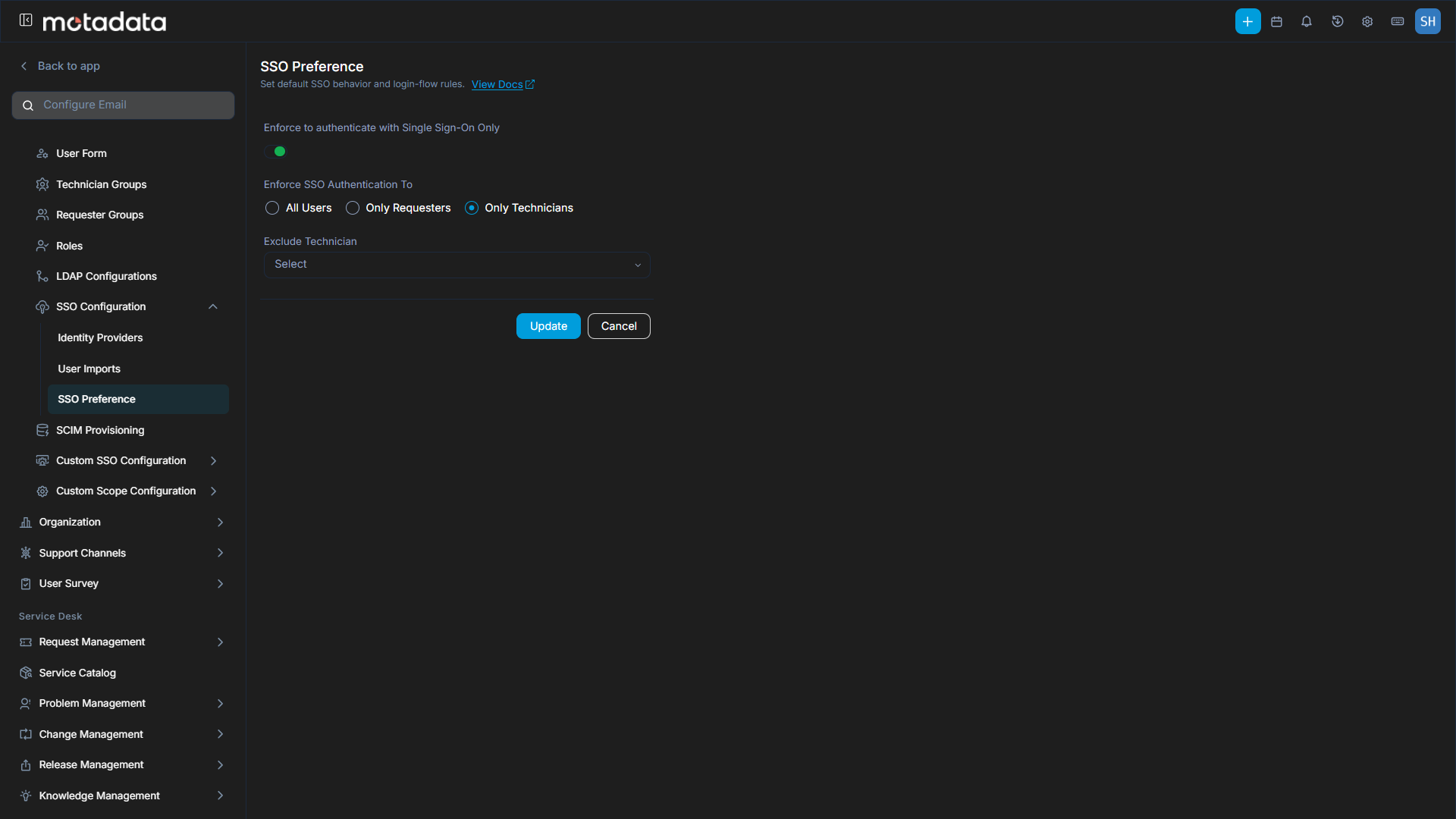
Flexible SSO Login Scope with User Exclusions
Administrators now have more control over how users log in. SSO-only login can be applied to All Users, Only Requesters or Only Technicians, and specific active users can be excluded so they keep signing in with local credentials. This makes it easy to enforce SSO where it is needed while allowing the exceptions your organization requires. When SSO is enforced for All Users, the login page shows only the SSO option, for a simpler sign-in experience. Every configuration change is recorded in the configuration audit, so changes stay fully traceable. These settings are available under Admin > SSO Configuration > SSO Preference.
Faster, More Flexible Technician and Requester Search
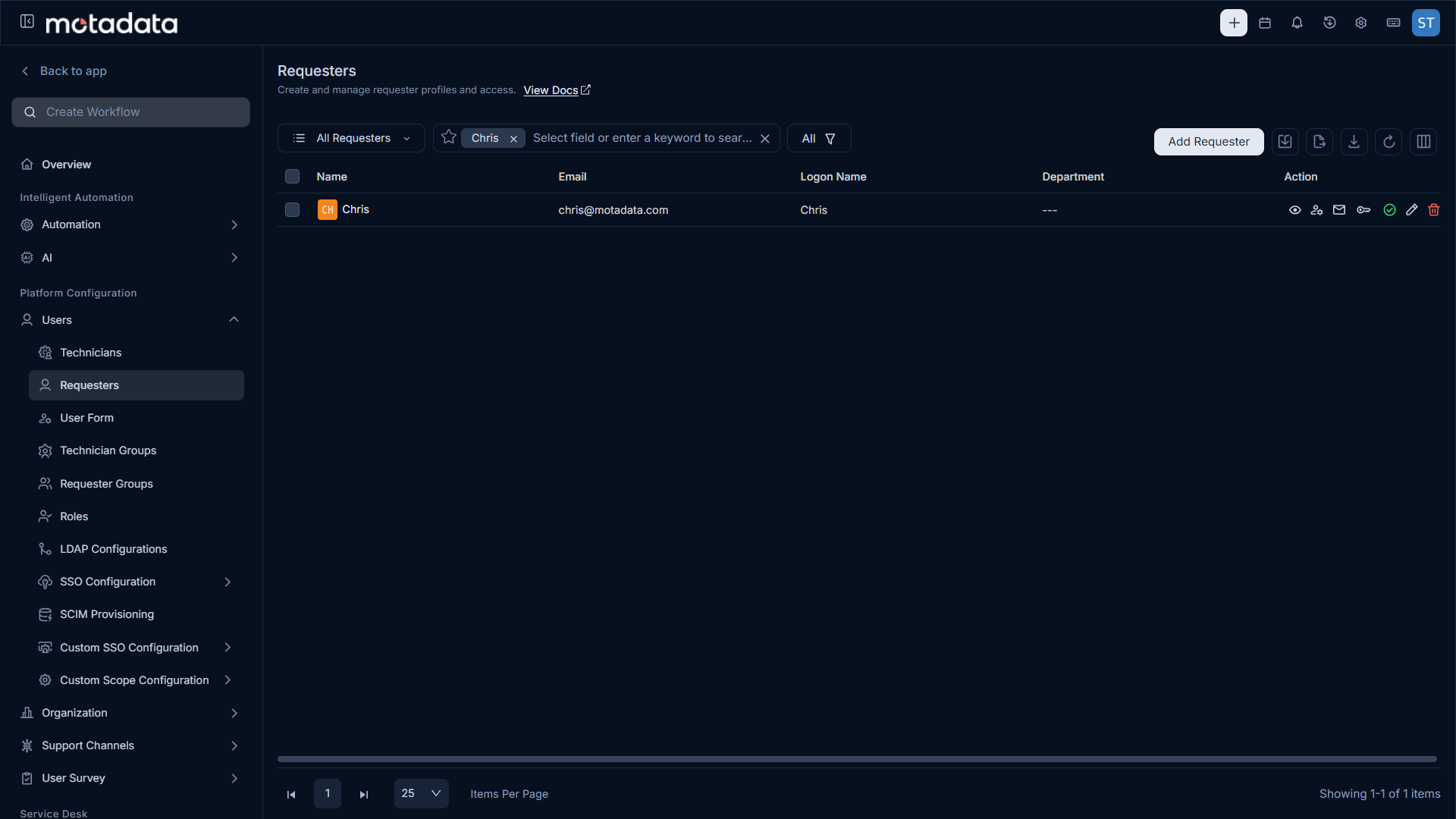
Technician and Requester lookup fields now use Elasticsearch, so users can be found by partial text instead of only exact matches. This makes finding and selecting users quicker and easier, especially in organisations with a large number of users. Searching by email address now returns only the user with that exact address, not every user who shares the same email domain.
For existing installations, run re-indexing for User Data (users and vendors) after upgrading for this change to take effect.
Support Channels
Email-to-Ticket: Allow and Ignore Filters Together
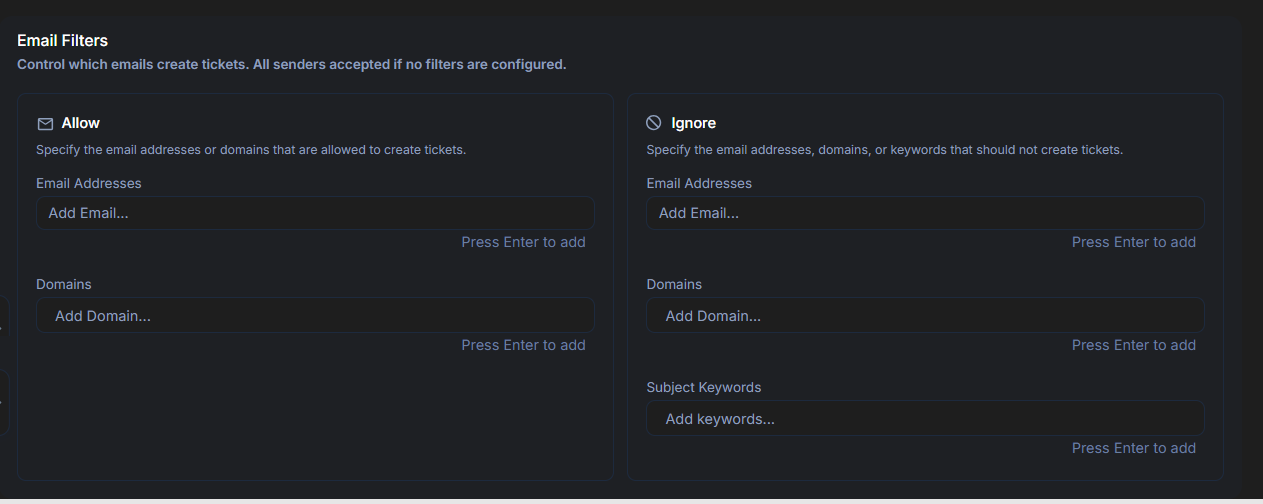
Email servers now let you configure Allow and Ignore filters at the same time, instead of choosing only one. In the Email Filters section, you can add email addresses and domains under both Allow and Ignore, along with subject keywords under Ignore. This makes it possible to allow specific senders from an ignored domain, or block specific senders from an allowed domain. Email address rules take priority over domain rules, and emails matching an ignored subject keyword never create tickets. Existing filter configurations are retained after upgrade, with no changes needed.
Automation and Workflow
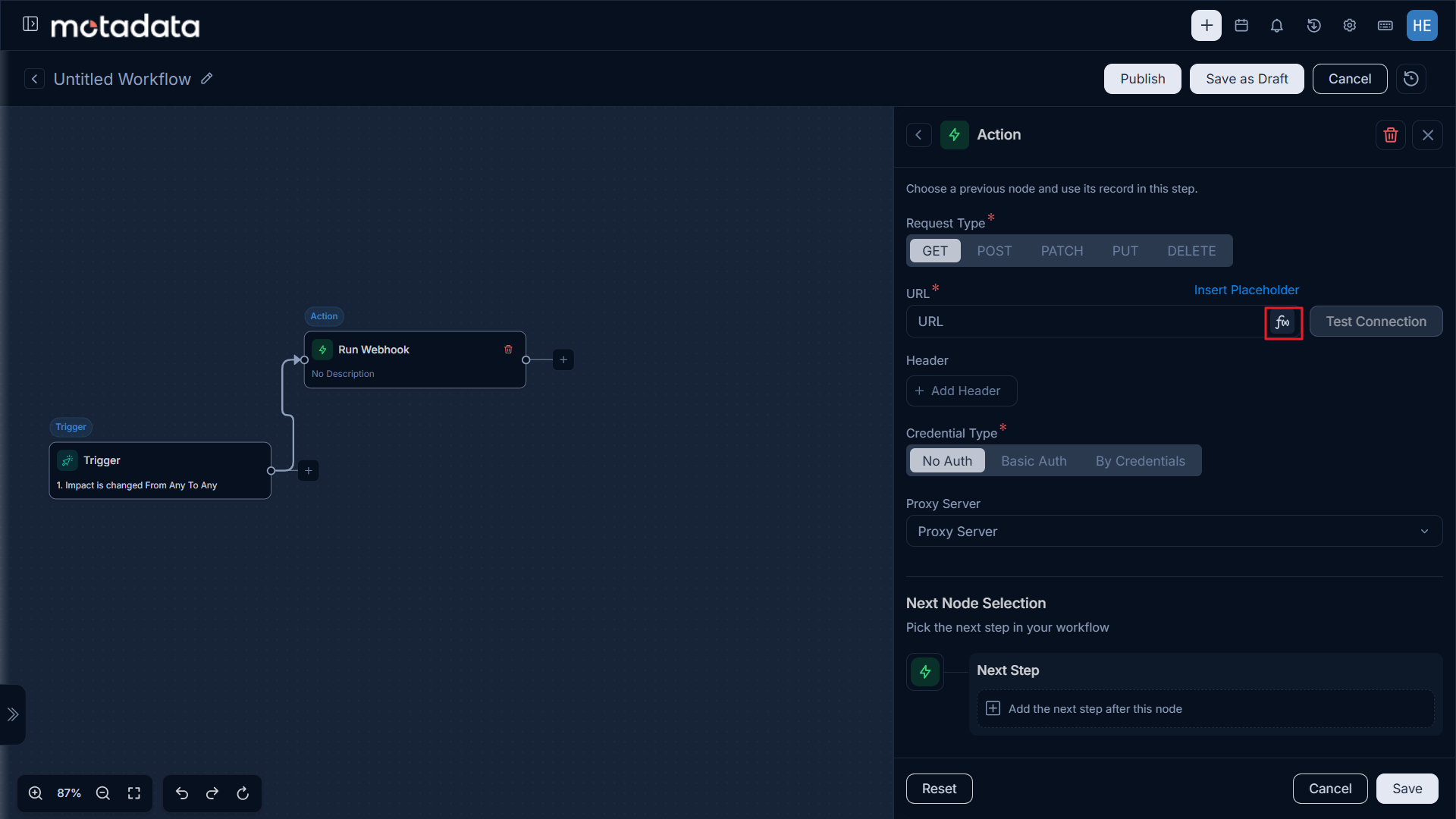
Expressions in the Run Webhook URL
The Run Webhook workflow action is now more flexible: its URL field supports expressions, so the webhook URL can be built dynamically from the record's values when the workflow runs. This gives you more control over where each webhook call is sent, and makes webhook-based workflows easier to adapt.