Create a Log Pipeline in ObserveOps
A pipeline defines which logs get processed and how. You set a unique name, pick the log types to match, and optionally add pre-filters to narrow the scope further. Once a pipeline is active, every log matching its criteria enters it and is checked against its parsers.
Create a Pipeline
Go to Settings > Observability Pipeline > Log Pipeline and click Create New Pipeline.
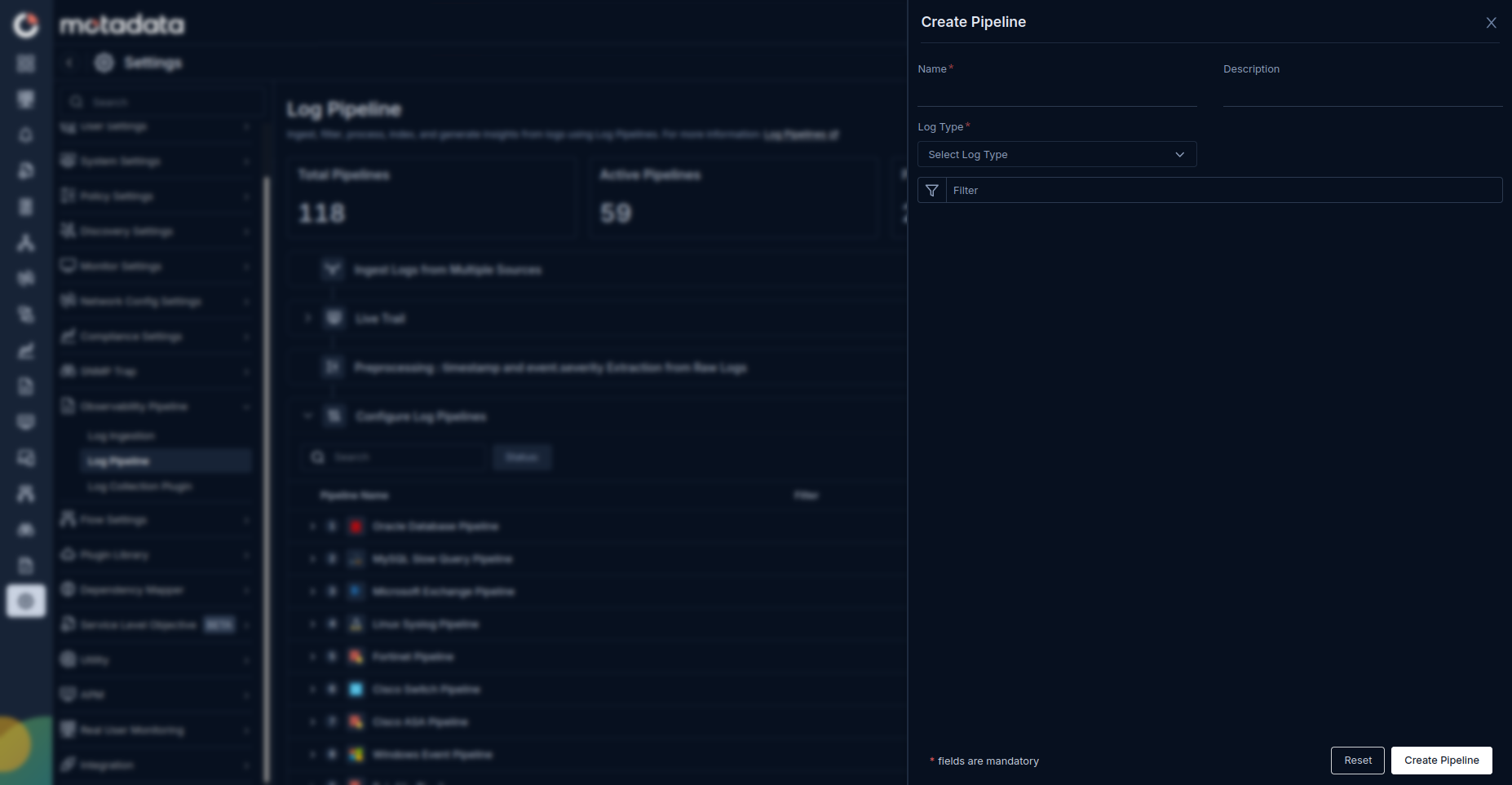
Fill in the form:
| Field | Description |
|---|---|
| Name | A unique name for this pipeline. No two pipelines can share the same name. |
| Log Types | The log types this pipeline should process. The system checks log type before it checks any Pre-filter. |
| pre-filters | Optional. Add filters to narrow which logs qualify beyond log type matching. |
Click Save to create the pipeline.
Pre-filter Options
The Pre-filter section supports the below filtering options:
Filter by message contains: Enter a string. The pipeline matches only logs whose message field contains that string.
Multiple pipelines can share the same filters and log types. The same log can qualify for more than one pipeline.
How the Pipeline Filter Works
The system applies filters in this order:
- Log type is checked first.
- Pre-filter is checked second.
A log that fails either check does not enter the pipeline.
Build the pipeline first, then add parsers and processors. Use the Indexed Logs tab inside the Create Parser screen to confirm the pipeline is capturing the right logs before you write your parser pattern.