Create an Exclusion Rule in ObserveOps
An exclusion rule defines which logs ObserveOps stops from reaching storage. You set a filter, and every log matching that filter is dropped before indexing.
Create an Exclusion Rule
Go to Settings > Observability Pipeline > Log Pipeline, click Exclude Unwanted Logs to expand the section, then click Create Exclusion Rule.
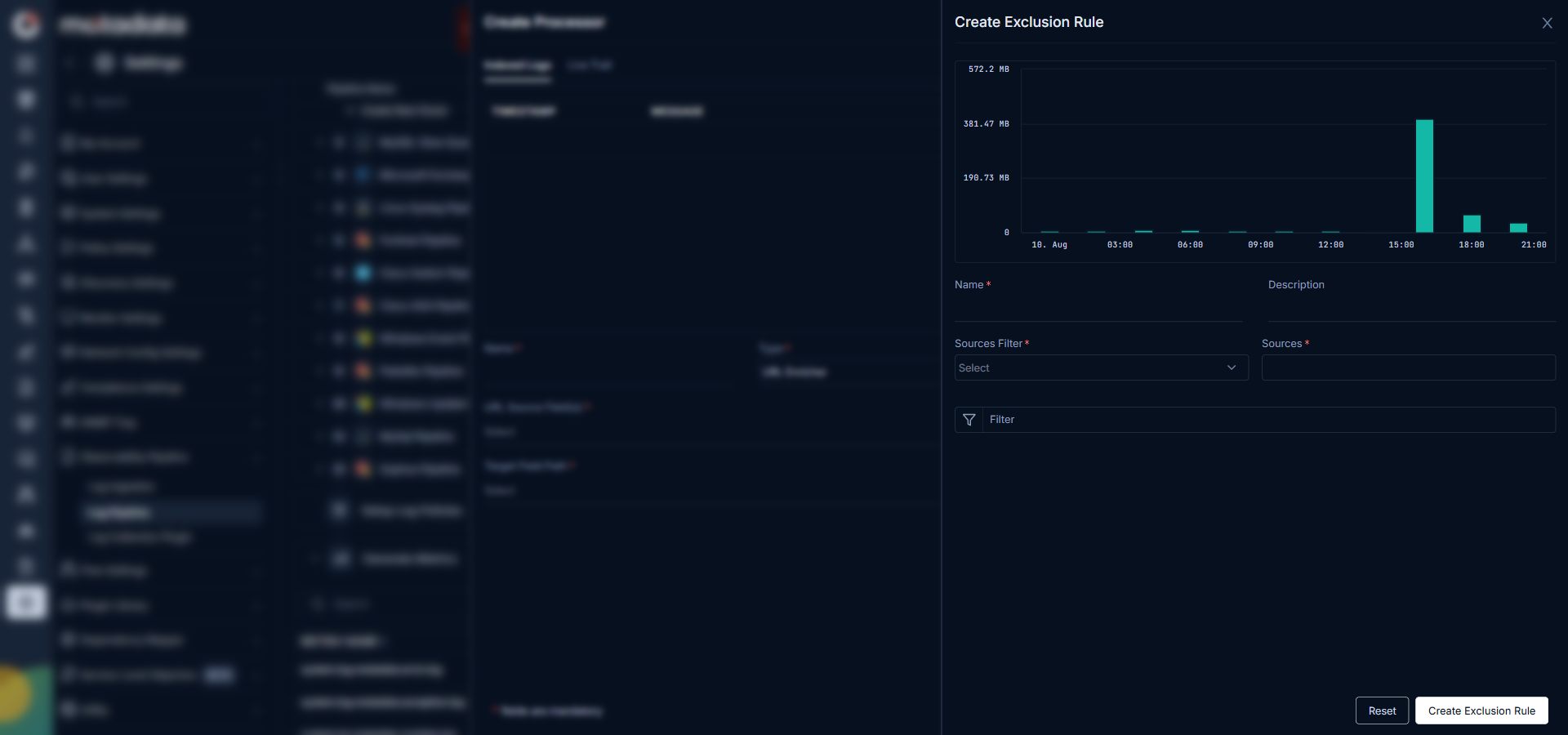
Fill in the form:
| Field | Description |
|---|---|
| Name | A unique name for this exclusion rule |
| Description | Optional. A short description of what this rule excludes. |
| Sources Filter | The filter type that narrows which log sources this rule applies to. |
| Sources | The specific log sources to apply this rule to. |
| Filter | The condition that identifies logs to exclude. Uses standard log filter syntax. |
As soon as you enter a filter, ObserveOps shows a preview chart of the log volume matching that filter. Use this chart to understand how many logs this rule will exclude before you save it.
Click Create Exclusion Rule to activate it. From this point, any log matching the filter is not stored.
note
Excluded logs cannot be recovered. The system does not write them to any index. Verify your filter in Log Explorer before saving the rule.
-->