Parent Child Dependency Mapper
A Dependency Mapper is a tool that maps relationships between provisioned components within network infrastructure. It helps you understand how various devices are related with each other, which is critical for performance management, root cause analysis, and impact prediction. The Parent-Child Dependency Mapper is a representation that defines how devices are interrelated based on their functional or communication hierarchy.
Navigation
Go to Menu. Select Settings  . After that, Go to Dependency Mapper
  and select Parent Chid Dependency Mapper. The Parent Child Dependency Mapper screen is displayed.
Parent Child Dependency Mapper Fields
The following fields are available on the Agents tab:
| Field | Description |
|---|---|
| Parent Monitor | Indicates the ip address of the parent monitor. |
| Parent Interface | Indicates the interface of the parent monitor. Same parent monitor build relationship with different interfaces. |
| Child Monitor | Indicates the ip address of the parent monitor. |
| Child Interface | Indicates the interface of the child monitor. Multiple child interfaces can build a relationship with the same parent interface. |
| Type | Specifies how the relationship has been mapped. i.e., Auto, Manual. |
| Link Layer | Indicates the layer on which the relationship is established. |
| Status | Indicates the relationship status. You can turn the toggle to ON or OFF. |
| Actins | Select - Edit Relationships: This action allows you to change the details of an already existing relationship. - Delete Relationship: This action allows you to delete a relationship. |
 to display the permissible actions for the relationship.
Create Relationship
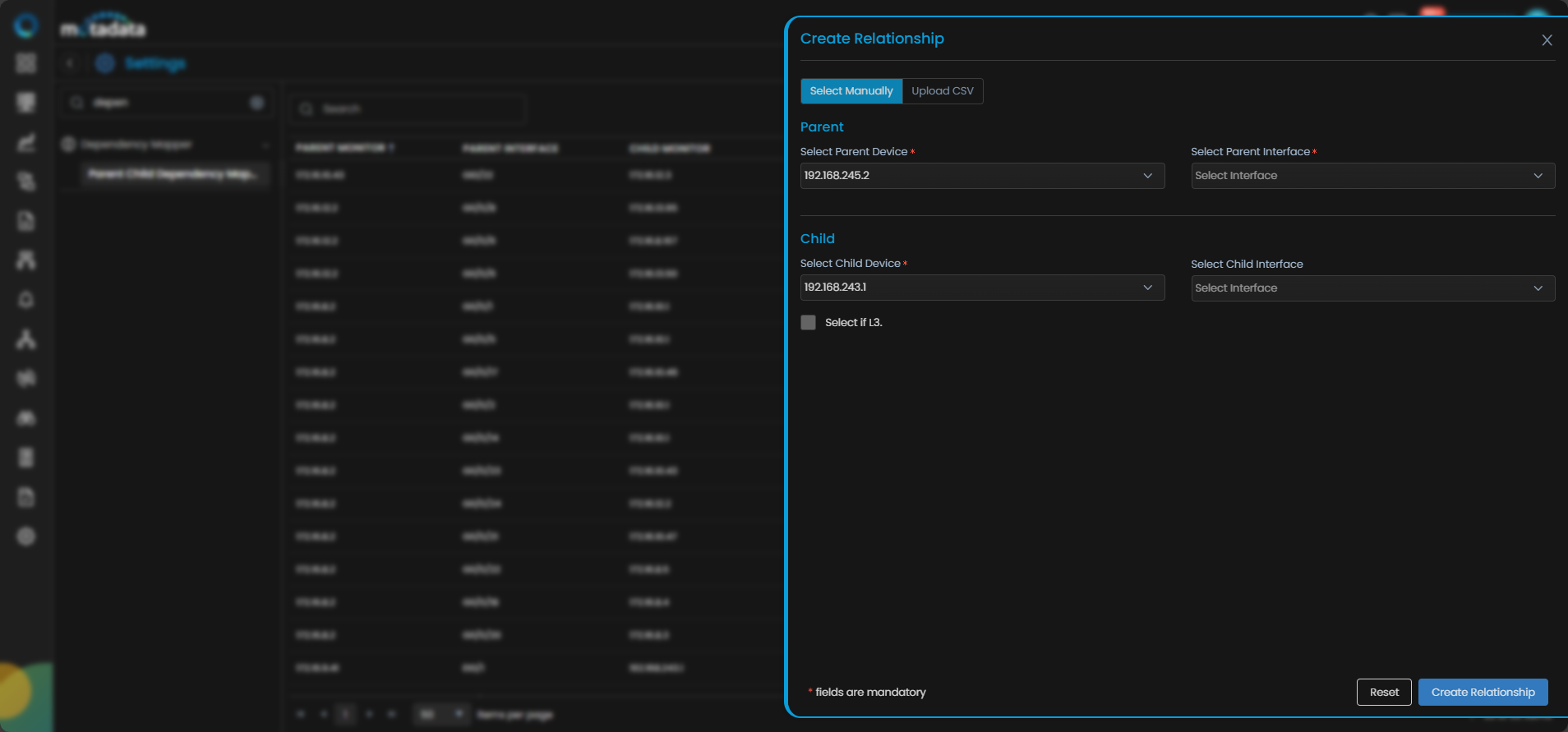
To create a new relationship, click the Create Relationship and select how you want to add the relationship. If you select Select Manually enter details in the displayed fields.
| Field | Description |
|---|---|
| Select Parent Device | Select the parent device from the list. Selecting this displays drop-down option to select the parent interface. |
| Select Child Device | Select the child device from the list. Selecting this displays drop-down option to select the child interface. |
| Select if L3 | Select this checkbox if the relationship is going to established on layer L3. |
If you select Upload CSV option, you can create multiple relationships in one go. The Sample CSV option allows you to download the CSV format in which you can edit details and after saving it you can upload that to create relationship.
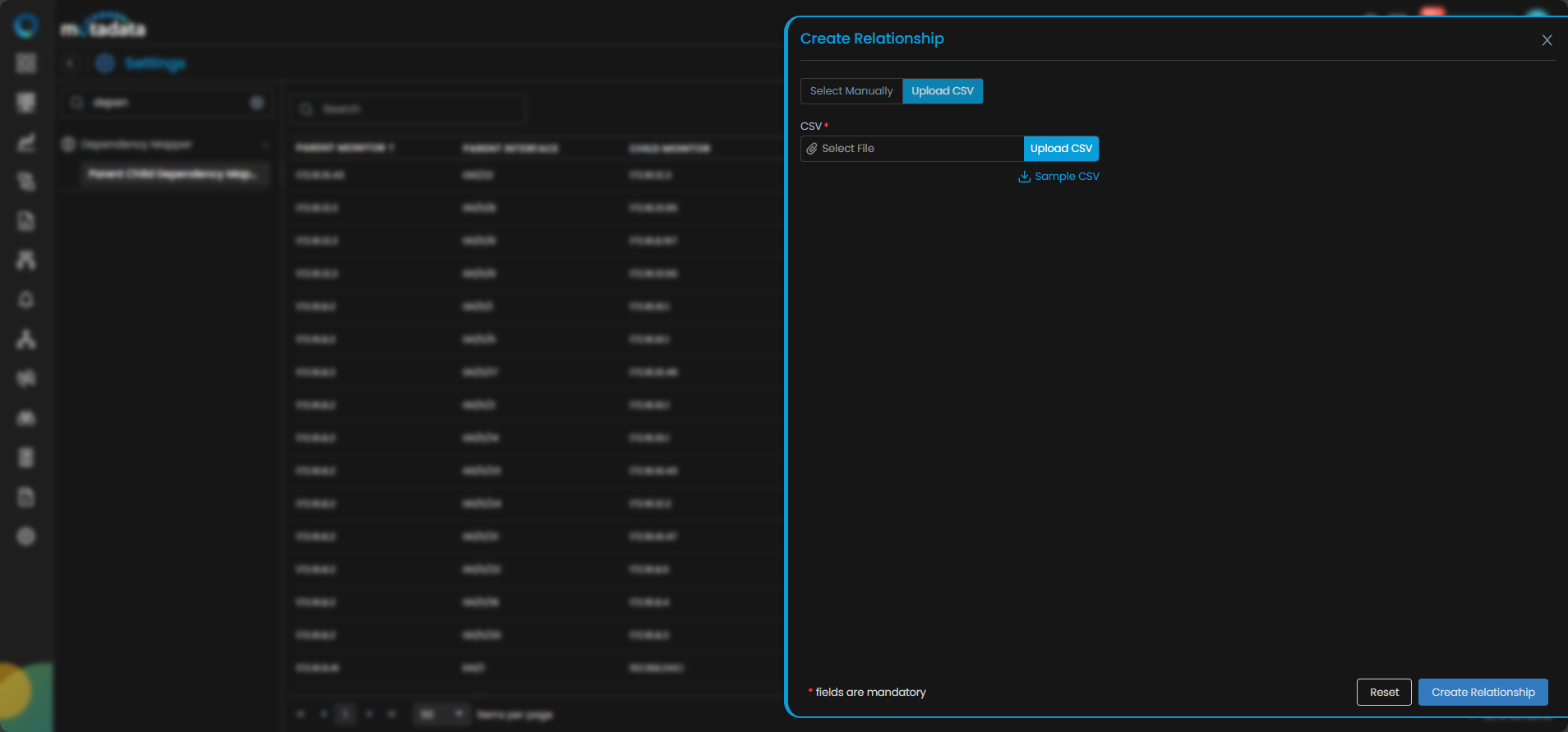
Select Reset to reset the configurations or Create Relationship to create the configured relationship.