Task Details
To view the task details, either click on the subject or the view icon from the Task List page. It displays the following tabs:
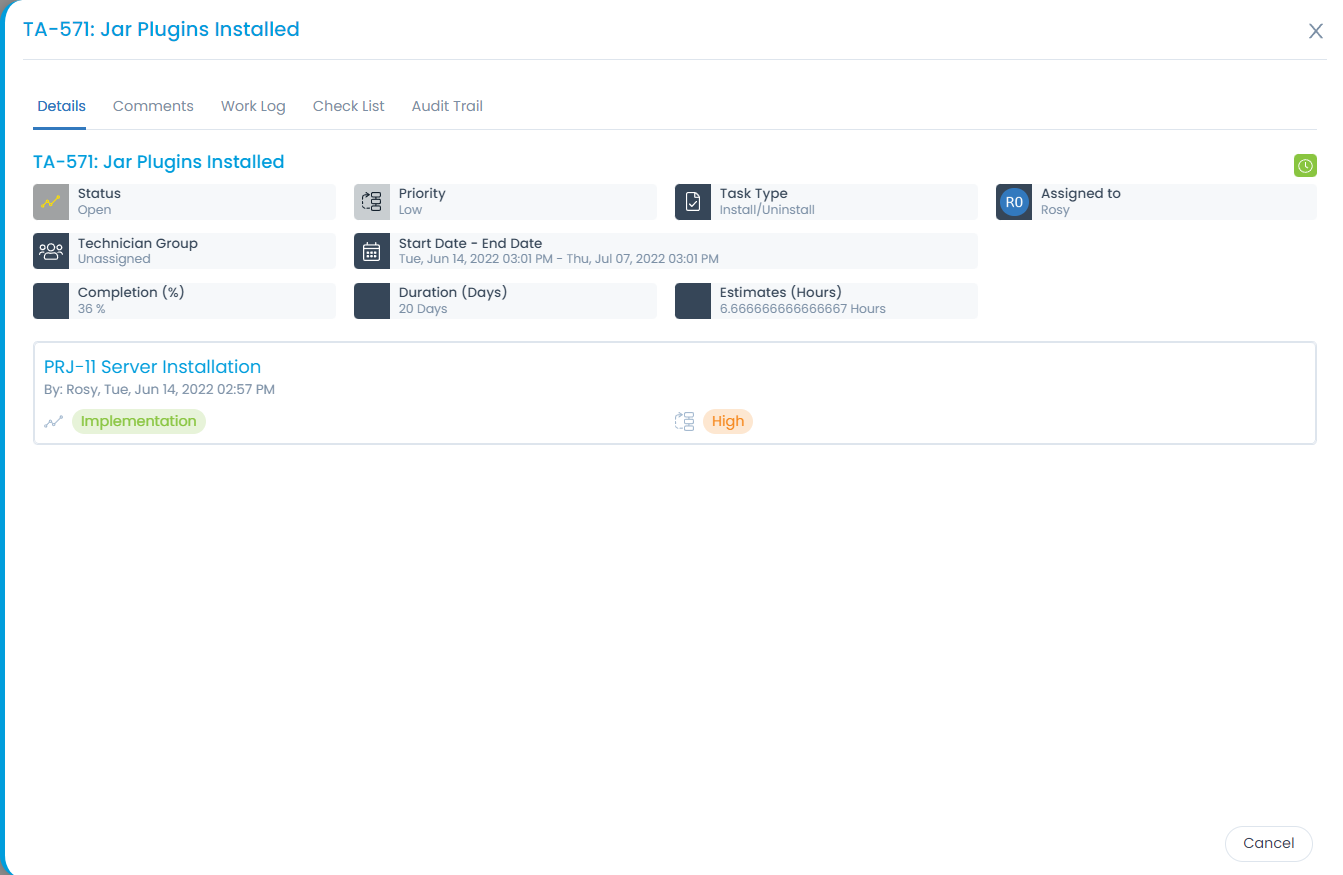
- Details: View the task details.
- Comments: Add comments to the tasks.
- Work Log: Add work log related to the tasks performed.
- Check List: Add checklist for the task.
- Audit Trail: View the audit entries.
Details
This tab disppays all the details along with the tickets that are related to it.
Here, you can do the following tasks:
Update the Status, Priority, Task Type, Assigned To, and Technician Group fields. You can also set the task status automatically through a Workflow using the "Set Task Status" action. The status can be applied to the Request, Problem, Change, and Release modules.
noteIn the case of the tasks created in the stage, the workflow will only be applied to the ongoing tasks. The tasks with "Not Started" status will not be affected.
View the due date and time by hovering over the green clock icon at the right-hand side corner.
View the Reference tickets.