Updating a Registry
When you are working on a package, you can update its various activities/actions associated with it. On the details page you can click on the vertical three dots and two different associated options appear as below:
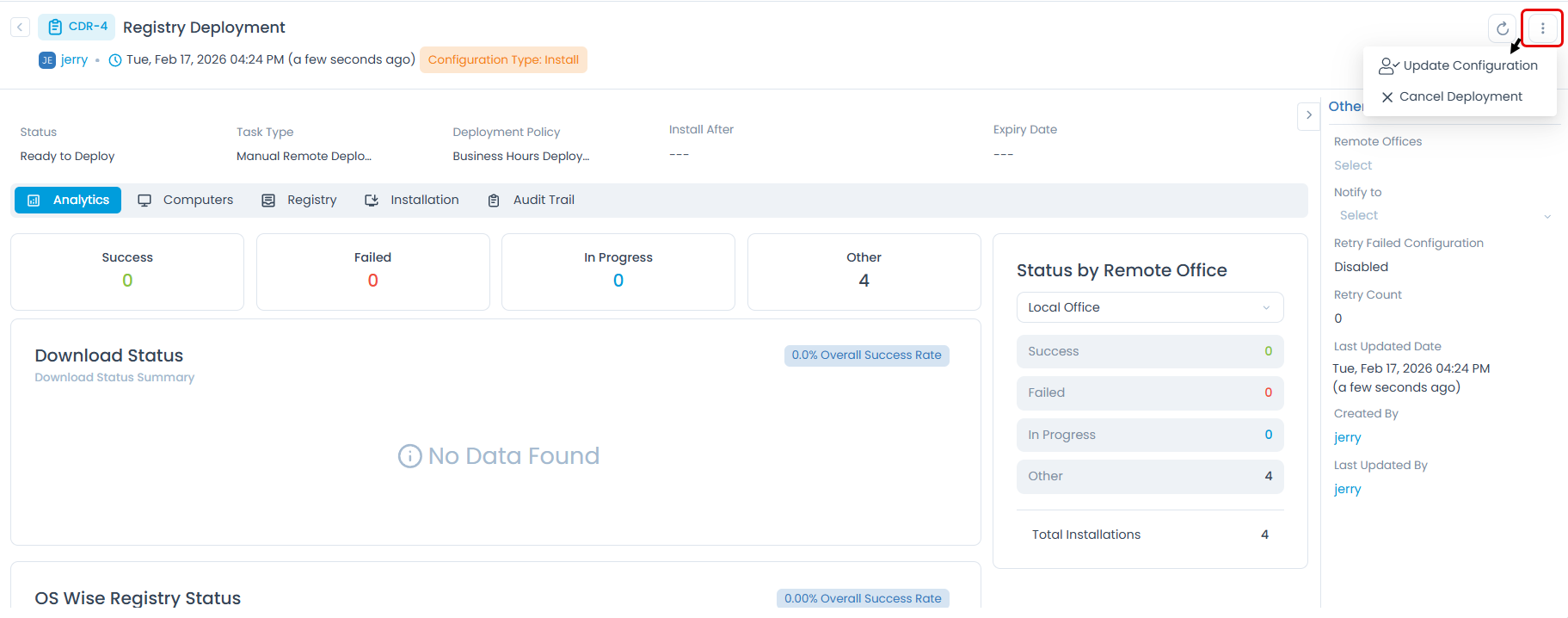
Update Configuration
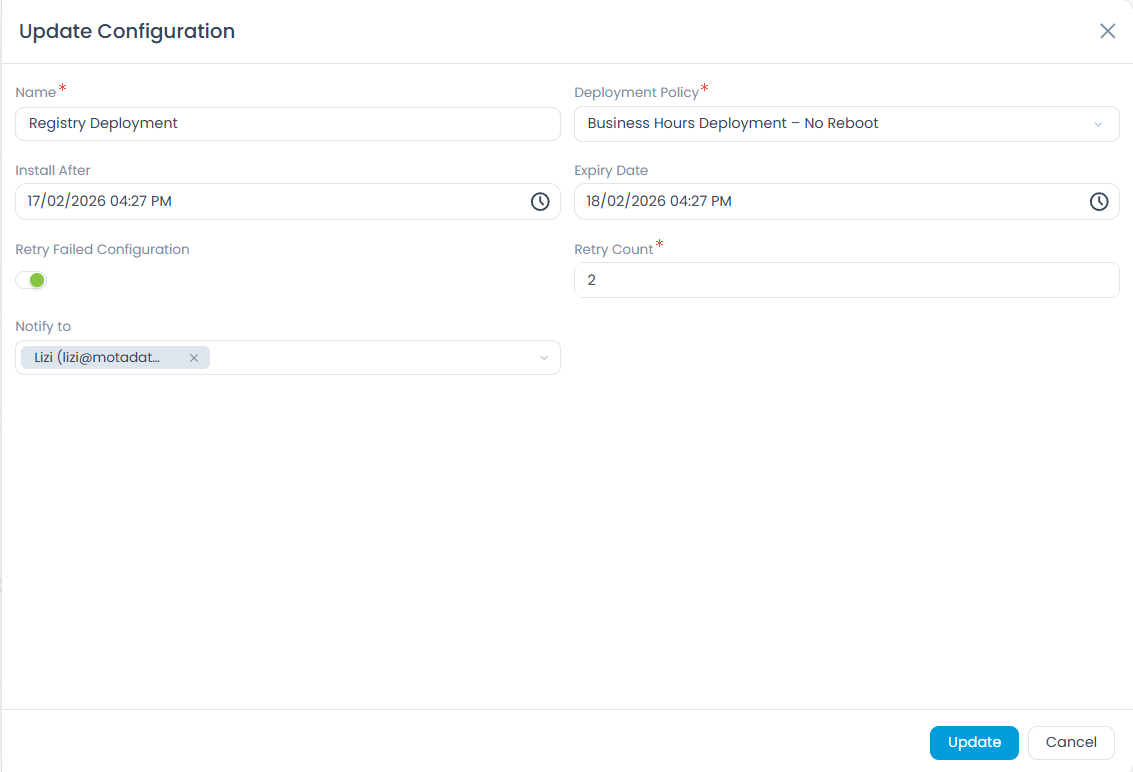
This option is used to make some changes in the configuration of the existing deployment.
As soon as you click on Update Configuration, a popup appears.
Make the desired changes and click Update.
Cancel Deployment
In any situation if by chance you want to cancel the deployment, select the option Cancel Deployment.
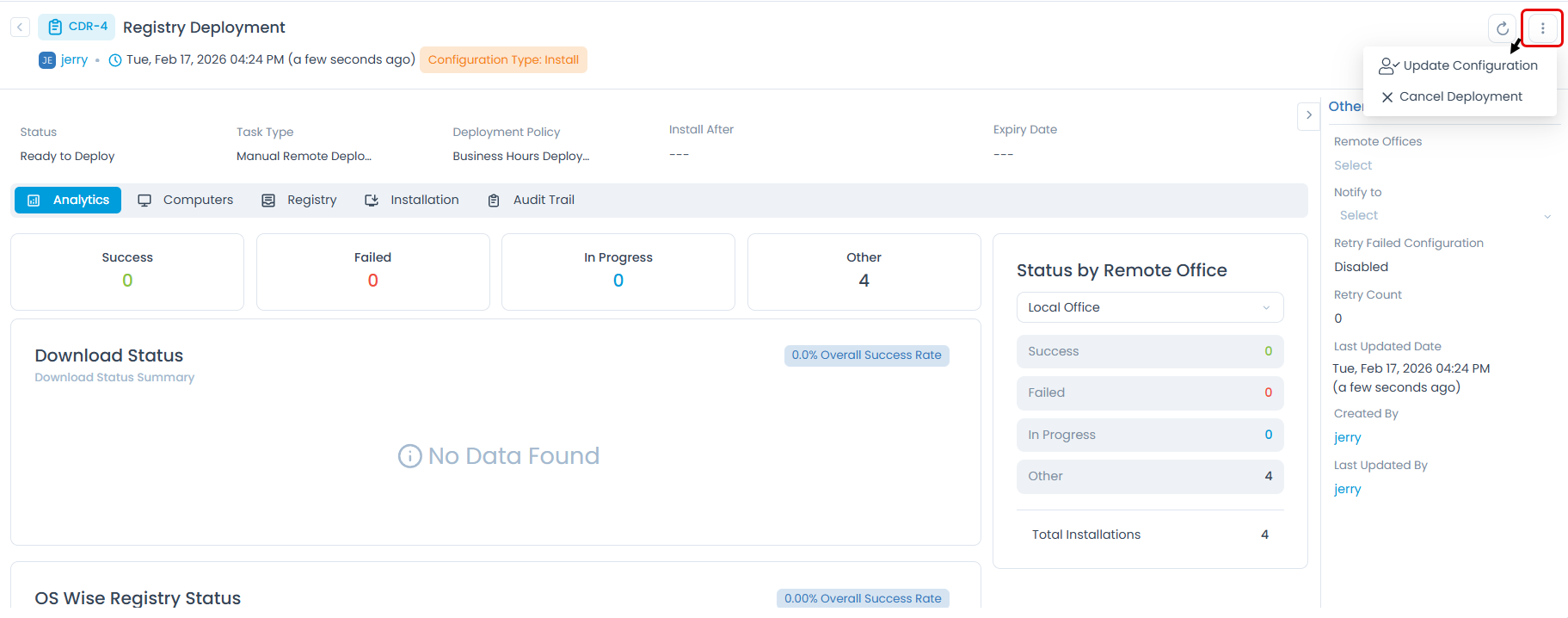
A confirmation message appears. Click Yes to continue or No to cancel the deployment.
Archive
You can archive the registry deployments in bulk from the list page and also individually from the details page.
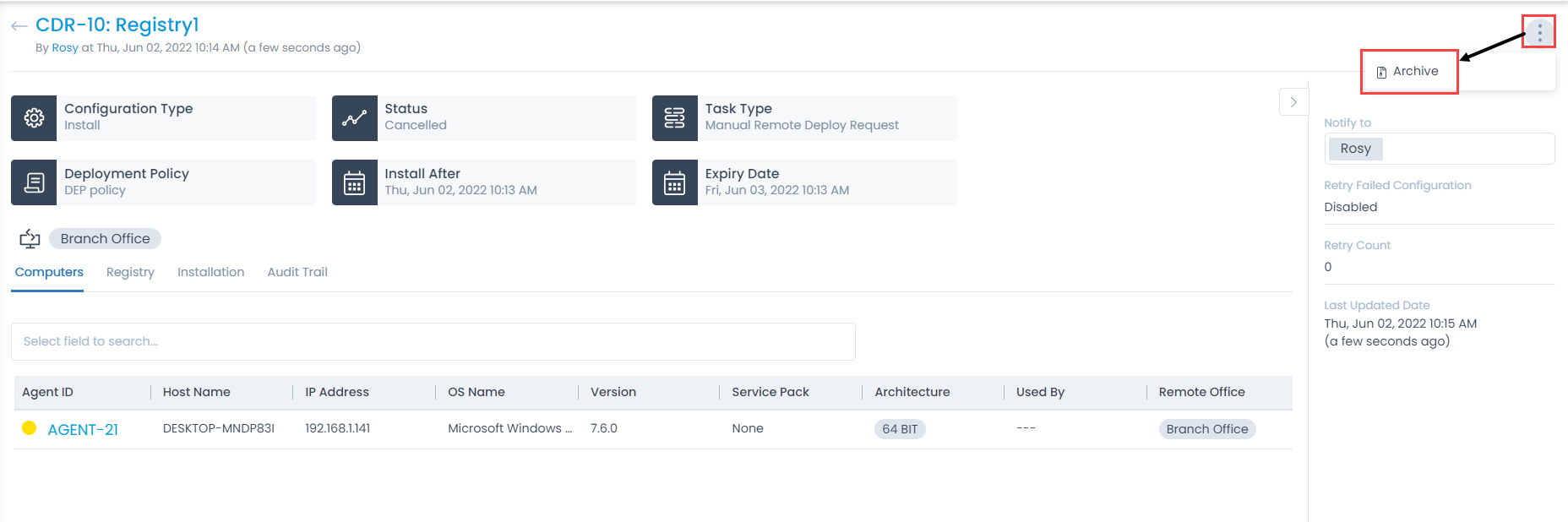
On the details page, click the vertical three dots on the top-right corner, and select Archive as shown below. The Archive option appears for cancelled registry deployments.
A confirmation message appears. Click Yes to continue or No to stop the action.