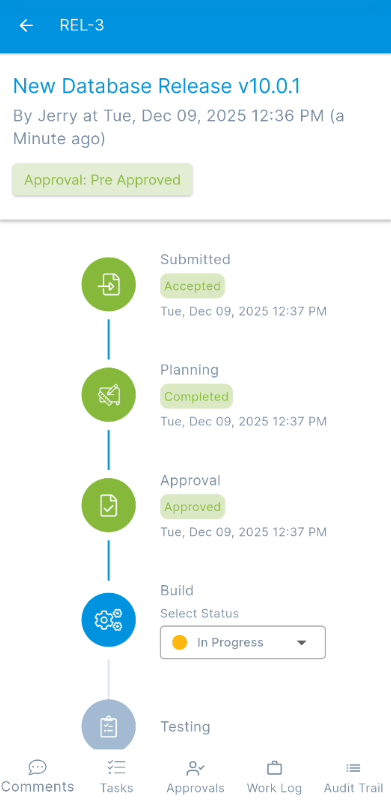
Release List Page
The Release List page provides a comprehensive overview of all release requests within the system. You can easily view the details of any release request by tapping on the respective card.
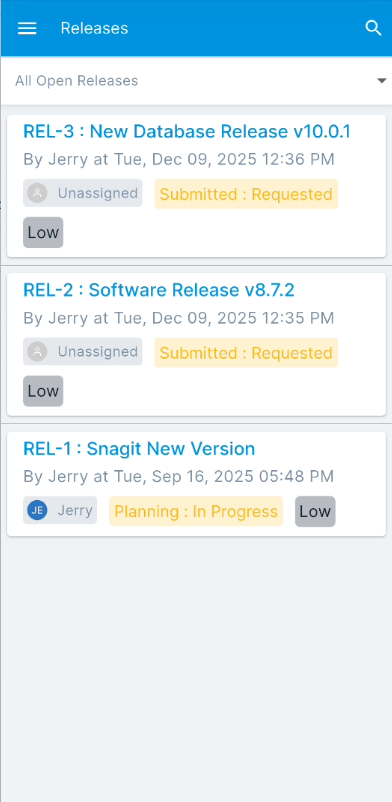
This page allows you to:
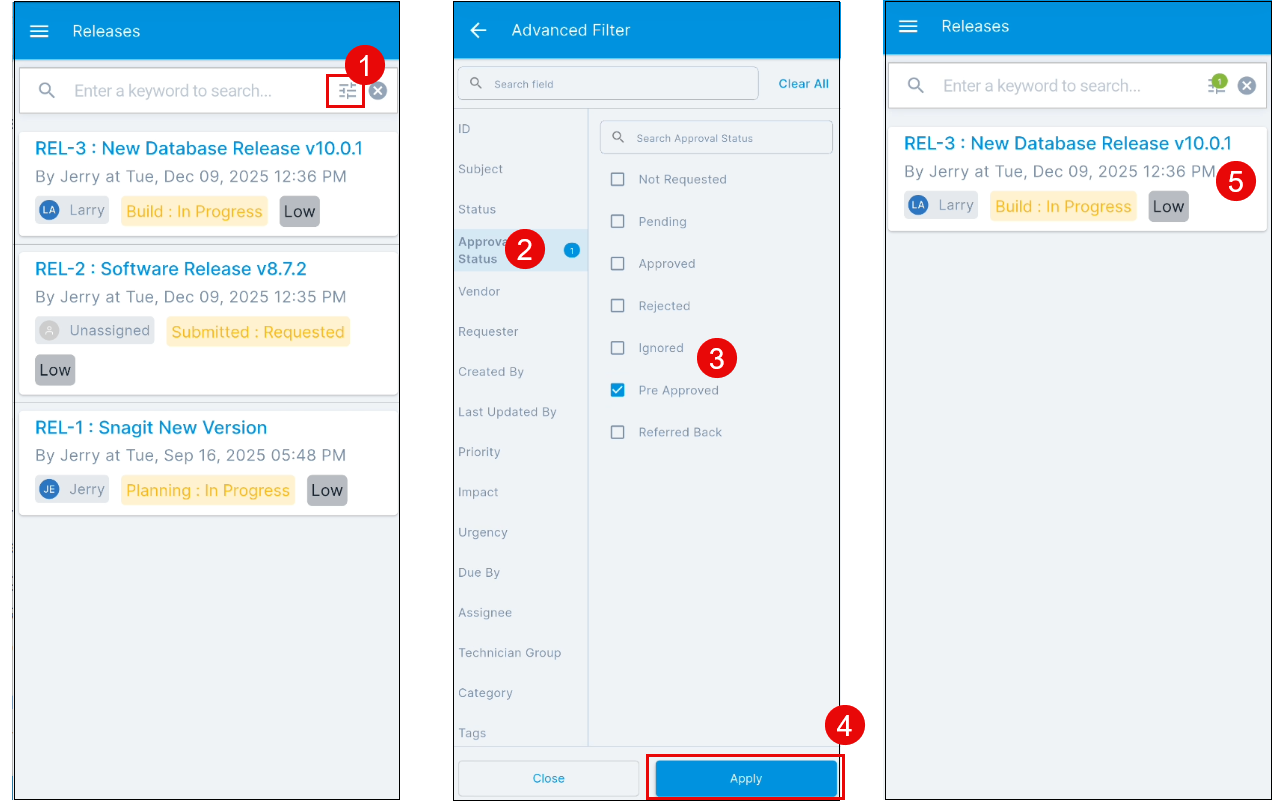
- Search: You can search for release requests using the keyword search bar or refine your results using the Advanced Filter icon. The Advanced Filter appears when you tap the Search icon and allows you to narrow down your search by specific criteria, providing more granular control over your results. The out-of-the-box filtering options, such as "All Open Releases," "All Emergency Releases," "My Open Releases," "Open Releases in My Group," "All Releases," and "All Archived Release," are available directly on the list page.
- View Release Details: Tap on any release request from the list to view its complete details, including its approval status, planning, build, and testing stages.