Problem List Page
The Problem List page displays a comprehensive list of all problems within the system. From this page, you can easily view problem details by tapping on any problem card.
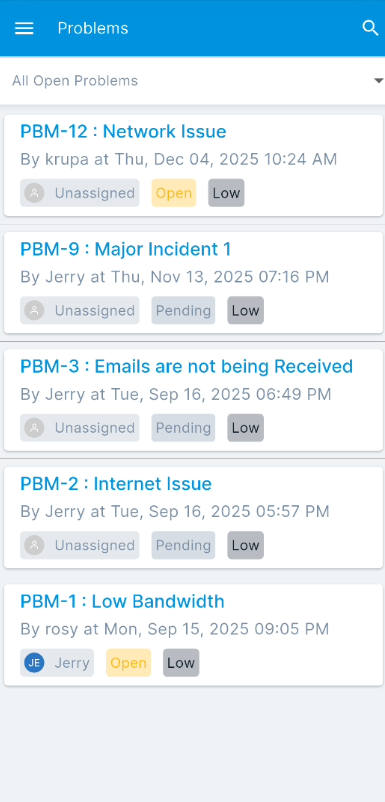
This page allows you to:
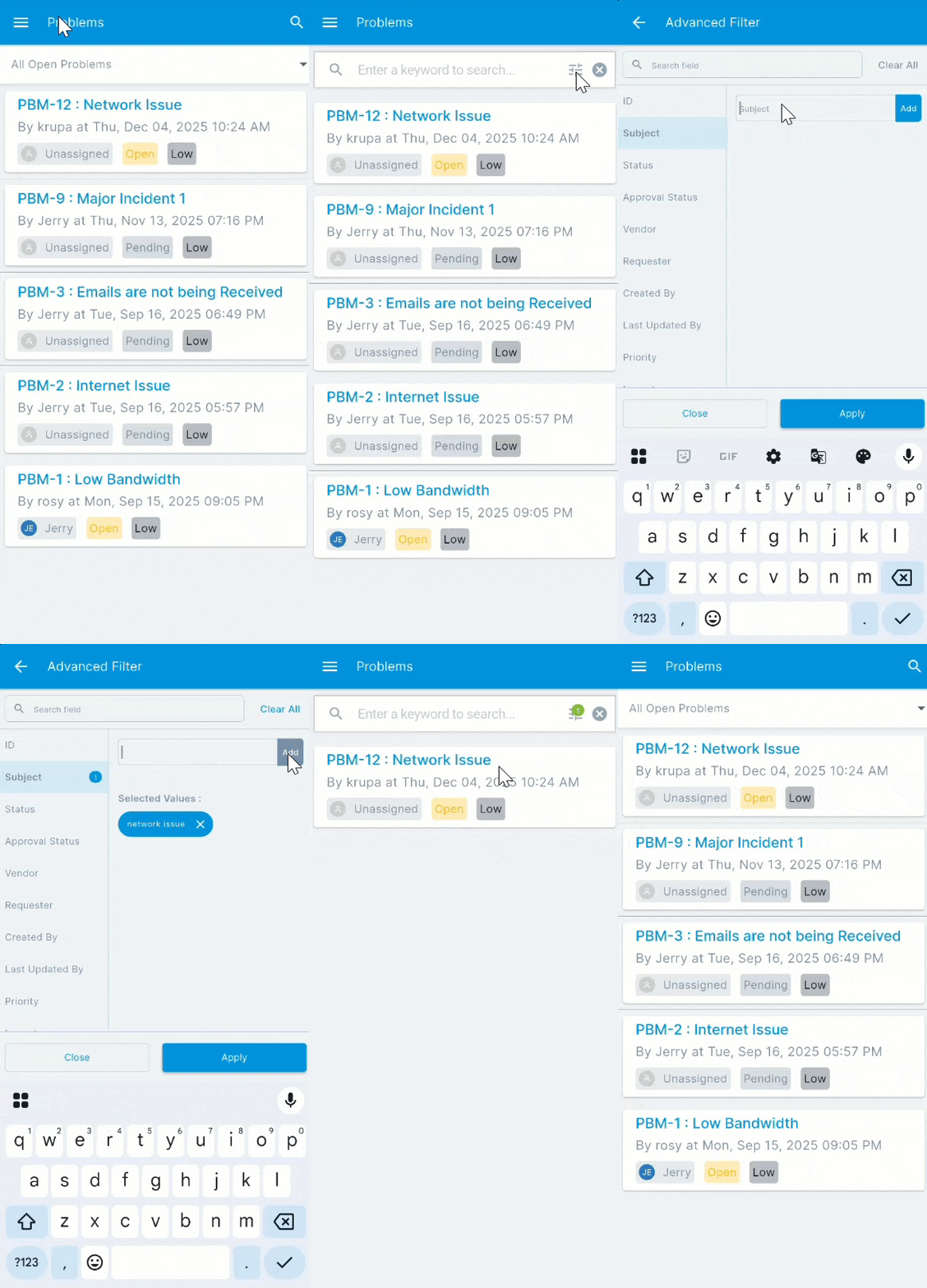
- Search: You can search for problems using the keyword search bar or refine your results using the Advanced Filter icon. The Advanced Filter allows you to search by specific criteria such as ID, Subject, Status, Priority, and more. For long lists of available fields, a search bar within the Advanced Filter helps you quickly locate the desired criteria.
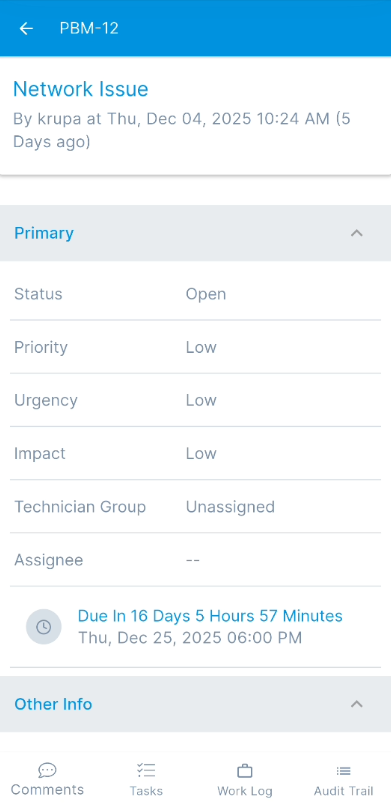
- View Problem Details: Tap on any problem from the list to view its complete details, including its status, priority, urgency, impact, and technician assignments.