Actions
Delete
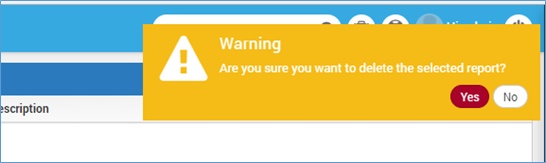
You may delete the report by clicking on delete icon. The system will show you a warning message to prevent accidental deleting the report.
Edit
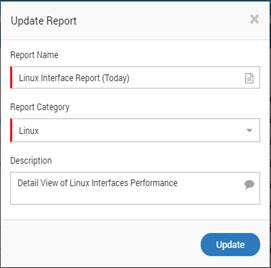
Using this feature you may change the name of the report, report category and description.
Export CSV
Click on ‘Export CSV’ to download report in CSV format.
Export PDF
Click on ‘Export PDF’ to download report in PDF format.
Export Doc
Click on ‘Export Doc’ to download the report in Word format.
Export HTML
Click on ‘Export HTML’ to download the report in HTML format.
Schedule
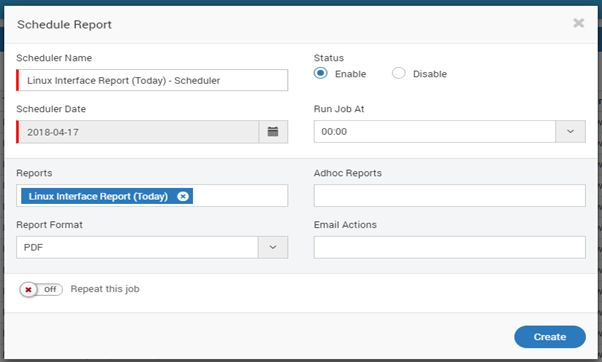
You may schedule the report directly by clicking on scheduler. There are two ways to schedule a report.
- Reports > Scheduler OR
- Go to Scheduler section in main menu.
To learn details, refer to scheduler section.
Refresh
Click on the ‘Refresh’ button to refresh report data.
Share Report
Click on ‘Share’ to share the report to Users if required.