Dashboard
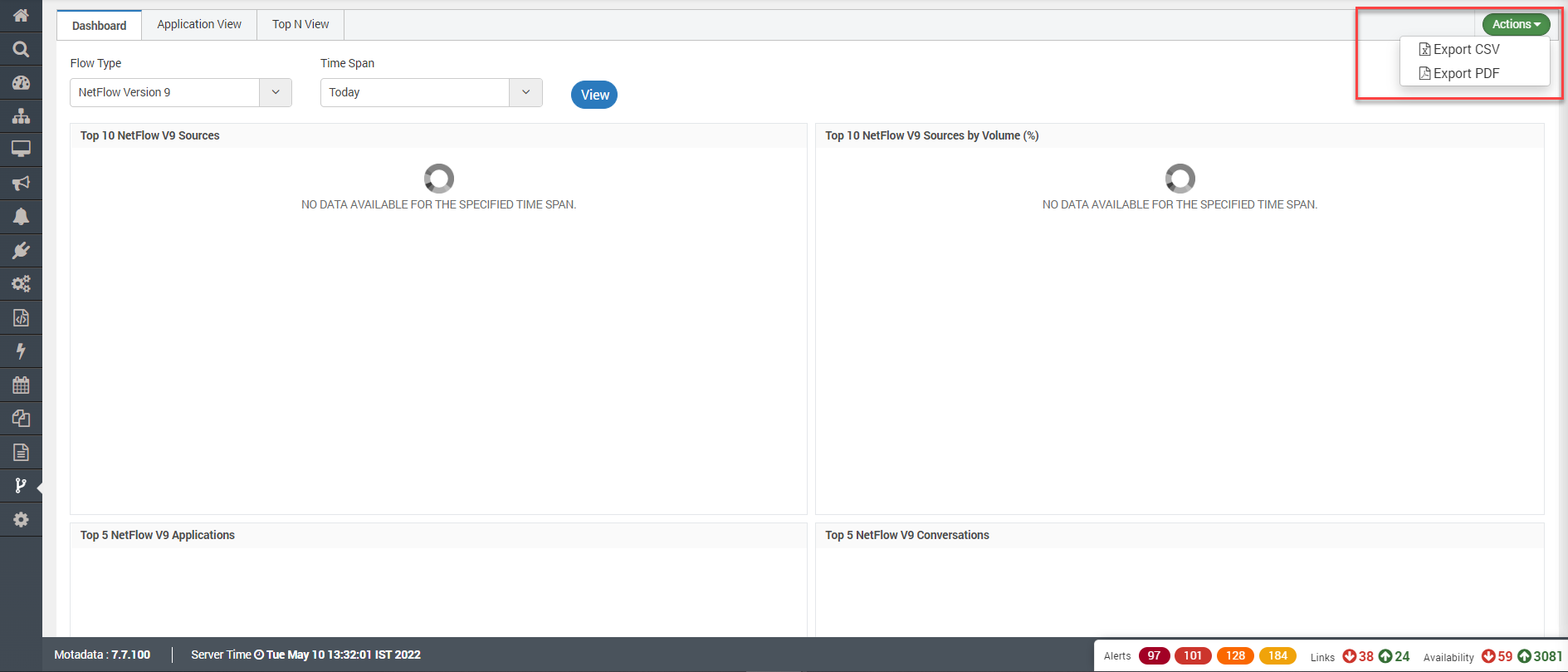
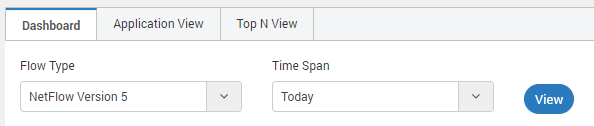
The Dashboard shows the quick view of the flow visualization for top activities. You can choose the Flow Type and the time span.
Flow Type
The type of flow for which you want to create a dashboard. The options available are:
- NetFlow Version 5
- NetFlow Version 9
- sFlow
Time Span
Select the time span from the given list.

The dashboard contains different widgets for quick display of information. You can download the widget information into CSV, JPG or PNG using the download icon.
Sources

List of Sources for Flow Visualization
| Field | Description |
|---|---|
| Source | Name of the source flow type. |
| Flows | Shows the number of flows started from the source type. |
| Packets | Shows the number of packets started from the source type. |
Top 10 Sources by Volume (%)

| Field | Description |
|---|---|
| Source | Name of the source flow type. |
| Destination | Name of the destination flow type. |
| Volume (MB) | Volume consumed by flow in MB units. |
| Utilization | Total utilization by the flow in percentage of total volume. |
Top 5 Applications

You can also hide the application from graph. Click on the name of application in graph to hide it.
| Field | Description |
|---|---|
| Source | Name of the source flow type. |
| Destination | Name of the destination flow type. |
| Volume (MB) | Volume consumed by flow in MB units. |
| Utilization | Total utilization by the flow in percentage of total volume. |
Top 5 Conversations

| Field | Description |
|---|---|
| Source | Name of the source flow type. |
| Destination | Name of the destination flow type. |
| Volume (MB) | Volume consumed by flow in MB units. |
| Utilization | Total utilization by the flow in percentage of total volume. |
Top 5 End Points

| Field | Description |
|---|---|
| Destination | Name of the destination flow type. |
| Volume (MB) | Volume consumed by flow in MB units. |
| Utilization | Total utilization by the flow in percentage of total volume. |
Top 5 Protocols

| Field | Description |
|---|---|
| Protocol | Name of the protocol |
| Flows | Number of the flows processed in the transition |
| Packets | Total No. of packets transferred |
| Volume (MB) | Volume consumed by flow in MB units. |
| Utilization | Total utilization by the flow in percentage of total volume. |
Actions
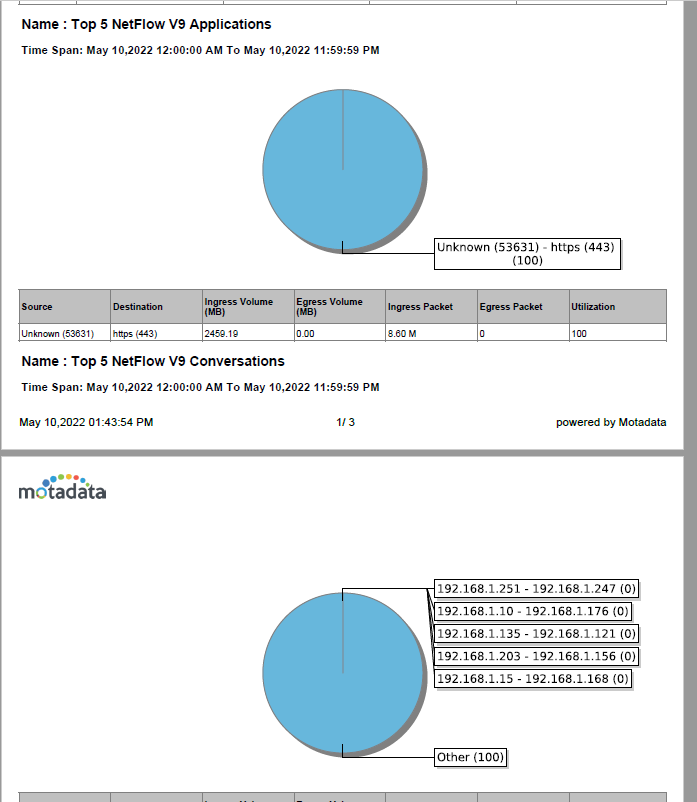
You can export the the flow visualization page to pdf or csv using this options.