17.3.3. Run NCM Discovery
Run discover profile finds the devices in the network based on the profile settings. To run a discovery profile:
Go to Admin > NCM Discovery Profiles.
On the right hand side of profile, click run. A dialog box will appear for confirmation, Select ‘Yes’.
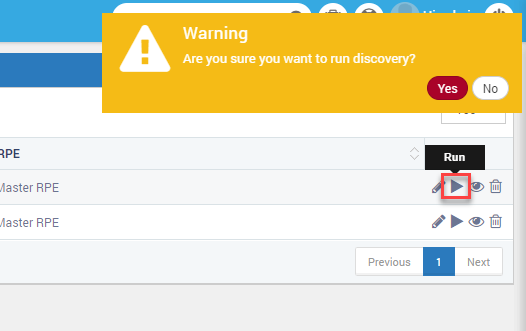
Run Discovery
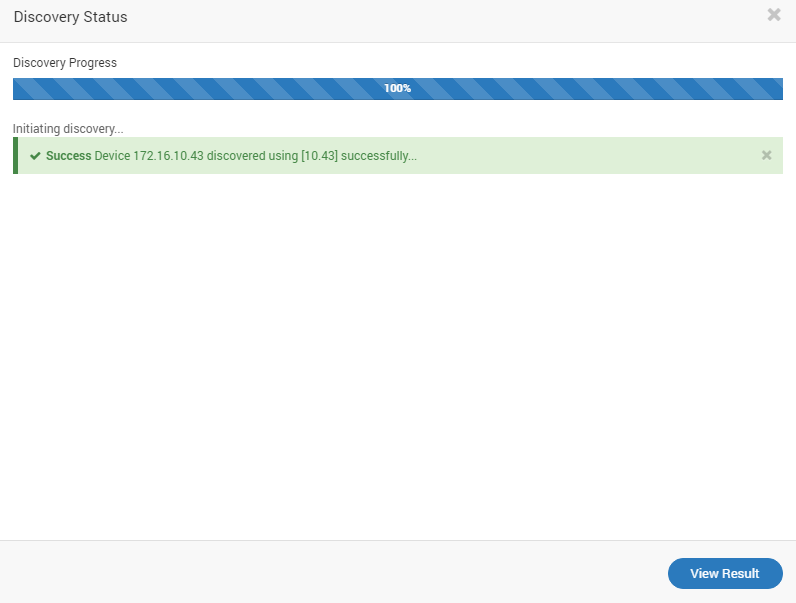
Discovery Status
Click on ‘View Result’
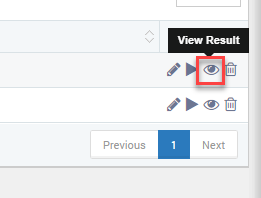
View Discovery Result
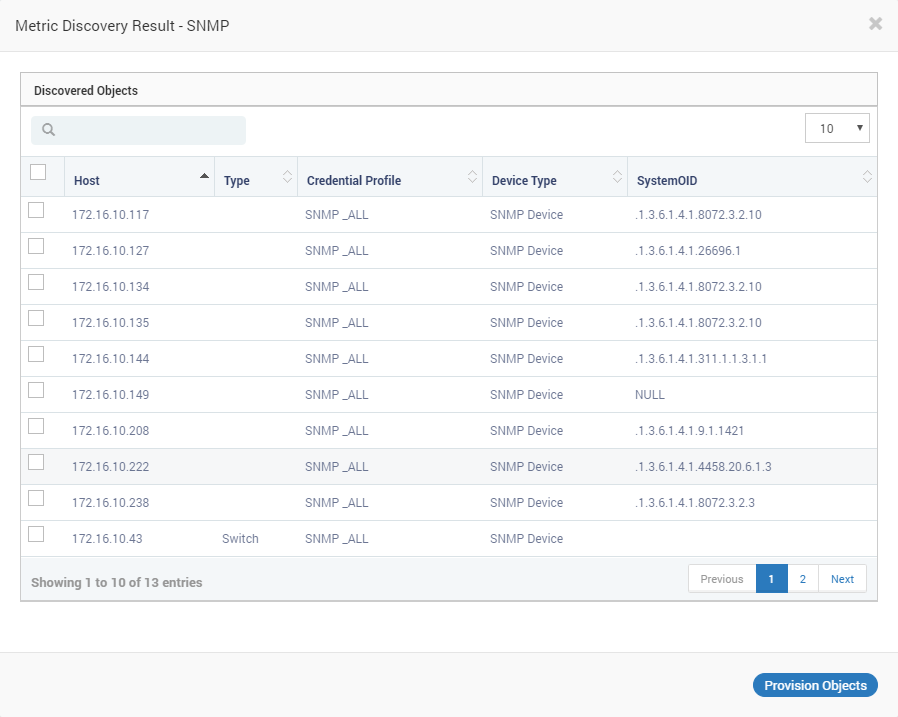
NCM Discovery Results