Introducing Motadata ObserveOps
ObserveOps brings together your entire IT environment into a single observability platform. This guide walks you through its core capabilities, how it works, and who it is built for.
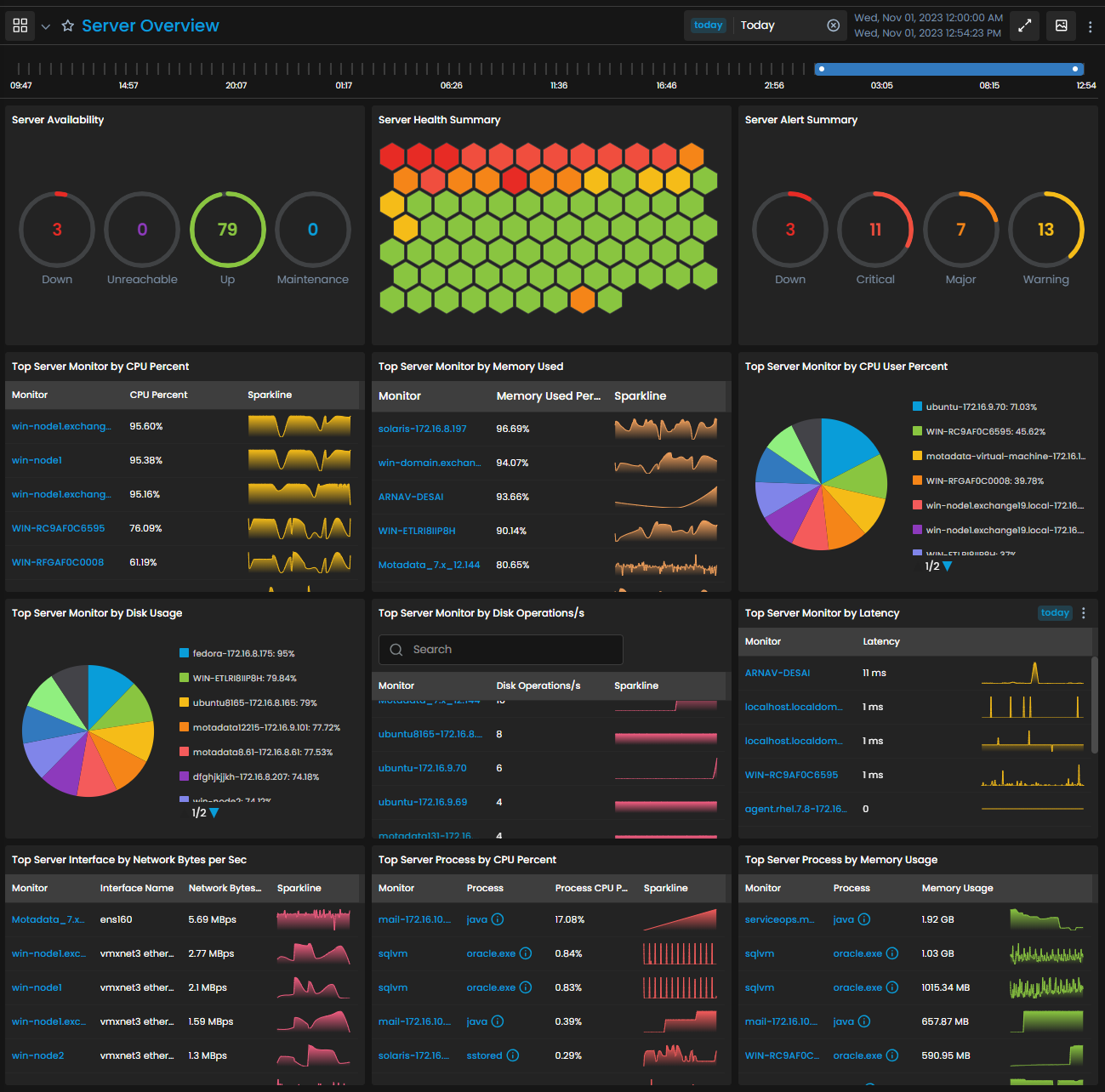
What You Can Do with ObserveOps
ObserveOps gives your team visibility and control across your entire IT environment.
Metric AnalysisTrack, compare, and forecast performance metrics across your infrastructure.Log AnalysisCentralize and analyze logs from applications, servers, and network devices.App Performance MonitoringTrace requests end-to-end and detect bottlenecks across application services.Real User MonitoringMonitor real user experience across browsers, devices, and locations.Flow AnalysisAnalyze network traffic using NetFlow, sFlow, and jFlow to identify bandwidth usage.SNMP Trap AnalysisCapture real-time device event notifications without polling.SLO & InsightsDefine and track service level objectives across your infrastructure.Netroute AnalysisVisualize and analyze network routing paths and hop-level performance.NCCM AnalysisTrack configuration changes and enforce compliance across network devices.
How ObserveOps Works
ObserveOps processes operational data through a structured monitoring workflow. Data flows from your infrastructure components into the platform, where it is normalized, correlated, and analyzed in real time.
ObserveOps continuously collects and correlates data across your monitored devices to detect anomalies, identify root causes, and help your team resolve issues faster.
Who Benefits from ObserveOps
ObserveOps is built for IT teams of all types.
| Team | How ObserveOps Helps |
|---|---|
| IT Operations Teams | Monitor infrastructure, applications, and network components from one platform for faster incident response. |
| Site Reliability Engineers | Monitor service performance and maintain application reliability using metrics, logs, and traces in a single view. |
| IT Administrators | Manage infrastructure monitoring, device configurations, and system health without switching between tools. |
| IT and Business Managers | Review infrastructure performance and operational trends through dashboards and reports. |